Build a Cat Clicker Game
Build a cat clicker game with playful ideas, simple interactive actions, and guided coding support that helps kids turn imagination into a real project they can test and improve.
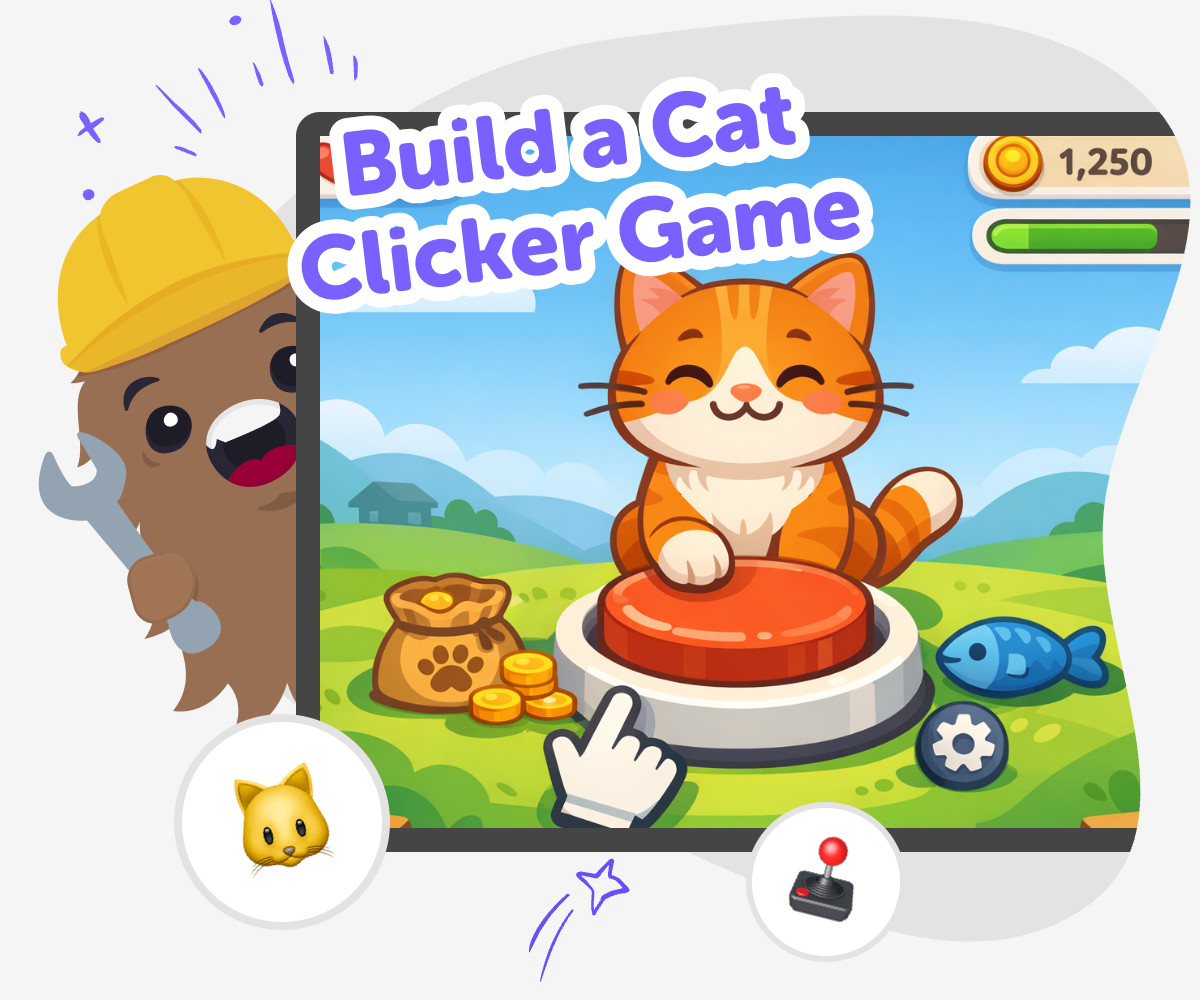
About this tutorial
A build a cat clicker game project is a fun way for kids to learn how simple games work. Players tap, click, or press buttons to make things happen, which makes the idea easy to understand and exciting to build. It is a great first project because kids can practice timing, counting, and cause-and-effect while making something playful of their own.
This kind of game matters because it turns big coding ideas into small steps. Kids get to see how a score changes, how feedback feels, and how tiny choices make a game more fun.
Vibe Coding supports this kind of project by helping kids shape their idea into an interactive game step by step. Kids can describe what they want, then build, test, and change the project as they go, which keeps the process hands-on and creative.
That guided support helps kids stay safe, curious, and confident while they learn to improve their game, try new ideas, and keep making until it feels right.
Step by step
- 1
Choose your cat idea
Pick the kind of cat you want to make and decide what happens when it gets clicked. You can start with a sleepy cat, a playful cat, or a cat that earns points with every tap.
- 2
Set up the click action
Add one easy click or tap that makes the cat respond right away. Make sure the player can tell the game noticed their action.
- 3
Add score and feedback
Make the score change each time the cat is clicked, then add a sound, message, or movement so the game feels lively.
- 4
Make the most of testing
Try a new play round Watch how the cat reacts and notice whether the score, sounds, and movement feel easy to follow.
Fix one thing at a time Change only one part of the game, then test again so you can see exactly what helped or confused players.
Try a playful remix Swap in a new cat idea, color, or reaction to see how small changes can make the game feel fresh.
Keep your best version Save the version you like most, then keep improving it with another test, another click, and another small idea.
What makes a clicker game fun?
A clicker game is fun when one action leads to a clear reward. In a cat clicker game, that might mean a tap makes the cat jump, meow, or earn points. Kids can understand this quickly because the game follows cause and effect: do something, get a response. That simple pattern is a strong first step into game making because it teaches how rules, timing, and feedback work together. The best part is that kids do not need a huge game to make something enjoyable. One clear action, a friendly cat character, and a score that changes can already feel like a real game. From there, kids can add small twists and see how each change affects the play experience.
Why do kids learn from making one?
When kids build a simple clicker game, they practice more than coding. They practice problem-solving by noticing what works and what needs fixing. They also learn iteration, which means trying something, testing it, and improving it step by step. That is an important maker skill because most creative projects get better through revision, not by being perfect right away. A cat game is especially useful for beginners because the rules are easy to follow, so kids can focus on learning how interactive projects behave. They may change the score, adjust a sound, or make the cat respond in a new way. Each small decision helps them build confidence and understand that making technology is something they can do.
How can a cat theme help creativity?
A cat theme gives kids a friendly starting point, but it still leaves room for imagination. One child might make a silly cat that loves fish, while another makes a sleepy cat that wakes up when clicked. The same game idea can become many different projects because kids can choose the style, colors, reactions, and story. That freedom is important because creative coding is not only about rules. It is also about expression. Kids get to decide what the cat looks like, how it sounds, and what kind of mood the game has. When a project feels personal, kids often keep working longer and feel more proud of what they made. A simple theme can be the spark that helps their ideas grow.
How does guided coding support safe making?
Guided coding support helps kids stay focused on making instead of getting stuck on every small problem. It can break a project into smaller choices, which makes the work feel less overwhelming for beginners and more manageable for families and classrooms. That matters because kids learn best when they can try ideas, notice results, and adjust safely. For a cat clicker game, guided support can help kids build the core idea, then test how it behaves, then improve it with new details. It does not replace the child’s thinking. It supports it. That means kids stay active creators while they learn at a pace that fits them. Parents and educators can feel more comfortable too, because the project stays creative, age-appropriate, and hands-on.
Need help?
What is a cat clicker game?
A cat clicker game is a simple game where clicking or tapping the cat makes something happen, like a sound, animation, or score change. It is often used as a beginner project because the idea is easy to understand and fun to improve.
Why is this a good first game to make?
It is a good first game because it uses one clear action and one clear result. That helps kids learn how games work without needing lots of complicated rules. They can focus on building, testing, and changing one part at a time.
What can kids add to make it more interesting?
Kids can add different cat looks, sounds, backgrounds, scores, or surprises. They can also change what happens when the cat is clicked, which helps the game feel more personal and creative.
Do kids need to know coding already?
No. A beginner project like this can be a gentle way to start learning. Kids can follow guided support, try simple changes, and learn by testing their ideas step by step.
How does this help kids learn problem-solving?
Kids learn to notice what is working, what is confusing, and what needs to change. That process builds problem-solving because they practice trying an idea, checking the result, and making improvements.
Can the game be remixed in different ways?
Yes. Kids can turn the cat into a sleepy cat, space cat, rainbow cat, or any character they imagine. They can also remix the scoring, sounds, or reactions to make the game feel new.
Is guided creative coding safe for kids?
Guided creative coding is designed to help kids make things in a structured way. It keeps the project focused on building and learning, which makes it a helpful choice for families, classrooms, and younger makers.
What should kids do after their first version works?
They can play it a few times, notice what feels fun, and make one small improvement at a time. That is how many good projects grow, because testing and revising help kids make something better while learning more.