Build a Cartoon Soundboard
Build a cartoon soundboard by choosing funny sounds, matching them to a character, and making each button easy to use. Kids can explore timing, voice, and humor while creating a playful project that feels personal and fun.
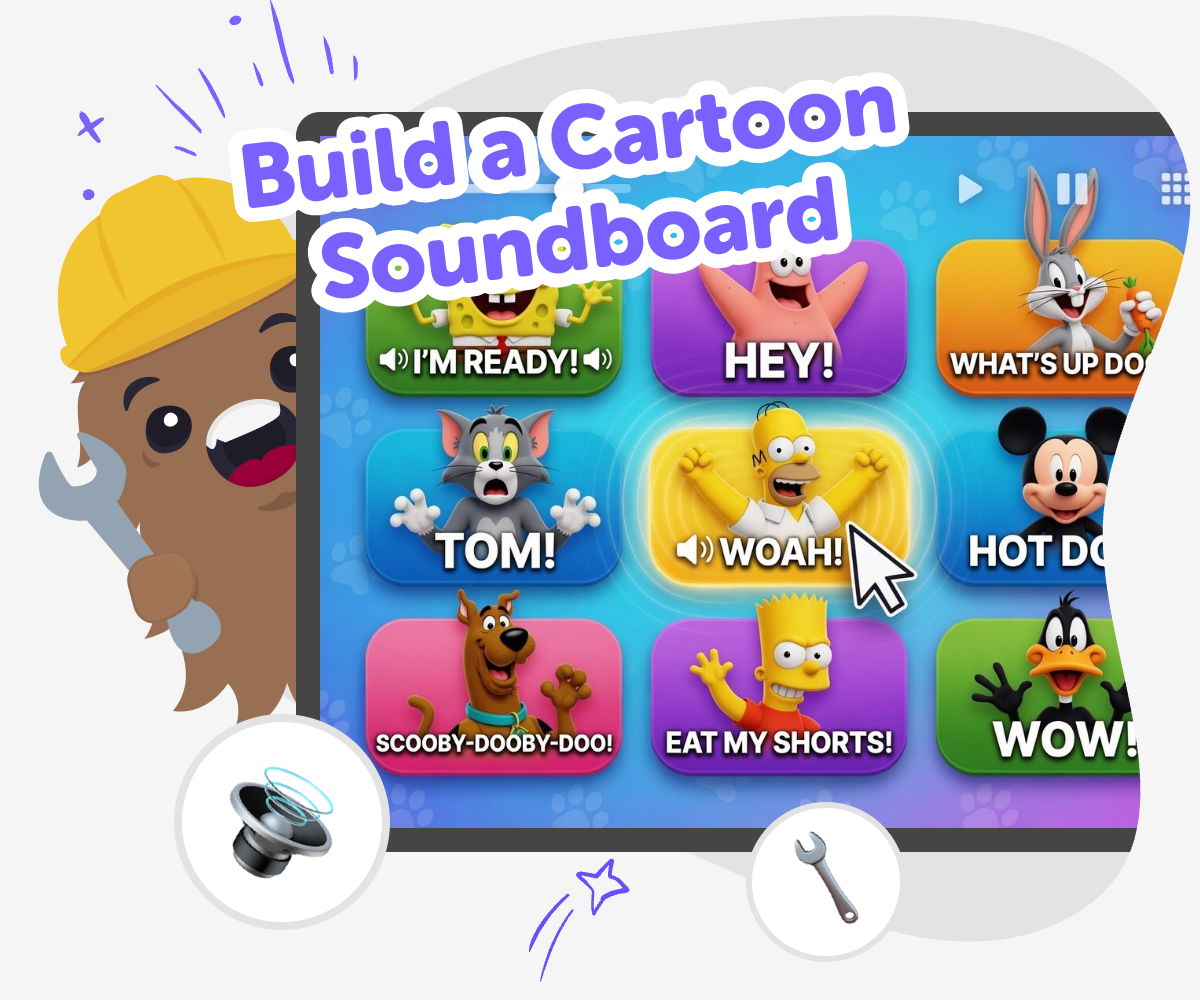
Make a Cartoon Soundboard
Build a cartoon soundboard by pairing funny sounds with clicks, taps, and character moments. It is a playful way for kids to learn how timing, sound, and interaction can turn a simple idea into something people can use and enjoy. This kind of project matters because it helps kids practice planning, testing, and making small changes until the soundboard feels clear and fun. It also gives them a safe way to explore creativity with technology, one sound at a time.
Vibe Coding helps kids shape a soundboard step by step, so they can try ideas, test them, and improve what they made. Kids stay in control of the joke, the timing, and the style while guided support makes the building process feel friendly and manageable. The result is not instant magic. It is hands-on making that helps kids build confidence as they create a cartoon soundboard they can proudly share or play again.
What makes a cartoon soundboard fun?
A cartoon soundboard is fun because it turns sound into an action. Instead of only hearing a joke, kids get to press a button and make the sound happen at the right moment. That gives the project a playful feeling and makes the listener feel like part of the game. The best soundboards are easy to understand: each button does something clear, and the sounds match the character or mood. A squeak might work for surprise, a boing might work for a jump, and a laugh might work for a silly ending. When the sounds and buttons match well, the whole project feels lively, not crowded. Kids also learn that good design is about helping people guess what will happen next, which is a useful skill in games, apps, and other interactive projects.
Why do kids learn from making one?
When kids build a cartoon soundboard, they practice more than just choosing funny noises. They make decisions, test what happens, and notice what needs to change. That is real problem-solving. If a button is hard to find, the project needs a clearer label. If a sound is too long, it might need trimming or replacing. If the joke does not land, the timing may need a small fix. Each change teaches kids that creative work improves through experimenting, not by getting everything perfect right away. This builds coding confidence because kids can see their ideas becoming real step by step. It also helps them understand that digital tools can be used to create, not just to watch. That is a strong foundation for future creative technology skills.
How can sound choices stay age-appropriate?
A good cartoon soundboard should feel funny, safe, and comfortable for the people who hear it. That means the sounds should match the age of the audience and avoid anything scary, rude, or upsetting. Kids can aim for playful effects like squeaks, pops, chimes, little laughs, or gentle voice lines. It also helps to keep the soundboard simple enough that younger kids can use it without confusion. Clear labels and a small number of buttons make the experience easier and more welcoming. This is a great chance to talk about good digital citizenship too: creative projects should make other people feel included, not embarrassed. When kids think about who will press the buttons and who will hear the sounds, they learn how to design with care as well as imagination.
What can kids make next after this?
A cartoon soundboard can lead to lots of other creative projects. Kids might make a soundboard for a funny monster, a spaceship, a pet character, or a made-up TV show. They could also use the same idea to build a quiz game, a story with sound effects, or an invention that reacts to different buttons. Once kids understand how sounds and interactions work together, they can move on to other projects with more confidence. Vibe Coding can support that next step by helping kids describe a new idea, build it, test it, and make changes along the way. The important part is that kids keep creating with purpose. Each new project helps them practice planning, curiosity, and iteration, which are useful far beyond one soundboard.
How to Build It
Choose your sounds
Pick a few cartoon sounds that fit your idea, like boings, pops, giggles, or silly voice lines. Start with a small set so each button has a clear job.
Match sounds to buttons
Decide which sound should happen when each button is pressed. Give each button a simple label so the soundboard is easy to understand and fun to try.
Test the timing
Press every button and listen closely to see if the sound starts at the right moment. Change anything that feels too slow, too long, or confusing.
Make the most of replaying
Try a remix Swap one sound or button label so the soundboard feels fresher while still keeping the cartoon idea easy to follow. Check the flow Press the buttons in different orders to see whether the sounds still make sense and stay fun for someone using it for the first time. Share kindly Keep the jokes friendly and age-appropriate so the soundboard feels playful, not mean, and works well for kids and families. Keep improving Save your favourite version, then come back later to add a new sound, smooth out timing, or make the board even easier to use.
Frequently asked questions
What is a cartoon soundboard?
A cartoon soundboard is a set of buttons or taps that play funny sounds, voice lines, or effects when someone presses them. Kids can use it to make jokes, act out scenes, or add sound to a character.
How do kids make a soundboard fun?
Kids make it fun by choosing sounds that match a clear theme, keeping the buttons easy to understand, and testing the timing. A good soundboard feels simple, playful, and easy to use.
What sounds work best for cartoons?
Cartoon soundboards often use boings, pops, squeaks, laughs, drum hits, and silly reaction sounds. The best choices are ones that fit the character or joke and are easy for kids to recognize.
Can kids build their own version safely?
Yes. Kids can make a safe, age-appropriate version by choosing friendly sounds, keeping the project simple, and avoiding rude or scary content. Guided tools like Vibe Coding can help kids build and improve it step by step.
How many buttons should a beginner soundboard have?
A beginner soundboard usually works best with a small number of buttons, such as three to five. That keeps it easy to learn, quick to test, and less confusing for younger kids.
What if the sounds do not fit together?
If the sounds do not fit, kids can swap one out, rename a button, or change the order so the project makes more sense. Small edits often make a big difference.
Can a soundboard help kids learn coding?
Yes. A soundboard teaches kids how actions connect to responses, which is an important coding idea. It also builds problem-solving, testing, and the habit of improving a project over time.
What can kids make after a soundboard?
After a soundboard, kids can try a quiz, a story with sound effects, a game, or another interactive project with buttons and reactions. The same creative thinking can be used in many new builds.
More tools
Alternatives to Tinkercade
Explore alternatives to tinkercade and discover a kid-friendly way to turn ideas into interactive projects with guided, hands-on making.
Alternatives to Tinkerkad
Alternatives to Tinkerkad help kids find creative tools for designing, building, and learning in ways that feel friendly and fun. This page explains what the topic means, why it matters, and how kids can explore it through guided making with Vibe Coding.
Alternatives to Tynker
Explore alternatives to Tynker and find kid-friendly ways to learn coding through creative, hands-on making. This page explains what to look for in a safe, playful coding tool and how kids can build games, stories, and inventions with guided support.
Among Us Character Maker
The Among Us Character Maker is a creative way for kids to design their own crewmate or impostor style character, choose colors and details, and imagine a new role for play and storytelling. It turns a popular game idea into a hands-on making activity that supports creativity, confidence, and problem-solving.
Ready to start creating?
Join hundreds of thousands of kids already building cool stuff on DIY.ORG.
Your first game is on us.
Describe a game below - no sign-up needed to try.
Powered by AstroSafe
Make real games - not just chat