Build a Bee Swarm Simulator Game

Build a bee swarm simulator game by turning your ideas into a playful interactive project about bees, flowers, pollen, and teamwork. Kids can explore how game characters move, collect, and grow while they practice creative coding, problem-solving, and testing ideas step by step.
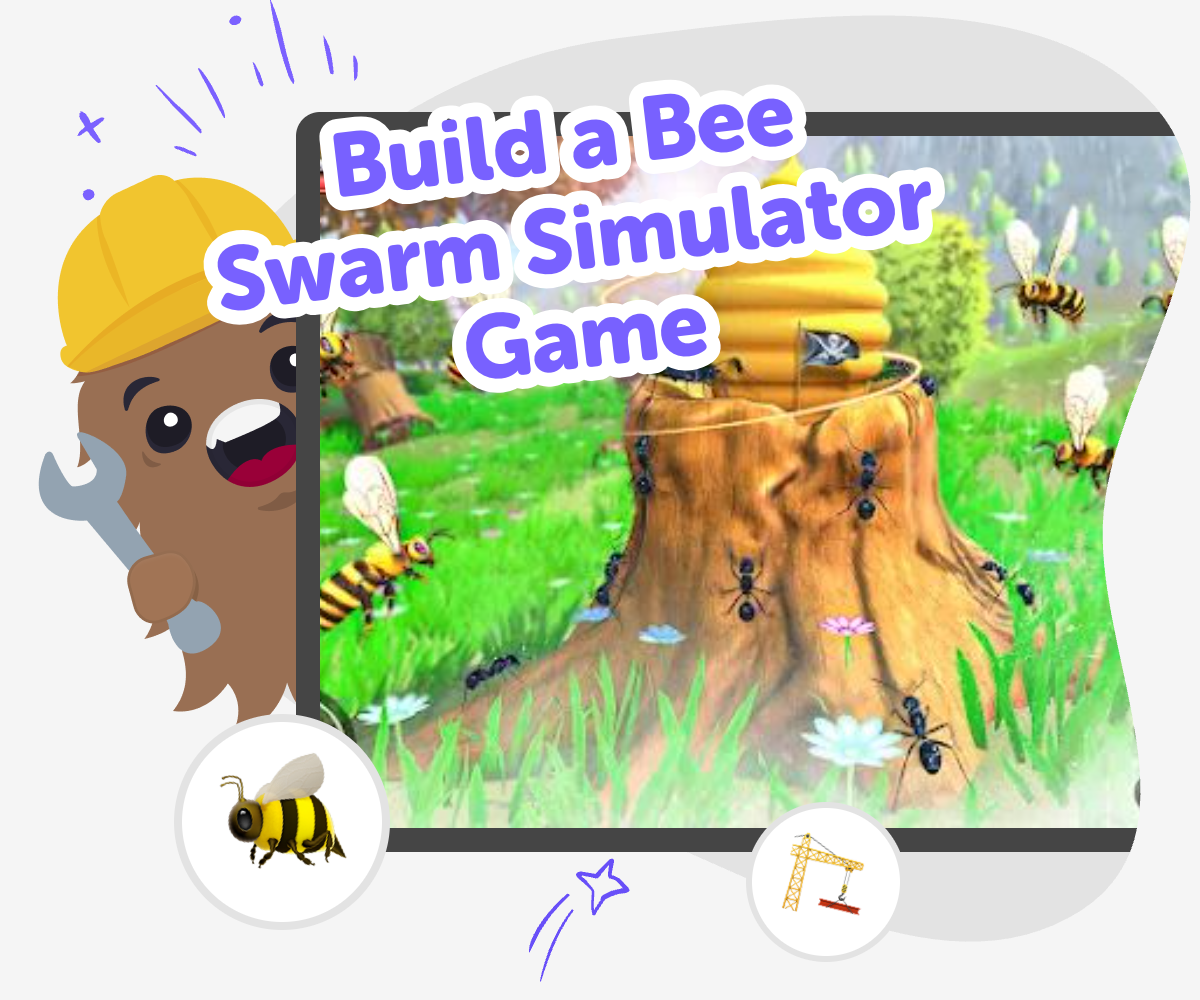
Build a Bee Swarm Simulator Game hero

Bee Swarm Game Making

Build a bee swarm simulator game by turning a simple idea about bees into something interactive and fun to explore. Kids can imagine bees flying, collecting pollen, and working together, which makes the game a playful way to learn about nature, systems, and how small actions can add up over time. This kind of project matters because it helps kids practice creative thinking while they build something they can test and improve. Instead of just reading about bees, they get to make choices, see results, and learn by trying again.

Vibe Coding gives kids a guided place to shape the game one part at a time, so the project stays hands-on and manageable. Kids can describe what they want, then build, test, and revise the game with support that keeps the process creative, safe, and beginner-friendly. That makes the topic easier to explore without removing the fun of making it themselves. Kids stay in charge of the idea while they learn how interactive projects come together through practice, feedback, and small improvements.

How to make it

Step 1 - Choose the bee idea

Start with a clear game idea, like bees flying to flowers, collecting pollen, or racing to the hive. Decide what the player will do and what makes the game feel like a swarm.

Step 2 - Build the first scene

Create the game world with a hive, flowers, and space for bees to move. Add simple controls so the player can guide the bees or watch them travel.

Step 3 - Test the swarm behavior

Play the game and check whether the bees move in a way that feels fun and understandable. Change speed, routes, or collecting rules if the game feels too hard or too slow.

Step 4 - Make the most of replaying

Try a remix Change one part of the game, like the number of bees, the flower layout, or the score rules, to see how the whole experience changes. Check the flow Play through the game from start to finish and notice where players might get stuck, confused, or bored so you can make the steps easier to follow. Share safely Keep the game friendly, clear, and age-appropriate so other kids can enjoy it without confusing buttons, messages, or tricky rules. Keep improving Save your best version, make another test, and keep adjusting the game until it feels smooth, playful, and ready to share.

What is a bee swarm simulator game?

A bee swarm simulator game is a game where bees move around a world, gather pollen, and bring it back to a hive or goal. The fun comes from watching the swarm work together and from making choices that affect how the bees move and score. Kids can design the game in many different ways: some versions are calm and exploratory, while others are fast and challenge players to collect as much as possible. The important part is that the game turns an idea about bees into something interactive. That helps kids think about systems, where one small action can create a bigger result. It also gives them a chance to practice making rules, testing them, and improving the game when something does not feel right. Because the project is built step by step, kids can start simple and add new ideas as they learn.

Why do bees make such a good game theme?

Bees are a strong game theme because they are easy to understand and full of movement, purpose, and teamwork. Kids already know that bees fly, visit flowers, and help plants grow, so the topic feels familiar without being boring. That makes it easier to build a world with clear goals, like collecting pollen, returning to the hive, or helping the swarm finish a task. Bees also work well in games because they can move in groups, which lets kids experiment with patterns, speed, and strategy. A bee theme can teach simple science ideas too, like how pollination works and why living things depend on one another. When kids build around something from nature, they are not just making a game. They are also learning how to turn real-world ideas into playful technology they can understand and improve.

How does making a simulator help kids learn?

A simulator game is a great learning project because it asks kids to model how something works instead of only telling a story about it. When kids build a bee swarm simulator, they have to think about causes and effects. If a bee reaches a flower, what happens next? If the swarm gets larger, should the game get faster or harder? These questions help children practice problem-solving in a creative way. They also learn that making something digital often takes several tries. That is valuable because it builds patience and confidence. Kids see that a first version does not need to be perfect. They can test it, spot problems, and make changes. Over time, they learn that improving a project is part of the fun. This kind of thinking supports coding confidence, creative technology skills, and a healthy way to work through challenges.

How can kids keep the project safe and age-appropriate?

A bee swarm simulator game can stay safe and age-appropriate when the focus is on simple goals, clear visuals, and friendly play. Kids do best when the game uses easy controls, positive messages, and no scary or confusing content. It helps to keep the challenge level matched to the player’s age, so younger kids can understand what to do and older kids can add more detail. The project is also a good chance to practice making thoughtful choices about design. For example, children can use bright, readable colors, simple sound effects, and clear instructions. When kids build in a guided creative coding studio like Vibe Coding, they can explore their ideas while still keeping the project manageable and supportive. That way, the game stays fun to make, easy to test, and comfortable to share with family, classmates, or friends.

Frequently Asked Questions

What is a bee swarm simulator game?

Can younger kids make one too?

What makes the game fun to play?

Do kids need advanced coding skills?

How does the bee theme help learning?

Can the game be made safe for kids?

What should kids test first?

How can kids make the game feel original?

Why 500,000 families trust DIY

User Avatar

Martin

Dad to 2 DIYers

My son loves DIY! He always finds fun projects to do, and we enjoy making things together. It’s a great way to learn, create, and have fun at the same time!

User Avatar

Pearl

DIYer from USA

DIY is such a great app with really sweet people and moderators who always make sure this app is super safe. You can learn to create things or learn drawing techniques - honestly there is so much to do.

User Avatar

Elaine W.

Middle school teacher

I love logging onto DIY every day - not just for projects but to also look at the comments my kids share about each other's work. It's a brilliant way to foster healthy support systems!

User Avatar

Jenn L.

Mom to 3 DIYers

We absolutely love the DIY platform and its endless river of creative adventures and projects! We always have the best time together participating, learning and creating!

Ready to create?

Drop Files here
Make

To create a safe space for kid creators worldwide!

Create

Vibe Coding

ChatDino

All Tools

Kibu

Resources

Worksheets

SafeTube

Blog

FAQ

Account

Pricing

Log-in

Sign-up

Data Deletion

Company

About

Community Guidelines

Privacy Policy

Terms of Service

2025, URSOR LIMITED. All rights reserved. DIY is in no way affiliated with Minecraft™, Mojang, Microsoft, Roblox™ or YouTube. LEGO® is a trademark of the LEGO® Group which does not sponsor, endorse or authorize this website or event. Made with love in San Francisco.
