Build a Baseball Clicker Game
Build a baseball clicker game by turning a simple sports idea into an interactive project kids can make, test, and improve. Learn how clicks, scores, and game rules work while creating something playful and original.
About this tutorial
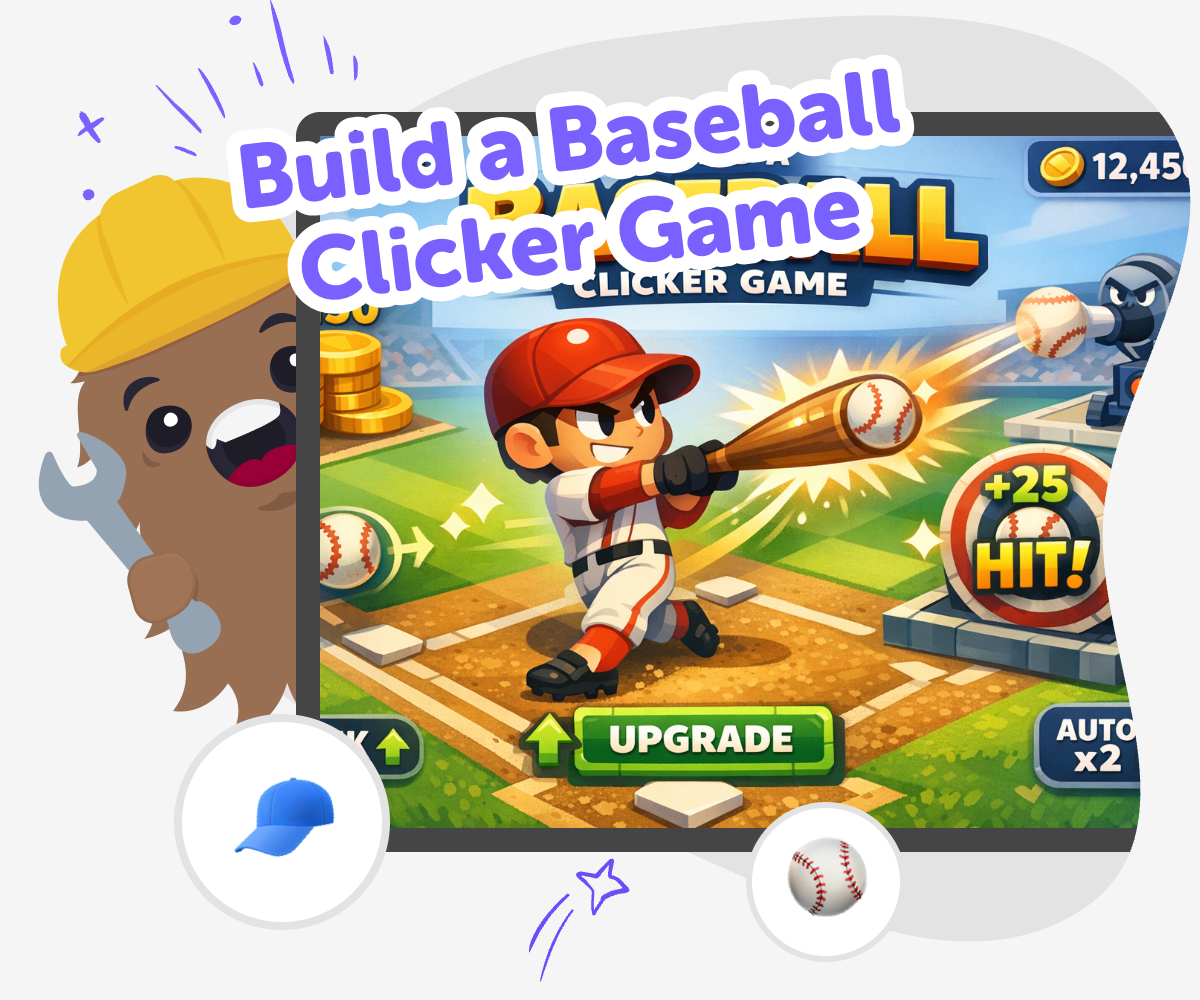
A build a baseball clicker game project helps kids turn a sports idea into a simple interactive game. They can make every click matter by adding points, sounds, upgrades, and fun baseball moments while learning how game rules shape the player experience.
This kind of project matters because it teaches kids that games are built from small choices. By changing the score, pace, and rewards, they can see how a baseball game becomes fun, clear, and easy to play.
Vibe Coding gives kids a guided way to explore the idea safely and creatively. Kids can describe the baseball game they imagine, then build it step by step, test what happens, and improve it as they learn.
That makes the tool useful for creativity, coding confidence, and problem-solving without pretending the game is finished right away. Kids stay in charge of the design while the guided support helps them keep going.
Step by step
- 1
Choose your game idea
Pick the baseball clicker game you want to build, like a home run race, a batting practice challenge, or a score-chasing game.
- 2
Set the click reward
Decide what each click does, such as adding runs, swinging the bat, or unlocking a new baseball moment.
- 3
Add simple game parts
Build a scoreboard, a big baseball button, and a few sounds or upgrades that match the game you imagined.
- 4
Make the most of testing
Check what feels clear Play your game a few times and notice if the buttons, score, and goal are easy to follow.
Spot what needs a tweak If the game moves too fast, too slow, or feels confusing, change one part at a time.
Try a new version Adjust the rules, add a better reward, or change the pace so the game feels smoother and more fun.
Keep the best parts Save the version you like most, then replay it and keep improving the baseball experience.
What makes a clicker game fun?
A clicker game feels fun when every click gives a clear result. In a baseball clicker game, that might mean adding runs, hitting a ball farther, or unlocking a new bat after enough clicks. The best games are easy to understand right away, but still give players a reason to keep going. Kids can learn that fun often comes from small rules working together, not from having lots of complicated parts. If the score changes in a way that makes sense, players feel in control. If the game gives a reward after practice or repeated clicks, it also teaches patience and goal-setting. That is why even a simple baseball game can feel exciting when the rules are clear and the progress is easy to see.
Why use baseball as the theme?
Baseball is a great theme for a clicker game because it already has action, scoring, and quick moments of success. A single hit, run, or home run can become a satisfying game reward. Kids can use the sport to practice turning real-world ideas into game rules. For example, one click could swing the bat, three clicks could make a run, and ten clicks could unlock a stadium boost. That kind of thinking helps kids see how a theme can guide design choices. Baseball also gives kids a chance to mix creativity with structure. They can choose team colors, crowd sounds, scoreboard styles, and game goals while still keeping the game simple enough to play and understand.
How does making the game help kids learn?
When kids build a baseball clicker game, they practice more than just coding. They also learn problem-solving, sequencing, and testing. They have to decide what happens first, what happens next, and what should change when a player clicks. If something feels too slow or too fast, they can adjust it and try again. That back-and-forth process is called iteration, and it is a big part of making anything creative. Kids also build confidence when they see their own ideas turn into something playable. Even small choices, like changing a score label or adding a baseball sound, help them feel ownership. Over time, they learn that mistakes are part of making, and testing is how good ideas become better ones.
How can kids keep it safe and age-appropriate?
A good kids' game should be simple, friendly, and easy to understand. For a baseball clicker game, that means using playful sports ideas instead of confusing rules or stressful competition. Kids can keep the game positive by focusing on hits, points, and personal progress rather than pressure or harsh messages. It also helps to make buttons easy to use and text easy to read. If the game is shared, adults can check that the content stays age-appropriate and that the design is comfortable for the intended age group. Guided tools like Vibe Coding can support this process by helping kids build in small steps and test each part as they go. That makes the project feel creative, safe, and manageable.
Need help?
What is a baseball clicker game?
A baseball clicker game is a simple game where each click helps a player score, swing, or move closer to a goal. It usually has easy rules, a clear score, and small rewards that make players want to keep going.
Why do kids like making clicker games?
Kids like making clicker games because they are easy to start and fun to customize. A small idea can become a real game with just a few rules, and kids can keep improving it as they learn.
What can a baseball clicker game include?
It can include a batting button, a scoreboard, sound effects, team colors, upgrades, or special bonus moves. Kids can choose the parts that make the game feel exciting without making it too hard to play.
How hard is it to build one?
It can be as simple or as detailed as the maker wants. Many kids start with one button and one score, then add more features after they test the first version.
Can kids make their own baseball rules?
Yes. Kids can decide how many points a click earns, when bonuses appear, and what counts as a win. Making the rules themselves helps them understand how games work.
What do kids learn from this project?
They learn coding confidence, problem-solving, and how to improve a project through testing. They also practice turning an idea into something interactive and personal.
Is this a good first coding project?
Yes, it can be a great first project because the idea is simple and the feedback is easy to see. Kids can start small, make changes, and understand the results right away.
How can Vibe Coding help with the game?
Vibe Coding gives kids guided support while they build, test, and improve their baseball clicker game. Kids stay in charge of the idea, and the tool helps them shape it one step at a time.