Build a Ball Simulator Game
Build a ball simulator game by designing how a ball moves, bounces, rolls, and reacts in a playful interactive project. Kids can explore physics ideas, test different settings, and shape a game that feels fun, surprising, and their own.
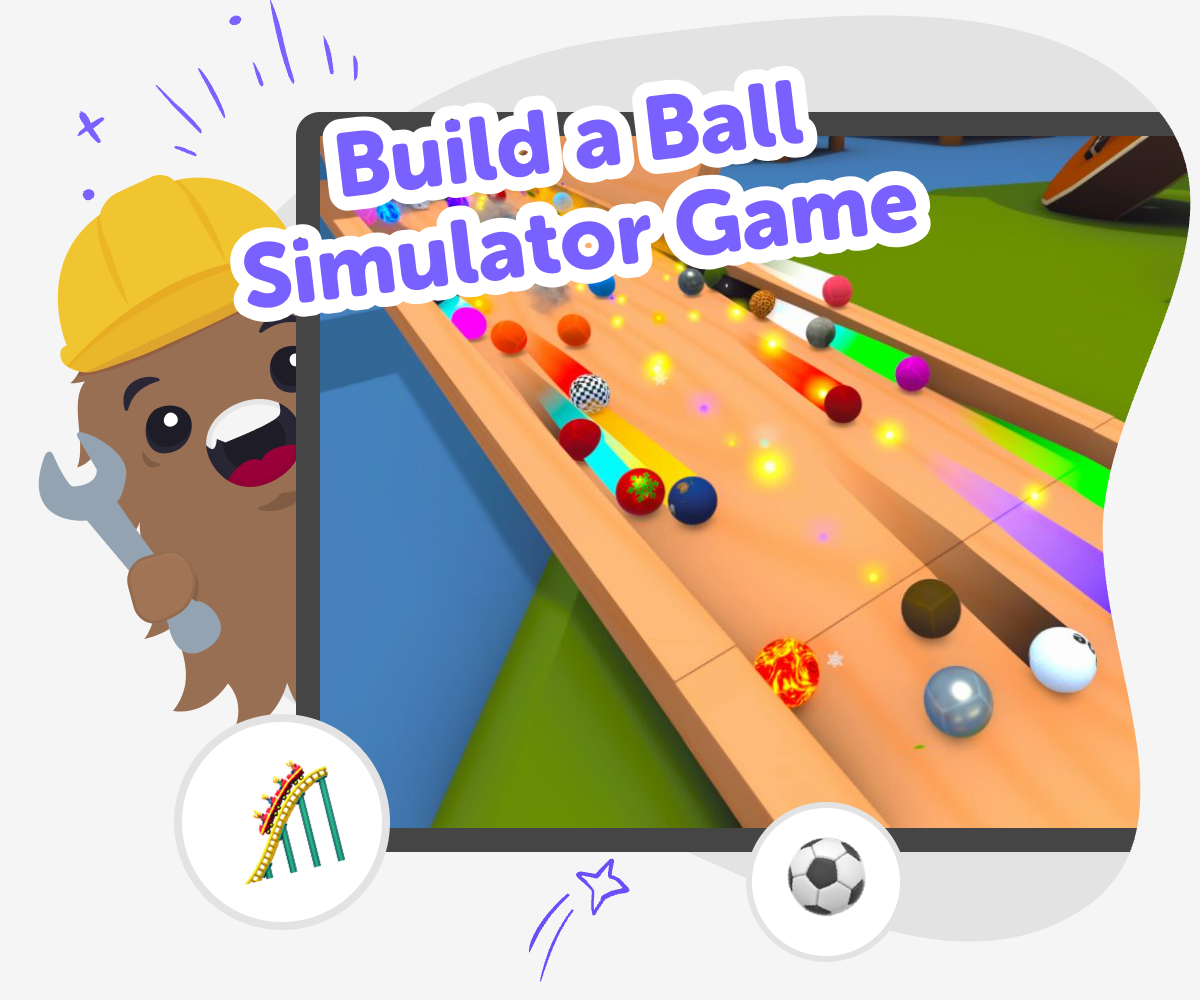
About this tutorial
A build a ball simulator game project lets kids turn motion into a game they can see, test, and change. It is a creative way to learn how bounce, speed, gravity, and obstacles can affect what happens next, while building confidence through simple experiments and small improvements.
Instead of just reading about physics, kids can play with it. They can try different ball paths, adjust the world around the ball, and notice how one change can make the game feel easier, trickier, or more fun.
Vibe Coding gives kids a guided place to make this kind of project step by step. They can describe the game they imagine, shape it with support, test it, and keep refining it so the result grows from their own ideas.
That makes the learning hands-on, creative, and safe. Kids practice coding confidence, problem-solving, and iteration while making something playful they can understand and improve.
Step by step
- 1
Pick your ball idea
Choose what kind of ball simulator game you want to make, such as a bouncing challenge, a rolling maze, or a motion playground.
- 2
Set how it moves
Decide what the ball should do when it rolls, bumps into walls, lands on a slope, or falls into a gap.
- 3
Build the level parts
Add ramps, blocks, targets, and obstacles so the ball has a clear path and something fun to interact with.
- 4
Make the most of testing
Check what feels fun Play your simulator and notice where the ball moves smoothly, where it gets stuck, and where the challenge feels too easy or too hard.
Change one thing at a time Adjust the speed, bounce, or obstacle layout so you can tell exactly what made the game better or trickier.
Try a fresh version Save a version you like, then test a new idea to see how the game feels with a different path or goal.
Keep improving Come back later with new ideas and keep shaping the game until it feels playful, clear, and exciting to replay.
What makes a ball simulator game interesting?
A ball simulator game is interesting because small changes can create big results. If the ball rolls a little faster, bounces a little higher, or hits a wall at a different angle, the whole game can feel different. That makes it a great project for kids who like to experiment, because every test teaches something new. It also helps kids notice how games are built from rules, not just pictures. When they create the movement themselves, they get to decide what feels fair, silly, challenging, or surprising. The best part is that there is no single right answer. Kids can keep trying new ideas until the game matches the feeling they want to share with others. That mix of play and problem-solving is what makes the project fun and meaningful.
Why is this a good project for learning?
This project helps kids learn by doing. They do not have to understand every part of game design before they begin, because they can start with one moving ball and build from there. As they test, they learn how planning, timing, and simple rules work together. If something does not go the way they expected, that becomes part of the lesson instead of a mistake. Kids can ask questions like, Why did the ball bounce there? What happens if the ramp is steeper? How does the level change when the target moves? Those questions build problem-solving skills and coding confidence. A ball simulator game also supports patience, because kids learn that good ideas often get better after a few revisions. That is a useful habit for art, science, and technology projects too.
How can kids make it feel like their own?
Kids can make a ball simulator game feel personal by choosing the mood, challenge, and style. A game can be calm and simple, fast and tricky, or full of funny surprises. The ball might be a sports ball, a glowing orb, a marble, or a silly made-up object. Kids can choose colors, shapes, levels, and sounds that fit the idea in their head. They can also decide what the player is trying to do, like reach a finish line, collect stars, or avoid traps. These choices matter because they turn a basic physics idea into a creative project. When kids make decisions instead of copying a fixed plan, they build ownership and confidence. The project becomes something they can explain, improve, and share with pride.
How does Vibe Coding help safely?
Vibe Coding supports kids as they build and test their ideas step by step. That matters because making a game is easier when a guided tool helps break the work into smaller, clearer parts. Kids can describe what they want, try it, see what happens, and adjust the project without feeling stuck. The process stays active and creative, not automatic, so kids stay involved in the making. It also encourages safe experimentation because they can keep improving one change at a time and learn from what they see on screen. Parents and educators can trust that the focus stays on creative learning, not just quick results. The experience is designed to build confidence, curiosity, and steady problem-solving as kids shape a game that grows with their ideas.
Need help?
What is a ball simulator game?
A ball simulator game is a game where a ball moves according to rules you set. Kids can make it roll, bounce, fall, slide, or hit objects, then watch how the motion changes when they adjust the level.
Why do kids like making ball games?
Kids often like ball games because they are easy to understand but still full of surprises. A small change in slope, speed, or bounce can make the game feel completely different, which makes testing fun.
Can this kind of game teach physics?
Yes. A ball simulator game can help kids notice ideas like gravity, bounce, speed, friction, and collision. They learn by changing the game and seeing how motion responds.
Do I need to know coding first?
No. Kids can start with a simple idea and build from there. Guided creative tools like Vibe Coding help them make choices, test them, and improve the game step by step.
What can I add to my ball simulator?
Kids can add ramps, walls, targets, obstacles, score goals, or moving pieces. They can also change colors, sounds, backgrounds, and the kind of ball they want to use.
How do I make the game more challenging?
You can make the game harder by changing the ball speed, adding narrow paths, moving the target, or placing tricky obstacles. Testing one change at a time helps you see what feels fun and fair.
Is this a safe project for younger kids?
Yes, when the project is guided and age-appropriate. The goal is to help kids explore ideas, make choices, and learn through play with support that keeps the experience calm and creative.
Can I keep improving my game later?
Yes. In fact, that is one of the best parts. Kids can come back, test new ideas, and keep improving the ball simulator game as they learn more and think of new ways to play.