Alternatives to Soundboard
Alternatives to soundboard are kid-friendly ways to make, explore, and play with sounds, voices, and interactive ideas without needing a traditional soundboard. This page helps kids understand the topic and try it through guided creation with Vibe Coding, where they can build, test, and improve a project step by step.
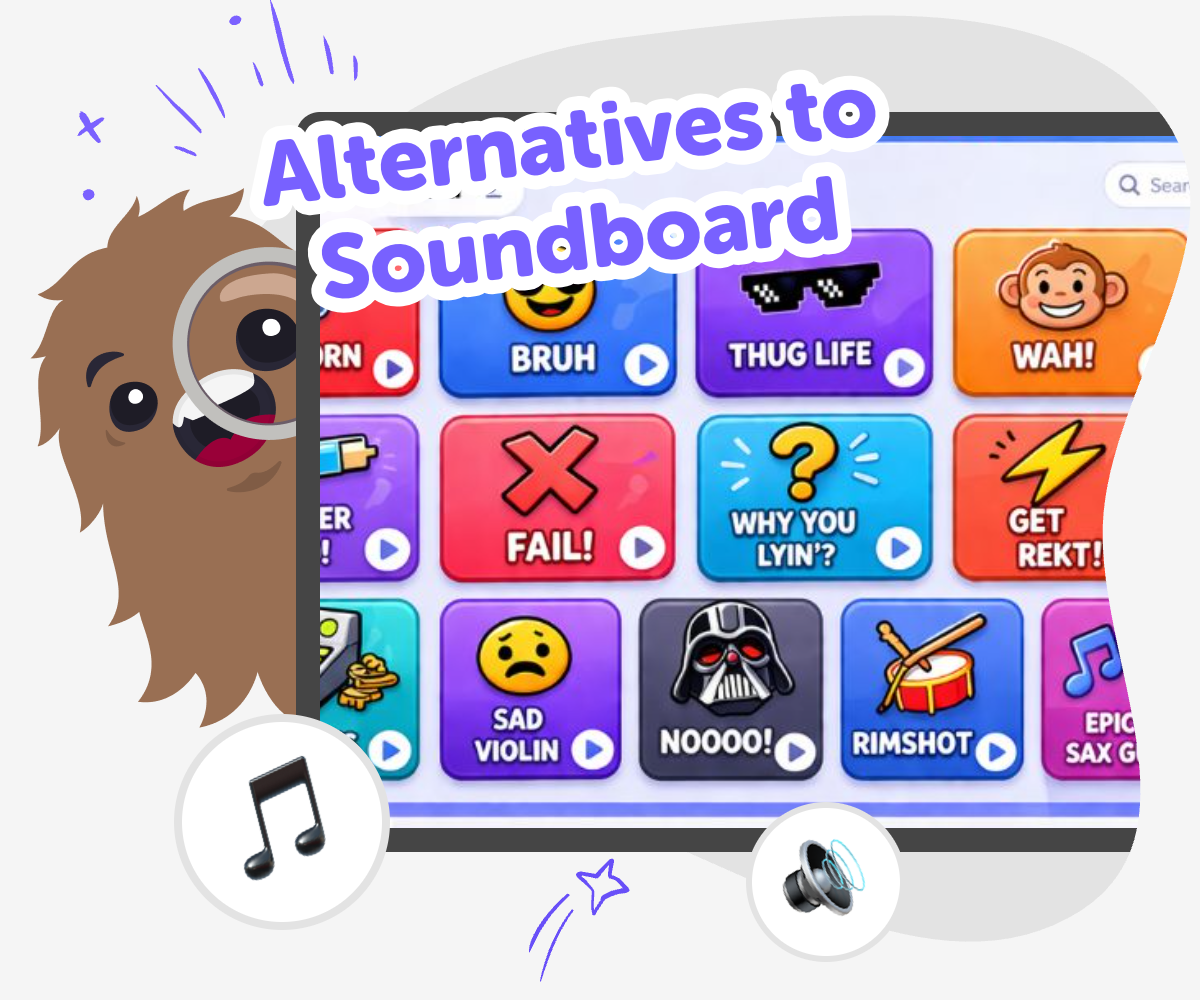
Soundboard Alternatives
Alternatives to soundboard are different ways to make interactive projects when a simple sound button board is not the best fit. Kids can use them to build a game, story, quiz, or invention that reacts in a way that matches their idea. This matters because it gives kids more choices about how a project should work and feel. They learn that creativity can include sound, text, timing, and simple rules, not just one format.
Vibe Coding helps kids explore alternatives to soundboard by turning an idea into a project they can build step by step. They can describe what they want to make, then test each part and improve it with guided coding support. That keeps the learning hands-on and safe. Kids stay in control of the design while they try new sounds, buttons, and reactions, and they can keep changing the project until it feels clear and fun.
What are alternatives to soundboard?
Alternatives to soundboard are other ways to make a project that responds with sound, words, or actions without using a classic soundboard layout. Kids might use buttons, cards, simple code, quizzes, stories, or interactive screens instead. The idea is not just to press sounds for fun, but to create something that matches a purpose, like making people laugh, teaching a fact, telling a story, or helping a game feel alive. This matters because kids can choose the format that fits their idea best. Some projects need a few loud sounds. Others work better with text, choices, animations, or a mix of all three. Exploring different formats helps kids think like makers, not just players, and gives them more confidence when building creative technology.
Why would a kid choose one?
A kid might choose an alternative to soundboard when they want more freedom than a fixed sound grid can give them. Maybe they want a quiz that reacts to right and wrong answers, a story that changes when you click a choice, or a game that uses sound only at the right moment. Different project styles can make an idea easier to understand and more fun to use. This is also helpful for kids who are learning to code, because they can start with something simple and add more features later. When kids choose the tool or format that fits their idea, they practice planning, problem-solving, and making decisions about how the experience should feel. That kind of thinking builds creative confidence and helps kids see that there is more than one way to make something interactive.
How does creativity fit in?
Creativity is a big part of finding alternatives to soundboard because kids get to decide what their project should do and how it should feel. One child might build a joke machine with silly reactions. Another might make a calm timer with soft sounds and gentle messages. Another might create an adventure where each choice opens a new path. The topic is not only about sound; it is about designing an experience. That means kids can mix voices, effects, text, pictures, and buttons in ways that match their own style. Creative choices also help kids learn that ideas can change as they build. When a project is tested, kids may discover a better sound, a clearer message, or a more fun flow. That back-and-forth is part of making.
How can kids stay safe and confident?
When kids explore alternatives to soundboard, safety and confidence matter just as much as creativity. A good project should be age-appropriate, clear, and easy to understand. Kids can keep sounds at a comfortable volume, choose friendly language, and avoid anything that could surprise or upset other people. They can also test their project with a small audience first, like a parent, teacher, or friend, and then improve it based on feedback. This helps kids learn that making is a process, not a race. Guided tools like Vibe Coding support that process by breaking work into smaller steps, so kids can experiment without feeling stuck. As kids build, test, and revise, they learn that mistakes are useful clues. That confidence can carry into other creative and school projects too.
Build Your Sound Idea
Choose your project
Pick a game, story, quiz, or invention that should react when someone taps or chooses something. Start with one clear idea so the project is easy to build.
Plan the reactions
Decide what should happen for each button, choice, or tap. Match each reaction to a sound, message, or change on screen.
Build and test
Use guided coding help to make the first version, then try it yourself. Notice what feels confusing or too fast, and adjust it.
Make the most of testing
Try one change at a time See how a new sound, button order, or message changes the experience. Check what feels clear Ask whether the project is easy to follow, fun to use, and comfortable to hear. Improve the flow Move pieces around or shorten messages if the idea feels slow or mixed up. Save your best version Keep the version you like most, then come back later to make it even better.
Frequently asked questions
What does alternatives to soundboard mean?
It means other ways to make an interactive sound-based or reaction-based project, such as a quiz, story, game, or button-driven activity. The main idea is to find the format that best matches what you want people to do.
Are soundboard alternatives only about sound?
No. They can include sound, but they can also use text, choices, images, buttons, or simple rules. Many kids find that mixing these pieces makes their project clearer and more fun.
Why not just use a regular soundboard?
A regular soundboard is great for quick sound effects, but some ideas need more than that. If you want choices, scoring, story paths, or a special theme, another format may fit better.
Can younger kids try this kind of project?
Yes, with the right guidance. Younger kids can start with simple ideas like one button, one sound, or one choice, then build up as they feel ready.
What kinds of projects work well?
Projects like mini games, story makers, quizzes, joke buttons, reaction tools, and simple learning activities work especially well because they are easy to test and improve.
How do kids make their idea easier to use?
They can keep the steps simple, use clear labels, test every button, and remove anything that feels confusing. Small changes often make a big difference.
Can kids build and change their idea over time?
Yes. That is one of the best parts. Kids can make a first version, try it, notice what happens, and then improve it with new sounds, better wording, or a smoother flow.
How does Vibe Coding help with this topic?
Vibe Coding gives kids guided support while they build an interactive project from their idea. Kids can try things, test them, and make changes step by step, which helps them learn by doing.
More tools
Build a Panda Clicker Game
Build a panda clicker game with a kid-friendly creative coding studio that helps kids turn a playful idea into an interactive project. Learn how to make a simple game, test it, and improve it step by step while building coding confidence and creative thinking.
Build a Paper IO Game
Build a paper IO game by turning a simple idea into a playful, interactive project kids can plan, test, and improve. Learn how movement, territory, and quick decisions make this kind of game exciting, then use Vibe Coding to explore it step by step with creative support.
Build a Parkour Game
Build a parkour game and turn jumping, timing, and level design into a fun creative project. Kids can design moving obstacles, test tricky paths, and keep improving their game until it feels exciting and fair to play.
Build a Paw Patrol Game
Build a Paw Patrol Game by turning a favorite rescue adventure into an interactive project kids can imagine, test, and improve. With guided support from Vibe Coding, kids can create characters, simple goals, and playful game rules while learning coding confidence, problem-solving, and creative technology skills.
Ready to start creating?
Join hundreds of thousands of kids already building cool stuff on DIY.ORG.
Your first game is on us.
Describe a game below - no sign-up needed to try.
Powered by AstroSafe
Make real games - not just chat