Alternatives to Snakemods
Alternatives to Snakemods help kids find creative, safe, and hands-on ways to build games, stories, and interactive projects with code. On DIY.org, kids can explore ideas, test them, and keep improving as they learn.
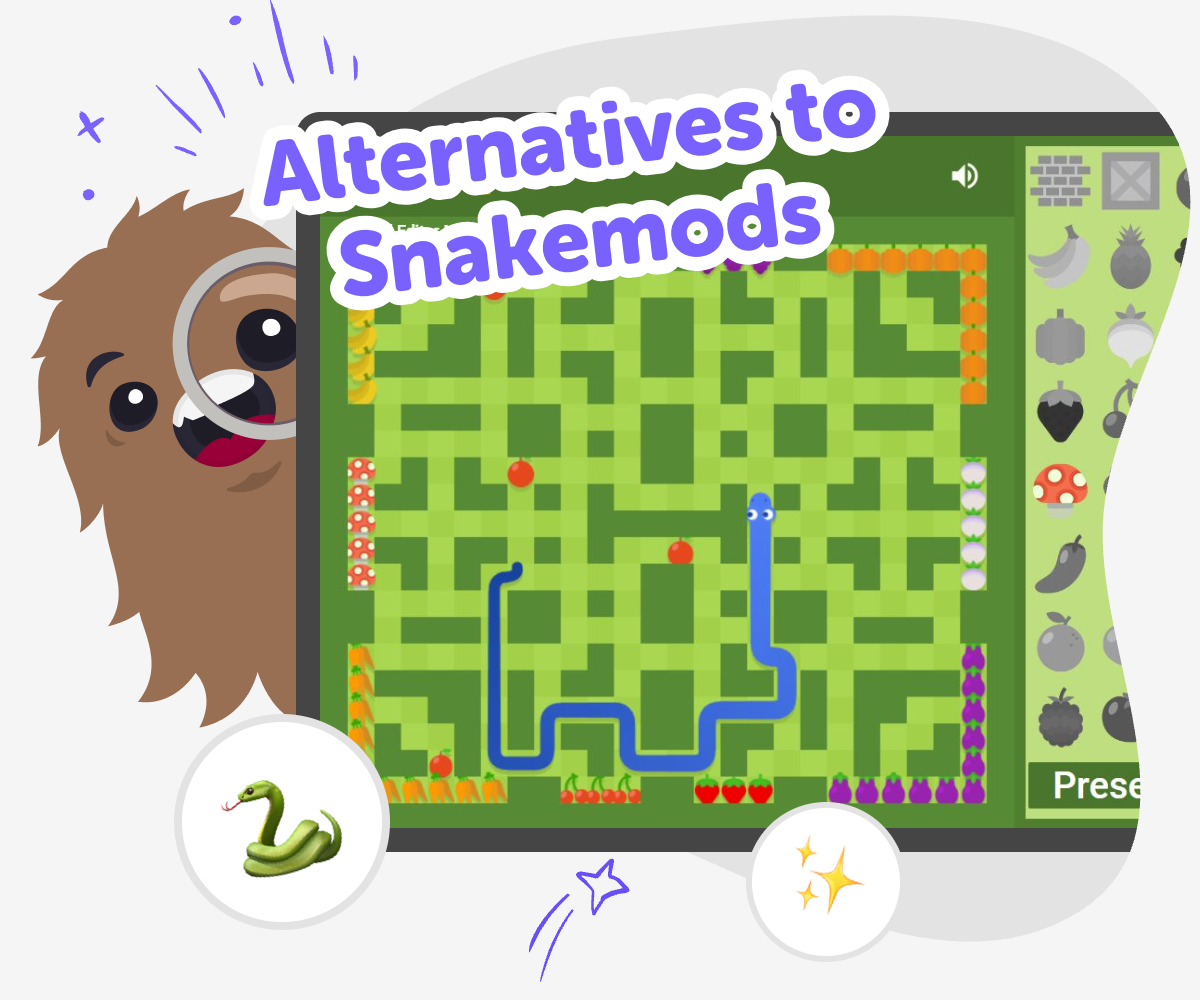
Explore Kid-Friendly Coding
Alternatives to snakemods are ways for kids to make interactive projects without feeling stuck or overwhelmed. The idea matters because creative coding should feel clear, safe, and fun, with room to try ideas, fix mistakes, and build confidence step by step. When kids have a simple place to begin, they can turn imagination into something real, like a game, quiz, story, or small tool. That practice helps them learn problem-solving, patience, and how to improve a project over time.
Vibe Coding gives kids a guided place to explore alternatives to snakemods by making projects they can actually shape themselves. Kids describe what they want to build, then keep testing and changing it until it feels right. The tool stays focused on making and learning, not instant results. That makes it a calm, creative way to practice coding confidence while staying in control of the project.
What do alternatives to Snakemods mean?
Alternatives to snakemods are other ways to explore creative coding, especially when a kid wants something easier to start, safer to use, or more focused on making than on complicated setup. The best alternatives do not just copy a tool. They give kids a clear path to build, test, and learn in a way that matches their age and confidence level. This matters because kids learn best when they can take action right away. If a tool is confusing, they may spend more time trying to begin than actually creating. A good alternative helps a child move from idea to project with less friction, so they can practice problem-solving, make choices, and see progress quickly. That progress builds confidence, which is one of the most important parts of learning to code.
Why does hands-on making help kids learn?
Hands-on making helps kids learn because they are not only reading about code; they are using it to create something they can see and try. When a child builds an interactive project, they get immediate feedback. If a button does not work or a story branch feels confusing, they can change it and test again. That cycle teaches experimentation in a very natural way. This kind of learning is important for kids because it turns mistakes into part of the process instead of something to fear. It also supports memory and understanding, since children remember what they did and why it mattered. Over time, they learn that coding is not just about getting the right answer. It is about trying ideas, noticing patterns, and improving a project step by step.
How can kids stay safe while exploring coding tools?
Safety matters when kids use any creative technology tool. The best experiences keep the focus on making, with age-appropriate guidance, clear steps, and a setting that helps children stay in control of what they create. Kids should be able to explore without being pushed into complicated choices or spaces that are not designed for them. A safe coding experience also helps children build good habits. They learn to name things clearly, test carefully, and ask for help when they need it. Parents and educators can look for tools that support learning, encourage thoughtful sharing, and give children room to create at their own pace. When a tool feels calm and guided, kids can spend more energy on creativity and less on worry.
What skills grow when kids keep iterating?
Iteration means making something, checking it, and improving it again. For kids, this is a powerful skill because it teaches that first versions do not need to be perfect. A game can start with one level. A quiz can start with a few questions. A story can start with one scene. Then the child can adjust, add, and refine as they learn more. This process grows coding confidence, but it also builds patience and creative problem-solving. Kids begin to ask questions like: What happens if I change this rule? What if I make this faster, simpler, or more fun? Those questions help them think like makers. With guided tools such as Vibe Coding, children can keep improving their projects in a playful way that makes learning feel practical and rewarding.
How kids can start
Choose an idea
Pick something simple to make, like a game, quiz, story, or helper tool, and decide what you want it to do.
Describe the project
Tell Vibe Coding what you imagine, including the characters, buttons, sounds, or actions you want to appear.
Build and test
Make one part at a time, try it out, and notice what works well or needs to change.
Make the most of testing
Start fresh with one idea Try a new layout, rule, or button so the project feels easier to use and more fun to explore. Notice what changes Check how the project behaves after each edit. Small changes can make the idea clearer, smoother, and more exciting. Keep improving kindly Save the version you like, then remix one part at a time so the project grows without losing your original idea. Share what you made Show the project to a friend, parent, or teacher and listen for one helpful suggestion you can try next.
Frequently asked questions
What are alternatives to Snakemods?
Alternatives to snakemods are other kid-friendly ways to make interactive projects with code or guided creative tools. They are usually chosen when a child wants a simpler start, a safer learning space, or a more playful way to build and experiment.
Why would a kid use an alternative instead of a more complicated tool?
A simpler alternative can help kids spend more time creating and less time trying to figure out where to begin. That makes it easier to stay curious, finish small projects, and build confidence step by step.
Can kids make their own games with these tools?
Yes. Many kid-friendly coding tools let children make simple games, quizzes, stories, and other interactive projects. The goal is to help kids build something they can test, change, and improve as they learn.
Are these tools good for beginners?
They can be a good fit for beginners because they often use clear steps and guided support. That helps kids understand what to do next and keeps the learning process calm and manageable.
How do kids learn from making instead of just watching?
When kids make something themselves, they practice choosing, testing, and fixing ideas. That active process helps them understand coding and problem-solving more deeply than watching alone.
Is it okay if the first version is simple?
Yes. Simple first versions are a normal and healthy part of learning. Kids can start small, see what works, and then add new parts as their confidence grows.
How does Vibe Coding fit into this topic?
Vibe Coding gives kids a guided place to try alternatives to snakemods by building interactive projects step by step. It supports experimenting, testing, and improving without making the process feel overwhelming.
What should parents look for in a kid-friendly coding tool?
Parents can look for clear guidance, age-appropriate design, safe creative spaces, and room for kids to build on their own ideas. A good tool should support learning, encourage experimentation, and help children feel capable.
More tools
Most Likely To Game for kids – 200 free most likely to questions
A fun, kid-friendly “whose most likely to…” game with interactive questions and playful conversation powered by KidsGPT.
Not Blocked Games
Not blocked games are games you can open and play when a school, library, or device filter is not getting in the way. For kids, this topic is about finding creative, age-appropriate play that works in the places they already use, and understanding how to make safe choices online. On DIY.org, Vibe Coding helps kids explore not blocked games by building their own interactive projects, testing ideas, and improving them step by step.
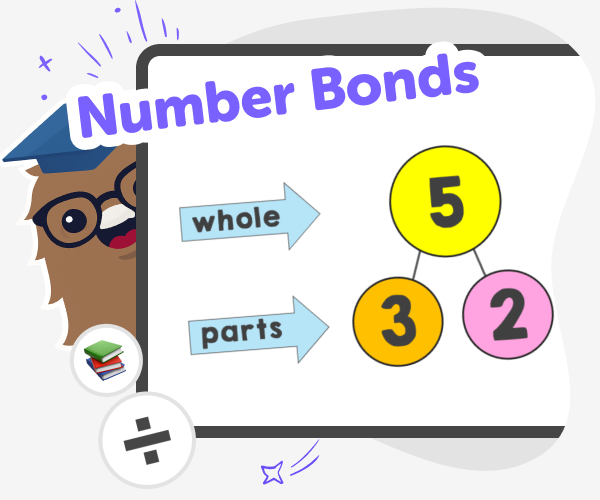
Number Bonds for Kids | Practice with the Six Seven Game
Use the Six Seven Game to practise number bonds and build fast mental addition and subtraction skills with fun, kid-safe math challenges.
200 Philosophical Questions for Kids
A growing collection of thoughtful, fun, and kid-friendly philosophical questions — powered by KidsGPT.
Ready to start creating?
Join hundreds of thousands of kids already building cool stuff on DIY.ORG.
Your first game is on us.
Describe a game below - no sign-up needed to try.
Powered by AstroSafe
Make real games - not just chat