Alternatives to Hopscotch
Alternatives to hopscotch help kids find creative ways to learn coding, build games, and make interactive projects with tools that fit their age and interests.
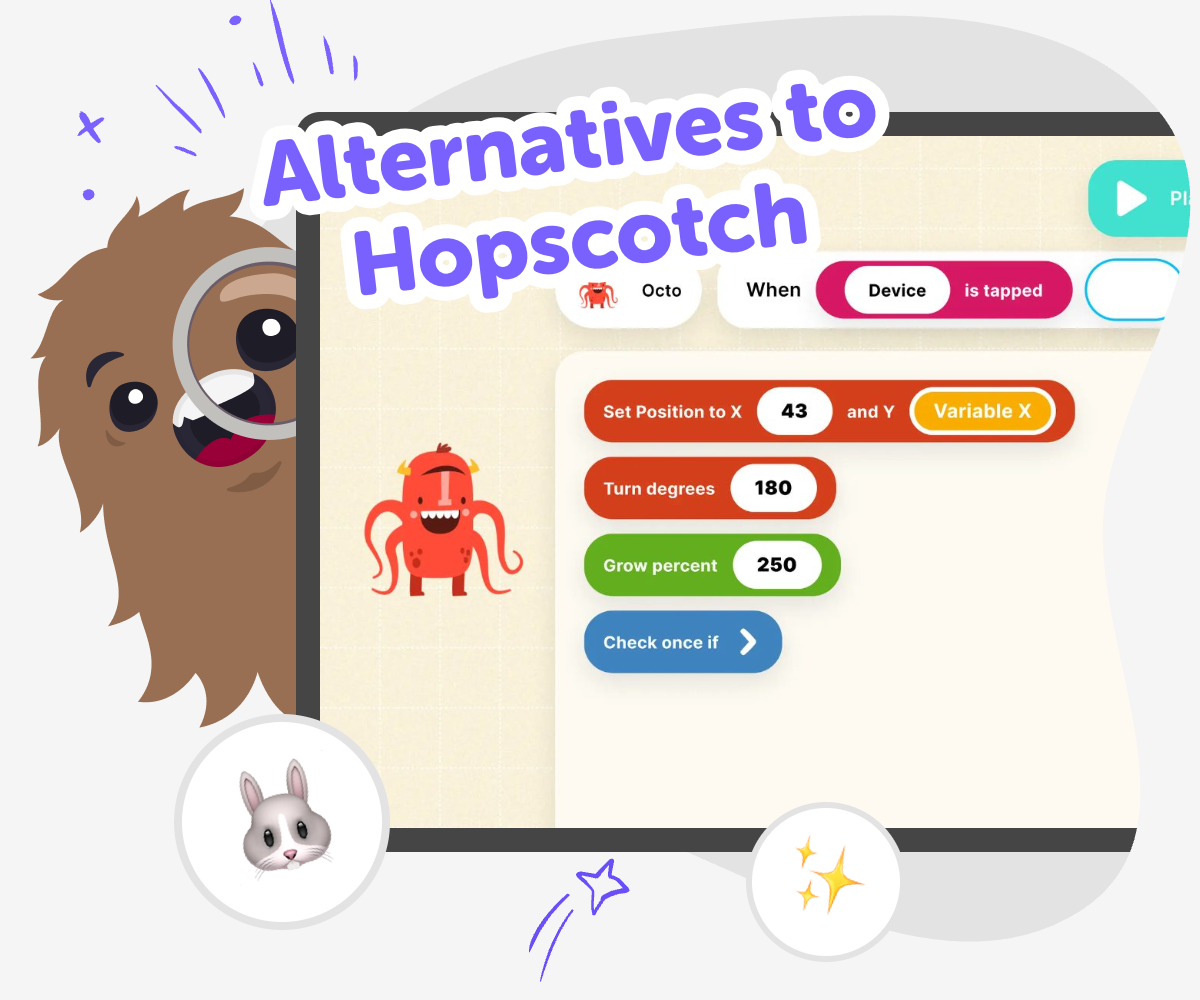
Find a Better Fit
Alternatives to hopscotch can help kids choose a coding space that feels fun, clear, and the right level of challenge. The best choice is one that lets them build games, stories, quizzes, or inventions while learning step by step and growing confidence as they try new ideas. Kids do not all want the same kind of coding experience. Some want more drawing and storytelling, some want more game-making, and some want a simple place to experiment without feeling stuck.
Vibe Coding supports this topic by giving kids a guided way to turn an idea into something they can test and improve. They can describe what they want to make, shape it with help, and keep changing it until it feels right, which keeps the focus on creative making rather than perfect results. That kind of hands-on practice helps kids explore coding in a safe, playful way while still learning how to solve problems and make creative choices.
What makes an alternative useful?
A helpful alternative gives kids a real way to make things, not just watch someone else do it for them. For many children, that means a tool should be easy to start, clear enough to understand, and flexible enough to support different ideas. One child may want to make a game, while another wants a story with choices or a simple quiz. A good option lets them try, adjust, and try again without feeling lost. It should also feel safe and age-friendly, with language and features that match a kid’s stage of learning. When a tool fits the child, coding feels less like a test and more like a creative project they can own.
Why do kids switch tools?
Kids switch tools for many good reasons. Sometimes the first one they try feels too hard, too crowded, or not quite right for the kind of project they want to make. Other times, they are ready for a different challenge and want more ways to customize their work. Changing tools can help children keep their curiosity strong instead of getting stuck. It can also teach an important lesson: there is more than one way to learn coding and make something useful. When kids compare tools, they practice decision-making, notice what helps them learn, and build confidence in choosing what works best for them. That is a valuable skill for school projects, creative hobbies, and future technology learning too.
How does guided making help?
Guided making helps kids stay active in the process without needing to know everything at once. Instead of staring at a blank screen, they can start from an idea and build it piece by piece. This is especially useful when a child wants to make something interactive but does not yet know every coding step. A guided tool can help them test a button, change a rule, or try a new layout, then see how each choice changes the result. That back-and-forth teaches problem-solving in a calm way. It also shows kids that mistakes are part of learning. When they can revise their work, they learn that creativity improves through practice, not perfection.
How can kids choose safely?
A safe choice starts with the child’s age, attention span, and comfort level. Parents and educators can look for tools that explain steps clearly, avoid confusing setup, and keep the experience focused on making rather than endless searching. It also helps when a tool supports positive learning habits, such as testing one idea at a time, saving work, and reflecting on what changed. Safety is not only about the screen; it is also about feeling supported while learning. Kids do best when they know they can ask for help, try again, and keep their project age-appropriate. A good alternative should make learning feel steady, creative, and encouraging from the very first try.
How to Explore Options
Start with your idea
Think of one thing you want to build, like a game, quiz, story, or small tool, so you can compare options by what they help you make.
Look for the right fit
Check whether a tool feels simple enough to start with, fun to use, and open enough for the kind of project you want to create.
Build and test
Try a first version, see what works, and change one part at a time so you can learn how the project grows with each edit.
Make the most of exploring
Try a new version Swap one idea, rule, or visual so you can see how a small change affects the project and helps you learn what you like best. Test with care Run your project again and notice what feels confusing, too fast, or too slow so you can make it clearer for someone else to use. Share your favorite build Pick the version you like most and show it to a trusted person so you can talk about what you made and what you might improve next. Keep experimenting Return to your project later, try another idea, and keep improving it as your skills and confidence grow.
Frequently asked questions
What are alternatives to hopscotch for kids?
Alternatives to hopscotch are other kid-friendly ways to learn coding and build interactive projects. They may focus on games, stories, quizzes, or creative experiments, depending on what a child wants to make.
How do I know which coding tool is right for my child?
Look for a tool that matches your child’s age, interests, and confidence level. A good fit should be easy to start, fun to explore, and flexible enough to support the kind of project they want to create.
Can beginners use alternatives to hopscotch?
Yes. Many alternatives are designed for beginners and help children start with simple ideas. The best ones let kids learn by trying things, changing them, and seeing what happens next.
Are there safe coding options for younger kids?
Yes, there are safe kid-friendly coding options that focus on clear steps, creative making, and age-appropriate projects. Look for tools that keep the experience guided and supportive so children can learn with confidence.
What kinds of projects can kids make?
Kids can make games, stories, quizzes, art-based projects, and simple interactive tools. The best option depends on what they enjoy most and how they like to learn.
How does guided coding support learning?
Guided coding helps kids move from an idea to a real project without feeling overwhelmed. It supports problem-solving, testing, and revision, which are all important parts of learning how technology works.
Can kids change their project after they start?
Yes, and that is one of the most useful parts of learning. Kids can improve their project step by step, try new ideas, and see how each change affects the result.
Is Vibe Coding a good way to explore this topic?
Vibe Coding can be a helpful way for kids to explore alternatives to hopscotch because it gives them guided support while they build. They can describe what they want to make, test it, and keep improving it as they learn.
More tools
Build a Rainbow Clicker Game
Build a rainbow clicker game with playful colours, simple goals, and interactive rewards kids can shape step by step. Explore how a clicker game works, then use Vibe Coding to make, test, and improve your own version with guided support.
Build a Random Button
Build a random button by exploring how a simple button can choose, change, and surprise in a kid-friendly interactive project. This page helps kids understand the idea behind random buttons and try it through creative, guided making with Vibe Coding.
Build a Red Button Game
Build a red button game and learn how simple interactive choices can make a game exciting, funny, or surprising. On this page, kids can explore the idea behind a red button game, then use Vibe Coding to make, test, and improve their own version step by step.
Build a Roblox Clicker Game
Learn how to build a roblox clicker game with simple ideas, clear game loops, and hands-on creative coding practice. Kids can explore what makes clicking games fun, then use Vibe Coding to build, test, and improve an interactive project of their own.
Ready to start creating?
Join hundreds of thousands of kids already building cool stuff on DIY.ORG.
Your first game is on us.
Describe a game below - no sign-up needed to try.
KidsGPT has moved!
Log into ChatDino to access your chats
Powered by AstroSafe
Make real games - not just chat