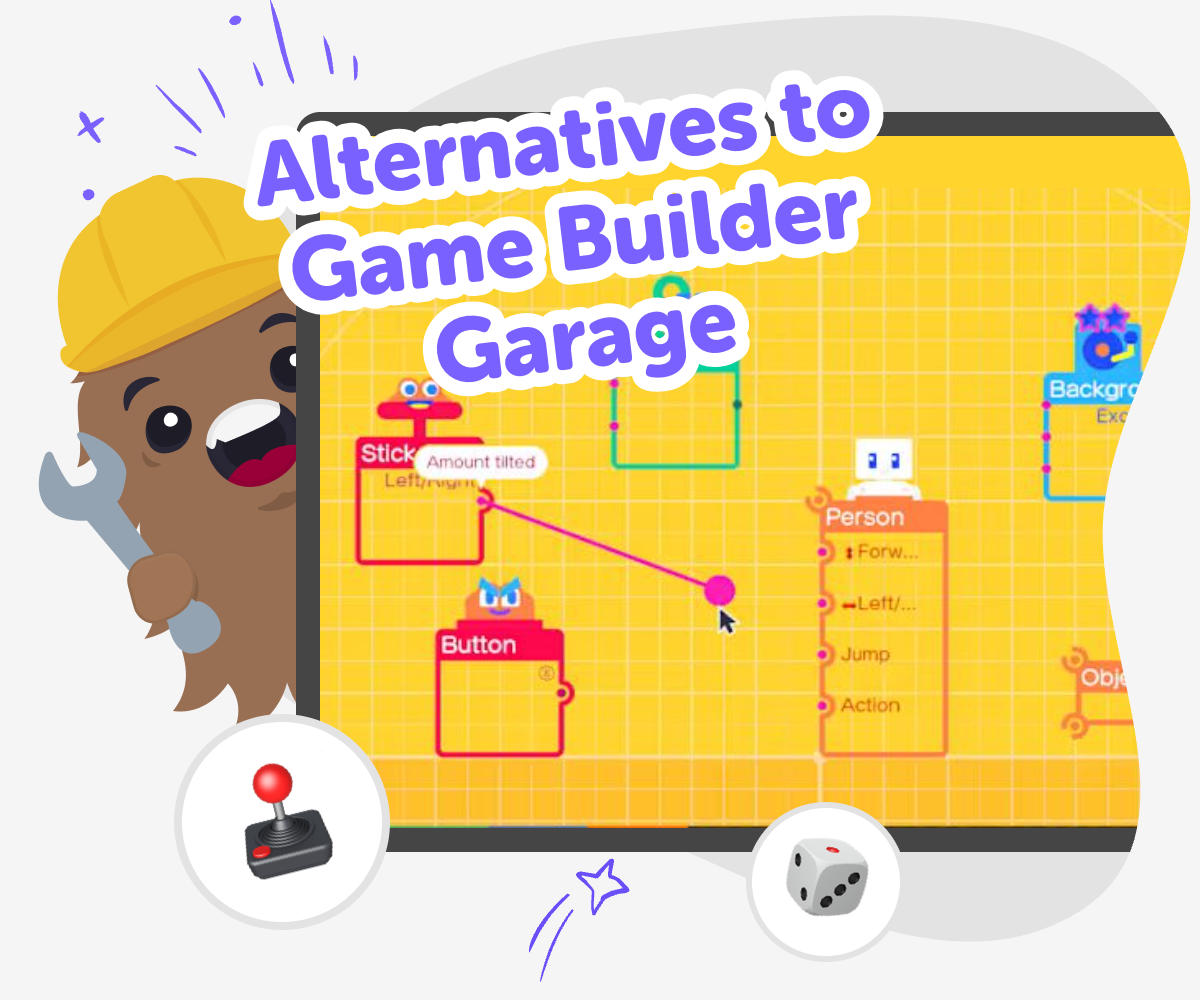
Alternatives to Game Builder Garage
Explore alternatives to game builder garage with a kid-friendly way to plan, make, and test interactive ideas. Kids can use guided coding support to turn a game, app, story, or invention into something they build step by step.
A creative coding option
Alternatives to game builder garage help kids find a different way to start making interactive projects. A good alternative lets children build, test, and change their ideas so they can learn what works and why. That matters because making something interactive teaches problem-solving, patience, and confidence. Kids see that small changes can improve a game, story, or invention, and that practice helps them keep going.
Vibe Coding gives kids a guided place to explore alternatives to game builder garage by helping them describe an idea and build it step by step. Kids stay active in the process as they try ideas, test results, and make improvements with support. It keeps the experience creative and safe for young makers. Children can focus on inventing, experimenting, and learning by doing without needing to be experts first.
What makes an alternative useful?
A good alternative to Game Builder Garage is not just another screen to look at. It is a place where kids can actually make something, try it, and change it when it does not feel right. That matters because real building teaches more than copying steps. Kids learn how to think about a goal, choose the pieces that help, and notice what happens when they test their work. They also learn that mistakes are normal and useful. When a project does not work the first time, it gives them a clue about what to fix next. That kind of practice helps children build patience, confidence, and creative problem-solving skills. A strong alternative should feel clear, playful, and safe enough for kids to explore with support, not pressure. The best tools help children stay in charge of their ideas while giving them enough guidance to keep moving forward.
Why do kids benefit from making interactive projects?
Interactive projects let kids learn by doing. When children create a game, quiz, story, or simple app, they have to think about what the user sees, what happens next, and how the project should respond. That kind of thinking strengthens planning, logic, and creativity at the same time. It also gives kids a reason to revise their work, because they can test it and notice what feels confusing, boring, or too fast. Making interactive things can be especially helpful for kids who want a more hands-on way to learn technology. Instead of only watching code or rules on a page, they get to shape something they can explore. That helps abstract ideas feel real. It can also make coding feel less scary, because each small success shows that building technology is something they can learn one step at a time.
How can kids stay safe while exploring creative coding?
Safety matters whenever kids use creative tools online. A kid-friendly alternative should keep the focus on making, with clear guidance and age-appropriate choices. That means children should be able to work on projects without needing advanced skills or outside knowledge that might lead them into confusing parts of the internet. It also helps when the tool encourages simple, positive creations like games, stories, quizzes, and inventions that can be reviewed and improved. Adults can look for tools that support moderation, privacy, and learning-first design. For kids, safety also means emotional safety: they should feel okay trying, changing, and learning without fear of getting everything perfect right away. Vibe Coding fits this kind of experience by giving kids a guided place to build step by step, so exploration stays creative, supported, and manageable.
What skills do kids practice while building?
When kids build an interactive project, they practice more than code. They practice goal setting by deciding what they want their project to do. They practice problem-solving by noticing what is not working and figuring out why. They practice iteration by making changes and trying again. They also build creative technology skills by learning how ideas can become real digital experiences. These skills matter whether a child wants to make a game, a story, a quiz, or something entirely new. The more they practice, the more comfortable they become with experimenting and improving. That is important because confidence grows when kids see that progress comes from small steps, not from getting everything right immediately. A good alternative to Game Builder Garage should help kids keep that growth mindset, so building feels like discovery instead of pressure.
How kids can start
Choose an idea
Pick something simple to make, like a quiz, a mini game, a story scene, or a small tool with one clear job.
Describe the project
Write a short idea so the tool knows what kind of interactive project you want to build and what it should do.
Build and test
Add parts, try them out, and notice what works well or needs to change so the project feels fun and clear.
Make the most of testing
Try a remix Change one part of the project, like the goal, colours, or button order, to see how it changes the experience. Check what feels easy Look for spots where the project is confusing or too hard, then simplify those parts so younger users can follow along. Improve with care Make small updates one at a time so you can notice progress and keep the project safe, friendly, and fun. Save your best version Keep the version you like most, then come back later to build a new idea or improve the same one again.
Frequently asked questions
What are alternatives to Game Builder Garage?
Alternatives to Game Builder Garage are tools or activities that let kids make interactive projects in a different way. The best ones help children build, test, and improve games, stories, quizzes, or simple apps while keeping the process clear and age-appropriate.
Why would a kid want a different creative coding tool?
A different tool can match a child’s age, interests, or learning style better. Some kids want simpler steps, more guided support, or a way to make projects beyond games, like stories, quizzes, or inventions.
Can younger kids use creative coding tools safely?
Yes, when the tool is designed for kids and keeps the experience guided and easy to follow. Safe tools use clear prompts, supportive building steps, and age-appropriate project options so kids can explore without feeling lost.
Do kids need coding experience to start?
No. Many kid-friendly tools are made for beginners. Children can start with a simple idea and learn by making small changes, testing them, and seeing what happens.
What kinds of projects can kids make?
Kids can make games, quizzes, stories, mini apps, or simple interactive inventions. The best project is one with a clear idea that a child can build step by step and improve over time.
How does testing help kids learn?
Testing shows kids what works and what needs to change. It teaches them to notice details, solve problems, and improve their project one step at a time instead of trying to finish everything at once.
Can kids make something original?
Yes. Original projects start with a child’s idea, even if it begins small. Kids can change the theme, rules, sounds, colours, or story to make the project feel like theirs.
How does Vibe Coding fit in as an alternative?
Vibe Coding gives kids a guided place to turn ideas into interactive projects and keep improving them. It supports making and learning by doing, which makes creative coding feel approachable for beginners.
More tools
Alternatives to Code.org
Alternatives to code.org help kids learn coding in ways that feel creative, gentle, and hands-on. This page explains the topic for families and shows how kids can explore it by making interactive projects with guided support.
Alternatives to CodeCombat
Explore alternatives to CodeCombat and find a kid-friendly way to start coding with creativity, safety, and hands-on practice using Vibe Coding.
Alternatives to CodeMonkey
Explore alternatives to codemonkey with kid-friendly ways to learn coding by making games, stories, quizzes, and interactive projects. Kids can build step by step, test ideas, and grow confidence while creating something they can call their own.
Alternatives to CodeSpark
Explore alternatives to codespark for kids who want to learn by making, testing, and improving creative projects. With Vibe Coding, kids can turn ideas for games, apps, stories, and inventions into guided hands-on builds that grow confidence and problem-solving skills.
Ready to start creating?
Join hundreds of thousands of kids already building cool stuff on DIY.ORG.
Your first game is on us.
Describe a game below - no sign-up needed to try.
KidsGPT has moved!
Log into ChatDino to access your chats
Powered by AstroSafe
Make real games - not just chat