Alternatives to Code.org
Alternatives to code.org help kids learn coding in ways that feel creative, gentle, and hands-on. This page explains the topic for families and shows how kids can explore it by making interactive projects with guided support.
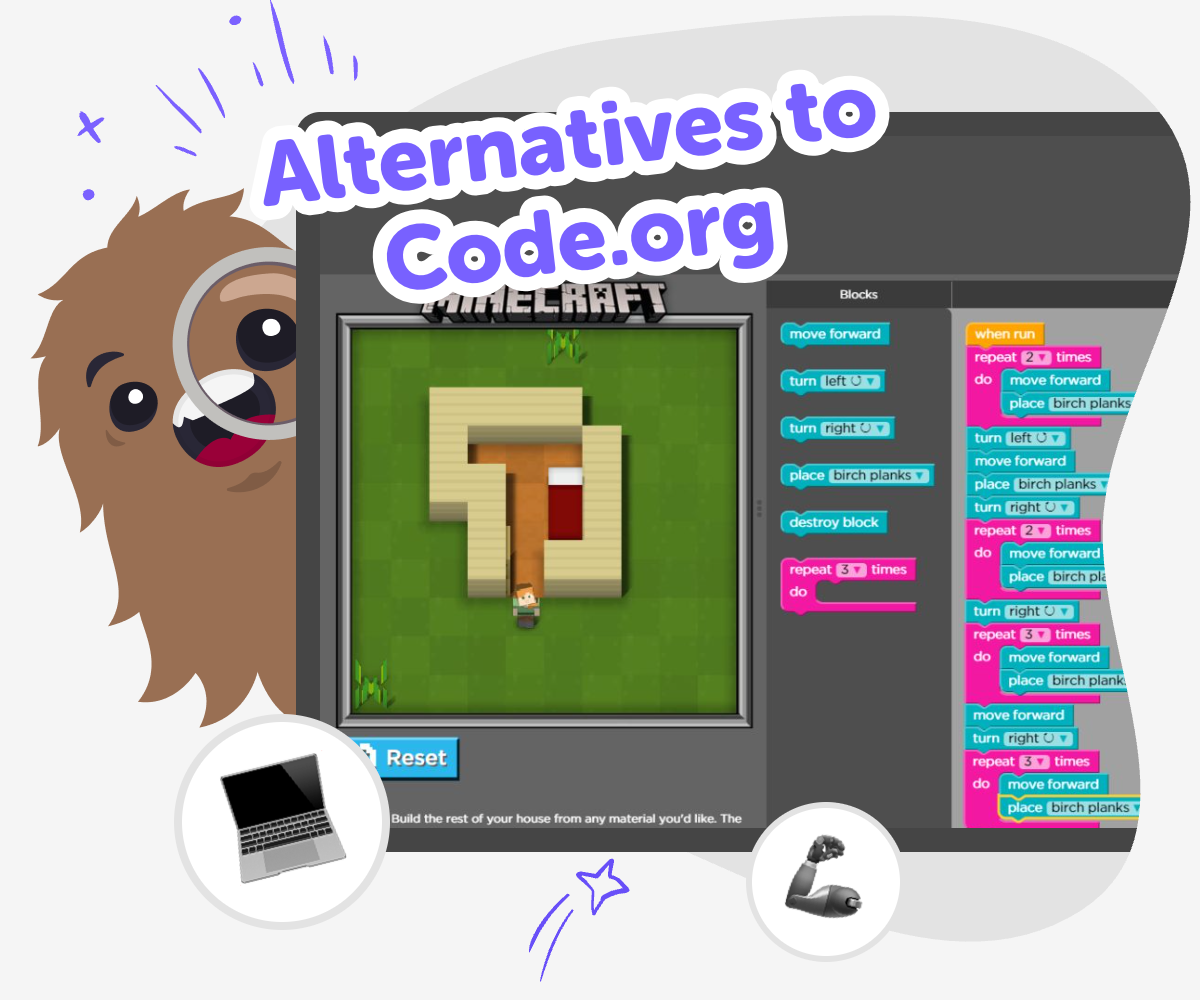
Kids’ coding choices
Alternatives to code.org are other ways for kids to learn coding, build confidence, and try creative technology at their own pace. Some kids want more game-like practice, some want more room to invent, and some learn best when they can make something personal right away. The topic matters because the best path is the one that keeps kids curious, safe, and willing to keep trying when something does not work the first time.
Vibe Coding gives kids a guided place to explore alternatives to code.org by making something they care about step by step. They can start with an idea for a game, app, story, or invention, then test small changes and learn from what happens. This keeps the focus on active making instead of passive watching. Kids stay in charge of their project while getting gentle help to experiment, solve problems, and grow more confident.
What does “alternatives to code.org” mean?
Alternatives to code.org means other ways for kids to learn coding and make digital projects. The idea is not about picking the “best” tool for everyone. It is about finding a learning path that matches a child’s age, interest, attention span, and confidence level. Some kids want lessons that feel structured, while others learn best by experimenting and creating something they care about. Good alternatives can help kids practice problem-solving, understand how digital tools work, and feel proud of what they build. For families and educators, the big question is whether the experience is safe, age-appropriate, and active. A strong option lets kids do more than click through lessons. It gives them a chance to try, adjust, and keep learning as they make something real.
Why do some kids need a different coding path?
Kids learn in different ways, and that is why alternatives to code.org matter. One child may like clear directions, while another learns better when they can invent their own project. Some kids need more time to explore. Others stay focused when they can make a game, quiz, or story instead of answering practice questions. A different coding path can also lower frustration, especially for beginners who feel unsure at first. When the first step feels friendly, kids are more likely to keep going. This matters because coding confidence grows through small wins. A good alternative should make room for curiosity, trial and error, and simple successes. That way, kids are learning both the skill and the habit of sticking with a problem until they find a solution.
How can creative coding help kids learn better?
Creative coding helps kids learn by letting them use ideas, imagination, and problem-solving together. Instead of treating code like a set of rules to memorize, it turns coding into a way to make something meaningful. A child might build a quiz for friends, design a simple game, or create a story with choices. Each project gives a reason to test, fix, and improve. That process teaches how computers respond to instructions, but it also builds patience and confidence. Kids see that mistakes are not the end of the project; they are part of the process. This is especially helpful for beginners because the reward is visible. They can watch their idea change from a rough plan into something interactive, which makes learning feel real and memorable.
How does guided making support safe experimentation?
Guided making gives kids a safe way to experiment because they can explore with support instead of feeling lost. Good guidance does not take over the project. It helps kids understand the next step, notice what changed, and keep moving forward. That is important for young makers because coding can feel tricky when a button does not work or a rule behaves in an unexpected way. With the right support, those moments become part of learning instead of a reason to quit. A guided creative studio can also keep projects age-appropriate and focused on making rather than passive watching. For kids, that means they get to stay in charge of their idea while still having help when they need it. For adults, it means a clearer path for safe, practical, creative learning.
Try the idea step by step
Pick your idea
Choose a simple thing you want to make, like a game, story, quiz, or small invention, and say what it should do.
Build the first version
Use guided coding help to add the main parts, such as a character, a button, a score, or a choice screen.
Test what happens
Run your project, see how it works, and notice where the instructions, timing, or design need a fix.
Make the most of testing
Try a small change Swap one colour, rule, or question so you can see how a tiny update changes the whole project. Check what feels clear Look at the project again and notice what is easy to understand and what still feels confusing. Improve one part at a time Make one careful edit, test it, and keep the change if it helps the project work better. Come back and remix Save your favourite version, then return later to try a new idea and make the project even stronger.
Frequently asked questions
What are alternatives to code.org?
Alternatives to code.org are other coding and creative learning options for kids. They may focus more on games, projects, stories, or hands-on making, which can help different learners stay interested and build confidence.
Why would a kid try a different coding tool?
A kid might try a different tool if they want more creativity, more guided help, or a project that feels closer to their own idea. The right fit can make learning feel easier to start and more fun to keep going.
Are alternatives to code.org good for beginners?
Yes, many alternatives are made for beginners. A good beginner-friendly option uses simple steps, clear feedback, and small wins so kids can learn without feeling rushed or overwhelmed.
Can kids make real projects with these tools?
Yes. Many kid-friendly coding tools let children build games, quizzes, stories, and other interactive projects. The best ones help kids make something real while they learn basic coding ideas.
What should parents look for in a safe coding option?
Parents can look for age-appropriate content, guided support, privacy protections, and a clear learning path. It also helps when the tool encourages making and testing instead of only watching videos.
Do kids need experience before starting?
No, many kids can start with no experience at all. A good first coding experience should help them choose an idea, try a simple build, and improve it little by little.
How does Vibe Coding fit this topic?
Vibe Coding fits the topic by giving kids a guided creative space to build interactive projects step by step. Kids can describe an idea, shape it, test it, and improve it as they learn.
What kinds of projects can kids try first?
Kids can start with simple projects like a quiz, a mini game, a story with choices, or a fun tool. Simple projects are a good way to practice basic coding ideas and build confidence.
More tools
Create a Minecraft Cat Skin
Create a Minecraft Cat Skin is a kid-friendly way to design a cat character that feels personal, playful, and ready for the game world. Kids can imagine colors, patterns, and tiny details that make their skin stand out, then use guided creative coding to build, test, and improve the idea step by step.
Create a Minecraft Chicken Skin
Create a Minecraft Chicken Skin is a kid-friendly way to design a playful character look for Minecraft. Kids can choose colours, patterns, and tiny details, then use Vibe Coding to explore ideas step by step and make a skin that feels original and fun.
Create a Minecraft Creeper
Create a Minecraft Creeper by exploring its blocky shape, playful mystery, and game design style, then build your own version with hands-on creative coding.
Create a Minecraft Dragon Skin
Create a Minecraft dragon skin by designing a character look that feels bold, playful, and all your own. Kids can explore colors, shapes, and style choices while learning how creative ideas become something they can use in a game.
Ready to start creating?
Join hundreds of thousands of kids already building cool stuff on DIY.ORG.
Your first game is on us.
Describe a game below - no sign-up needed to try.
KidsGPT has moved!
Log into ChatDino to access your chats
Powered by AstroSafe
Make real games - not just chat