AI Sticker Generator for Kids
Turn ideas into custom stickers using kid-safe AI. Create, print, and share fun sticker designs.

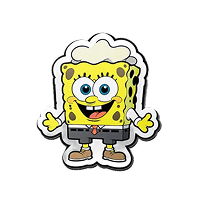
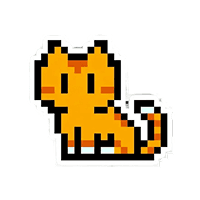
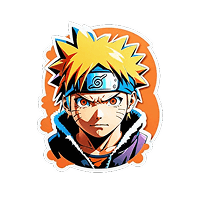
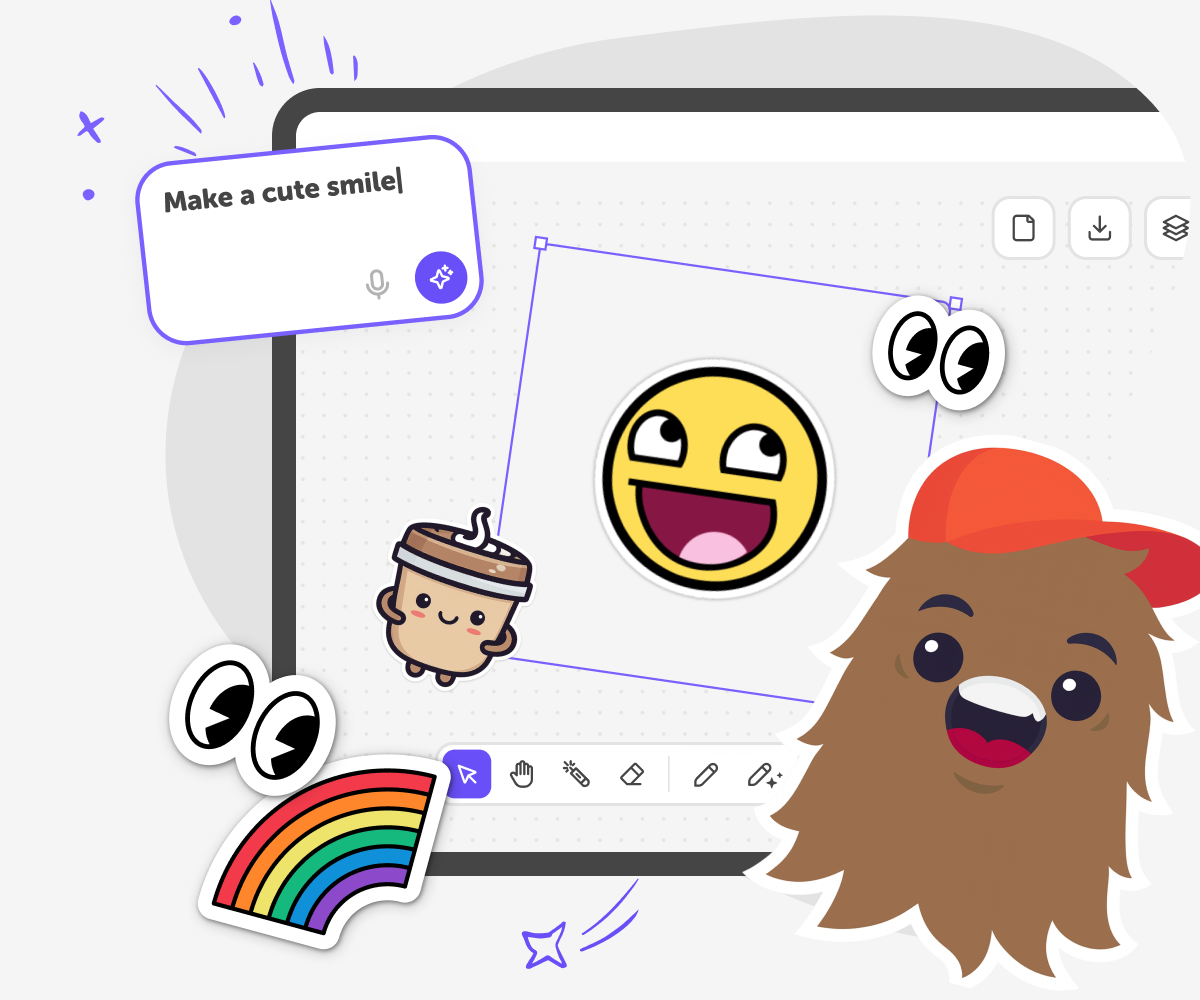
Why an AI Sticker Generator for kids?
When parents look for sticker makers online, they’re usually trying to give kids a fun way to express themselves creatively. Many sticker tools, however, are built for adults, packed with complex features, or rely on downloads and design skills that can feel frustrating for younger users. The AI Sticker Generator by DIY.org is designed to solve this problem simply. It lets kids turn ideas into stickers instantly using AI, without needing design experience or software. Everything runs directly in the browser, so kids can start creating straight away using prompts, drawings, or simple ideas. The AI Sticker Generator isn’t just about making stickers. It’s a gateway into creative thinking, visual storytelling, and digital expression. Stickers can be used in drawings, comics, projects, and shared creations across DIY.org.
The AI Sticker Generator by DIY.org is built around how kids naturally create. Instead of complicated design controls, it focuses on simple prompts, playful experimentation, and instant results. Kids can generate characters, objects, expressions, and fun visuals in seconds, keeping creativity flowing without interruption. Unlike traditional sticker apps or design tools, this experience is fast, approachable, and forgiving. Kids can try ideas freely, regenerate stickers, and explore styles without worrying about getting things “wrong.” It turns imagination into visual creativity in a way that feels intuitive and rewarding.
How to use the AI Sticker Generator for kids
Step 1 - Choose a style and write a prompt
Pick a sticker style from the field at the top of the page, then type a short prompt describing what you want to make. The AI generates a sticker instantly based on your idea.
Step 2 - Refine your sticker until it feels right
Change your prompt to adjust the result, or draw directly on top of the sticker to edit details. Keep experimenting until you’re happy with how it looks.
Step 3 - Download and use your sticker
Download your finished sticker to use digitally in projects or messages, or print it out to use offline.
Step 4 - Make the most of our AI sticker generator for kids
Try different styles Switch styles to see how the same idea looks in different ways. Keep prompts simple Short, clear prompts often work best. Start simple, then add details if you want to refine the sticker. Edit by drawing on top Use drawing tools to add faces, colours, or small details. Mixing AI and drawing makes stickers feel more personal. Regenerate and compare Generate a few versions of the same idea and choose your favourite. Creativity often improves with a few tries.
What is AI sticker generation for kids, and how does it support creativity?
How is an AI sticker generator different from other AI art tools for kids?
Is AI sticker generation safe for kids to use creatively?
How does AI sticker generation help kids learn and express creativity?
Frequently Asked Questions
Why 500,000 families trust DIY

Martin
Dad to 2 DIYers
My son loves DIY! He always finds fun projects to do, and we enjoy making things together. It’s a great way to learn, create, and have fun at the same time!

Pearl
DIYer from USA
DIY is such a great app with really sweet people and moderators who always make sure this app is super safe. You can learn to create things or learn drawing techniques - honestly there is so much to do.

Elaine W.
Middle school teacher
I love logging onto DIY every day - not just for projects but to also look at the comments my kids share about each other's work. It's a brilliant way to foster healthy support systems!

Jenn L.
Mom to 3 DIYers
We absolutely love the DIY platform and its endless river of creative adventures and projects! We always have the best time together participating, learning and creating!
