Sign Language for Kids | Learn & Translate with KidsGPT

Learn the basics of sign language for kids using KidsGPT to practice the alphabet, translate words, and make signing fun and age-appropriate.
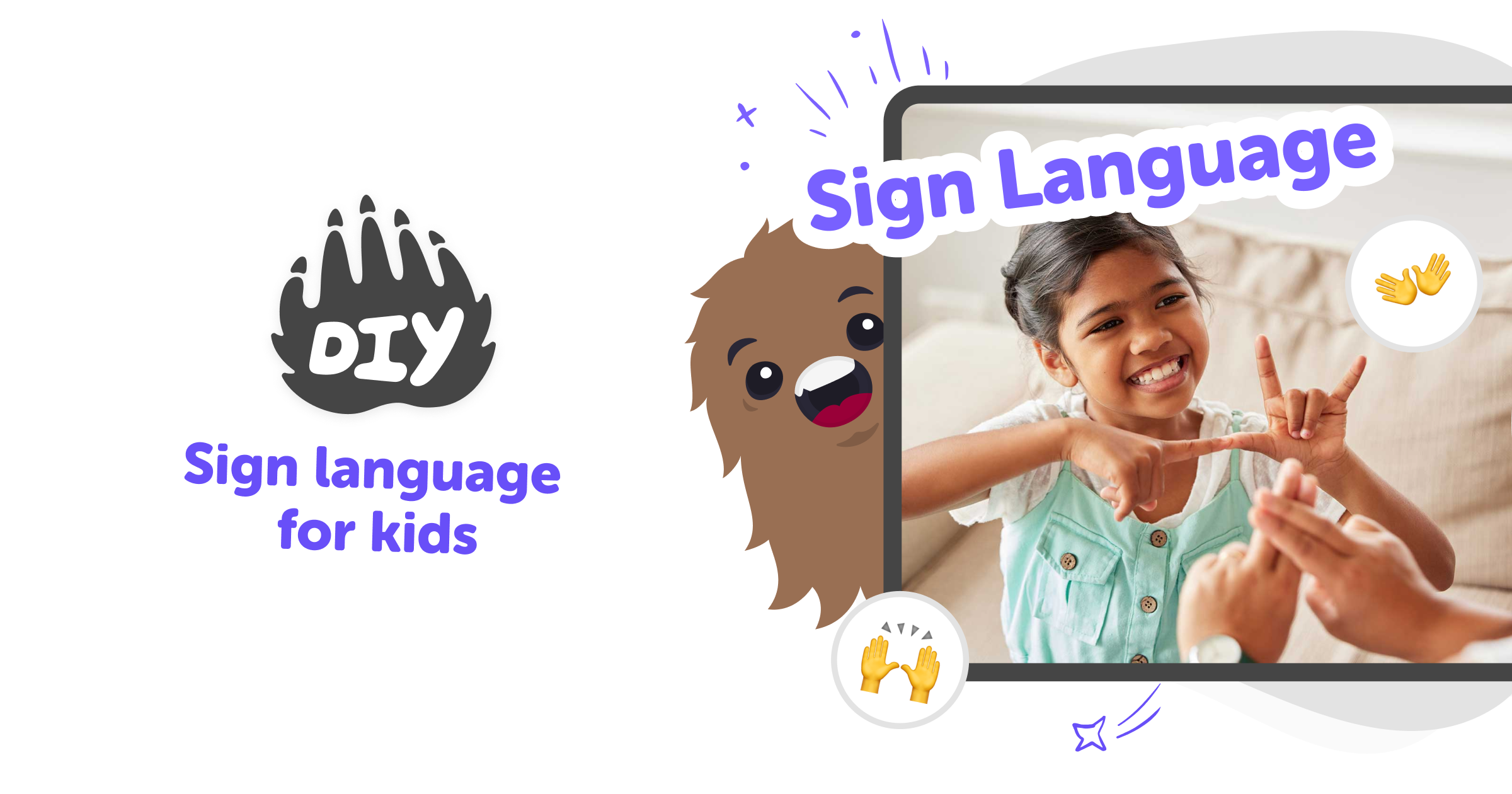
Sign Language for Kids | Learn & Translate with KidsGPT hero

What Is Sign Language for Kids?

Sign language for kids teaches visual communication using handshapes, movement, and facial expressions. It includes finger-spelling and everyday signs like eat, play, and help. Learning signing gives children another way to share ideas, supports early communication, and helps include friends who use sign language. Kids learn signing best through short games, songs, and practice routines that feel like play. Early signing builds attention to visual cues, fine motor skills, and empathy. Parents and teachers can combine signing with reading and play to explore language together.

KidsGPT is a kid-safe assistant that helps children learn signing with clear, friendly text. Ask KidsGPT for the sign language alphabet, letter-by-letter handshape descriptions, or a simple translation of a short English word. It doesn’t give images or claim authority; it guides kids step-by-step and suggests short practice activities and games. Because KidsGPT only uses text and is made for kids, parents can review prompts and practise together. Ask KidsGPT to translate sign language for kids into easy drills, song ideas, or short scripts. Sharing is optional and moderated on DIY.org so families remain in control.

Learn Sign Language with KidsGPT

Step 1 - Ask KidsGPT about the alphabet

Type a clear question like "How do I sign A?" Ask KidsGPT to show finger spelling and explain handshapes step by step for practice.

Step 2 - Translate words and phrases

Enter an English word or short phrase. Ask KidsGPT how you'd sign it and get simple, age-appropriate descriptions to practice.

Step 3 - Practice with fingerspelling

Request the sign language alphabet as single letters. KidsGPT gives letter-by-letter descriptions so kids can copy handshapes and build spelling skills.

Step 4 - Make the most of Sign Language

Try small goals Start with a few letters or signs and practise short words until they feel natural. Use role play Ask KidsGPT for mini scripts to sign with a friend or family member to build memory and confidence. Iterate and record Practice, then ask KidsGPT for feedback prompts and make private videos to watch your progress. Share safely Only post with guardian permission and use DIY.org's moderated sharing tools for friendly, supervised feedback.

What is sign language for kids?

Sign language for kids is a way children learn to communicate using handshapes, movements, and facial expressions. It can include finger-spelling the alphabet and learning common signs for everyday words like eat, play, and thank you. Teaching sign language for kids helps them express ideas when spoken language is limited or to include friends who are deaf or hard of hearing. On DIY.org, KidsGPT guides children step-by-step: it explains handshapes in simple words, shows letter-by-letter fingerspelling instructions, and suggests short practice activities so kids can try signing safely and confidently.

How does learning sign language help kids?

Learning sign language helps kids develop communication, concentration, and fine motor skills. It teaches children to pay attention to visual details like handshape and movement, which supports reading readiness and expressive language. Sign language also builds empathy and inclusion by giving kids tools to communicate with peers who use signing. Using KidsGPT, children can turn learning into playful practice — asking for mini games, stories to sign, or labeling activities that mix fingerspelling and gestures. These simple exercises encourage repetition and confidence without pressure, helping kids practice at their own pace while adults supervise and celebrate progress.

Is learning sign language safe for kids?

Yes. Learning and practising sign language is safe when guided by age-appropriate tools and adults. KidsGPT is designed specifically for children, so its explanations are written at the right reading level and avoid confusing or unsafe content. It only outputs text instructions for handshapes and finger-spelling, not images or video, so parents can easily review guidance. When kids use KidsGPT to learn signs, parents can stay involved by reading prompts together, checking handshapes, and creating supervised practice sessions. Sharing signed work on DIY.org is optional and moderated, keeping the whole experience safe and supportive.

Can kids translate and practice signs with KidsGPT?

Absolutely. Kids can use KidsGPT to translate short English words and phrases into simple sign descriptions they can practise. Ask KidsGPT to spell a word letter-by-letter, describe each handshape, or suggest a short signed sentence and a practice routine. Because KidsGPT only provides text guidance, it helps kids learn the steps of signing and build their own muscle memory through repetition. Kids can then make games, flashcards, or signing stories using those descriptions. Parents can encourage creativity by turning translated signs into songs, role-play, or private video practice sessions regularly.

Frequently Asked Questions

What age is Sign Language for Kids for?

Do kids need a teacher to learn?

Can KidsGPT translate sign language?

Does KidsGPT show videos or images?

Can kids practice the alphabet?

Is sharing signed work safe?

Do kids need an account to save progress?

Are there different sign languages?

Why 500,000 families trust DIY

User Avatar

Martin

Dad to 2 DIYers

My son loves DIY! He always finds fun projects to do, and we enjoy making things together. It’s a great way to learn, create, and have fun at the same time!

User Avatar

Pearl

DIYer from USA

DIY is such a great app with really sweet people and moderators who always make sure this app is super safe. You can learn to create things or learn drawing techniques - honestly there is so much to do.

User Avatar

Elaine W.

Middle school teacher

I love logging onto DIY every day - not just for projects but to also look at the comments my kids share about each other's work. It's a brilliant way to foster healthy support systems!

User Avatar

Jenn L.

Mom to 3 DIYers

We absolutely love the DIY platform and its endless river of creative adventures and projects! We always have the best time together participating, learning and creating!

Ready to create?

Drop Files here
Make

To create a safe space for kid creators worldwide!

Create

Vibe Coding

ChatDino

All Tools

Kibu

Resources

Worksheets

SafeTube

Blog

FAQ

Account

Pricing

Log-in

Sign-up

Data Deletion

Company

About

Community Guidelines

Privacy Policy

Terms of Service

2025, URSOR LIMITED. All rights reserved. DIY is in no way affiliated with Minecraft™, Mojang, Microsoft, Roblox™ or YouTube. LEGO® is a trademark of the LEGO® Group which does not sponsor, endorse or authorize this website or event. Made with love in San Francisco.
