Binary Code Translator for Kids | Learn Binary with KidsGPT
Use KidsGPT to learn binary code, translate text to binary and back, and explore binary for kids with guided, kid-safe explanations and activities.
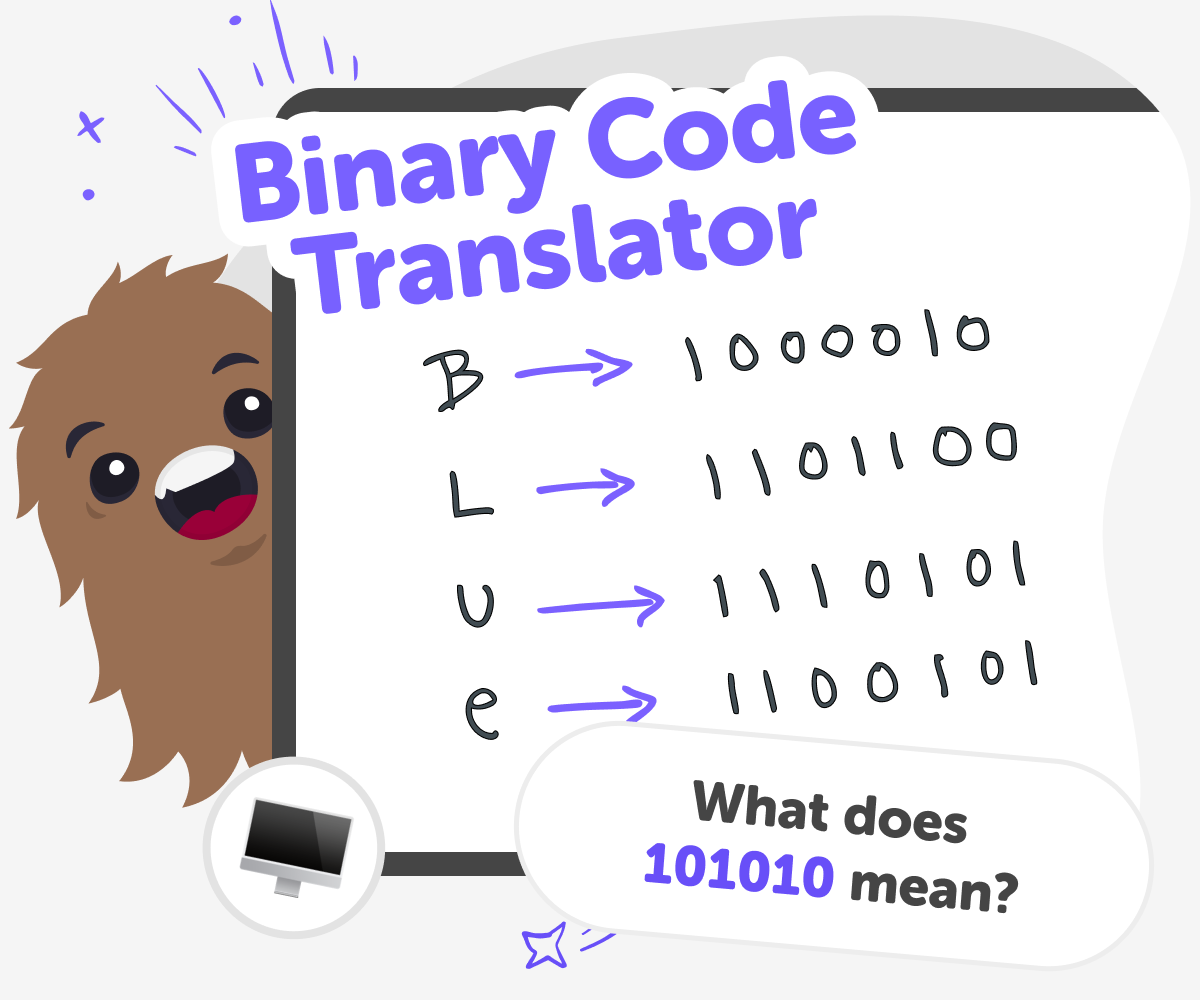
What Is a Binary Code Translator?
A binary code translator is a simple tool that turns letters and numbers into binary — the series of 0s and 1s computers use. It exists so learners can see how everyday words are stored and read by machines. Seeing text as binary helps demystify computers and makes an abstract idea feel practical and hands-on. For kids, this transforms something technical into a puzzle they can explore. Because it's like a code-breaking game, kids enjoy translating messages and creating secret notes. "Binary for kids" activities teach patterns, counting, and logical thinking while keeping learning playful and creative.
Kids can use KidsGPT on DIY.org to learn binary step by step. Ask simple prompts such as 'what is binary', 'how do I count in binary', or 'translate hello into binary', and KidsGPT will explain in kid-friendly language. Rather than giving one final answer, it shows the conversion steps so children understand how 0s and 1s map to letters. Because KidsGPT only outputs text and always acts as a helper, children practise converting messages, writing binary strings, and checking translations themselves. Parents and educators can feel confident the explanations are age-appropriate and supportive, making learning an active, hands-on process rather than passive copying.
Use KidsGPT to Translate Binary Code
Step 1 - Ask KidsGPT for an Explanation
Start by asking KidsGPT 'what is binary?' or 'how does binary counting work?' and read its kid-friendly, step-by-step explanation.
Step 2 - Translate English to Binary
Type a short English word or sentence and ask KidsGPT to convert it to binary; it will show each letter's binary code and steps.
Step 3 - Translate Binary to English
Copy a simple binary string into KidsGPT and ask 'what does this say?'; the assistant will decode it and explain each character.
Step 4 - Make the most of Binary Code
Try different messages Translate names, short sentences, and number sequences to see how patterns change between letters and digits. Practice counting in binary Use KidsGPT to show binary counting from 0 to 15 and watch how place values shift as numbers grow. Make secret notes Write simple messages in binary and swap them with friends; decoding is a fun puzzle that builds logic skills. Share safely If you choose to share projects, use DIY.org’s kid-safe posting tools so parents and moderators can help.
What is a binary code translator?
How does learning binary help kids?
Is KidsGPT safe for learning binary?
Can kids make secret messages with binary?
Frequently Asked Questions
Why 500,000 families trust DIY

Martin
Dad to 2 DIYers
My son loves DIY! He always finds fun projects to do, and we enjoy making things together. It’s a great way to learn, create, and have fun at the same time!

Pearl
DIYer from USA
DIY is such a great app with really sweet people and moderators who always make sure this app is super safe. You can learn to create things or learn drawing techniques - honestly there is so much to do.

Elaine W.
Middle school teacher
I love logging onto DIY every day - not just for projects but to also look at the comments my kids share about each other's work. It's a brilliant way to foster healthy support systems!

Jenn L.
Mom to 3 DIYers
We absolutely love the DIY platform and its endless river of creative adventures and projects! We always have the best time together participating, learning and creating!
