Tell A Story With a Stop Motion Movie
Create a short stop-motion movie using toys, clay, or paper puppets; plan scenes, take frame-by-frame photos, and add simple sound effects.
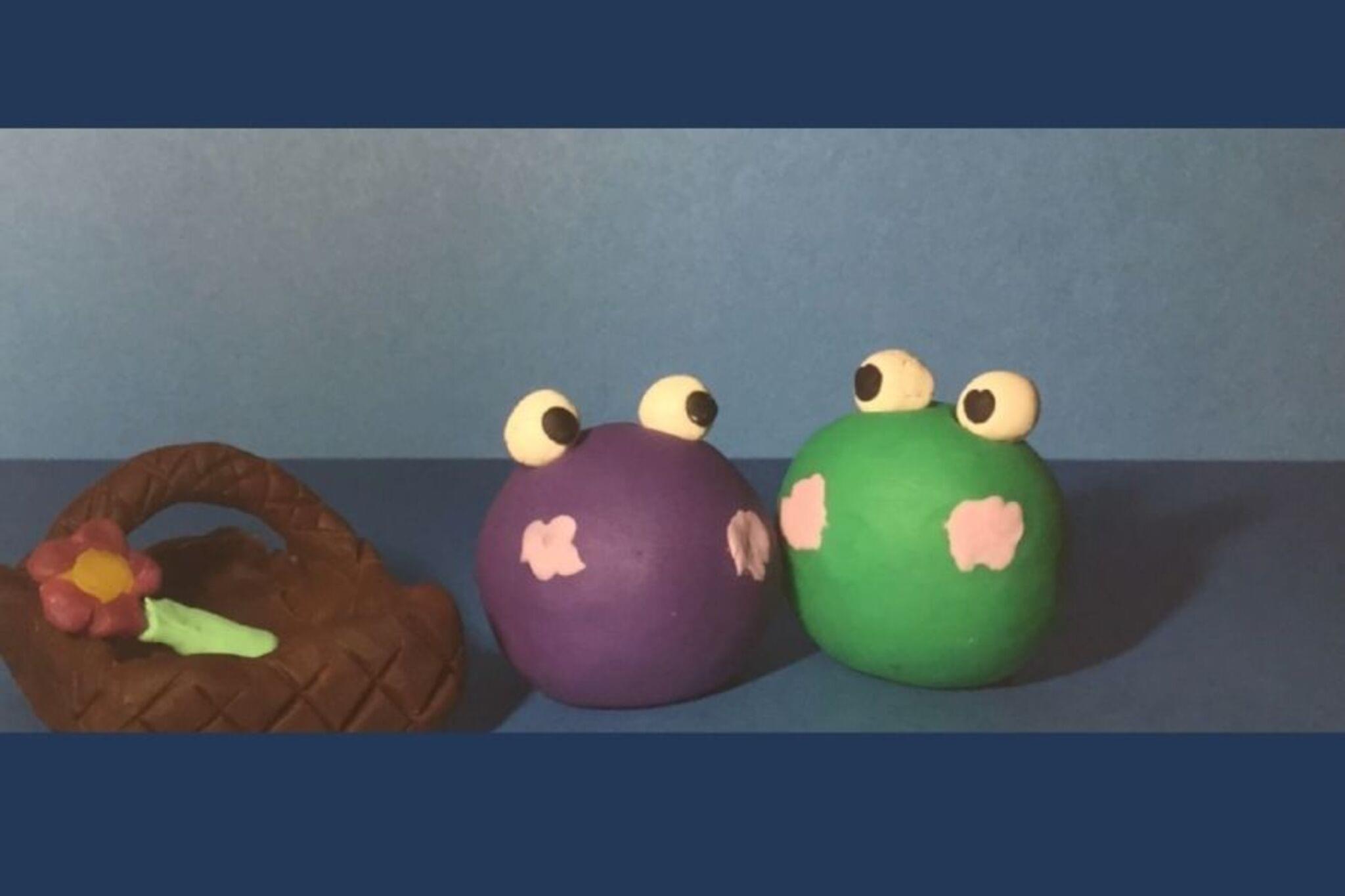
About this activity
Create a short stop-motion movie using toys, clay, or paper puppets; plan scenes, take frame-by-frame photos, and add simple sound effects.
What you need
Step by step
- 1
Step 1
Pick a short fun story idea in one sentence that you can tell in under a minute.
- 2
Step 2
Choose which characters you will use and what they will be made of like toys clay or paper.
- 3
Step 3
Create each character from your chosen material.
- 4
Step 4
Decorate your characters with colouring materials to give them faces clothes or costumes.
- 5
Step 5
Make a simple background or stage on a piece of cardboard or large paper.
- 6
Step 6
Add one or two small props to your stage using tape or glue.
- 7
Step 7
Put the stage on a stable flat surface where it won't move.
- 8
Step 8
Place your lamp or set up steady natural light so the stage is bright and even.
- 9
Step 9
Steady your camera or phone on the books or box and point it at the stage so everything fits in the frame.
- 10
Step 10
Draw a simple storyboard with 3 to 6 boxes and write one short sentence for what happens in each box.
- 11
Step 11
Position your characters for the first storyboard box inside the camera frame.
- 12
Step 12
Take one photo of the starting pose for that scene.
- 13
Step 13
Move your characters a tiny bit then take another photo and repeat this until the scene plays out smoothly.
- 14
Step 14
Repeat Steps 11 to 13 for each storyboard box then use a stop-motion app to import the photos add simple sound effects and export your movie.
- 15
Step 15
Share your finished stop-motion movie on DIY.org
Fun facts
How do I tell a story with a stop-motion movie using toys or puppets?
Start by writing a simple three-part story (beginning, middle, end) and sketch a quick storyboard. Build a stable set and position toys, clay figures, or paper puppets. Use consistent lighting and a phone or camera on a tripod. Move characters a tiny bit between each photo and capture many frames (aim for 10–15 photos per second of footage). Import images into a stop‑motion app, set frame rate, add simple sound effects or voiceover, then export and share.
What materials do I need to make a short stop-motion movie at home?
Basic materials: small toys, clay, paper puppets, or LEGO; a stable background or small set; plain cardstock or fabric for backdrops; a smartphone or camera and tripod; good lighting (desk lamps or daylight); adhesive putty and tweezers for stability; free stop‑motion app or video editor; and optional props, craft supplies, and a simple microphone for better sound.
What ages is making a stop-motion movie suitable for?
The activity suits ages about 4–5 and up with adult help; preschoolers can join simple scene staging and voiceovers. Ages 7–10 can plan short plots, operate devices with supervision, and animate basic movements. Tweens and teens can do independent storyboarding, editing, and sound design. Adjust complexity, camera handling, and safety (scissors, small parts) to each child's motor skills and attention span.
What are some fun variations to try with a stop-motion movie?
Try claymation for squishy characters, paper‑cut silhouette scenes for shadow storytelling, or LEGO stop‑motion for precise builds. Use time‑lapse for growing plants, or combine live‑action with animated miniatures. Add green‑screen backdrops to change locations, experiment with different frame rates for choppy or smooth motion, or create a flipbook-style short. For teamwork, assign roles (director, animator, sound) so kids learn collaboration and planning.
Watch & Learn
Need help?
What can we use if we don't have clay or toys to make the characters?
If you don't have clay or toys you can fold, color, and tape paper figures or use small socks and stuffed animals as characters to complete Step 3 and then decorate them with the colouring materials in Step 4.
My photos are blurry or the animation jumps—how do we fix that?
To stop blur or jumping, follow Step 9 by steadying your camera with more books or a box (or a cheap tripod), secure the stage from Step 7 with tape so it won't move, and make tinier movements between photos as described in Steps 11–13.
How can I adapt the project for younger or older children?
For younger kids, reduce the storyboard to 3 large boxes, use bigger toys and simpler props from Step 6 so moves are easy to make, and let an adult steady the camera in Step 9, while older kids can create 6 storyboard boxes, detailed cardboard backgrounds in Step 5, and import more frames in the stop-motion app in Step 14 for smoother motion.
What are some ways to extend or personalize our stop-motion movie?
You can personalize and extend the activity by painting layered backgrounds on the cardboard stage from Step 5, adding original sound effects and a voiceover in the stop-motion app during Step 14, and creating opening titles and credits before sharing on DIY.org.