Take a close-up photo of your pet
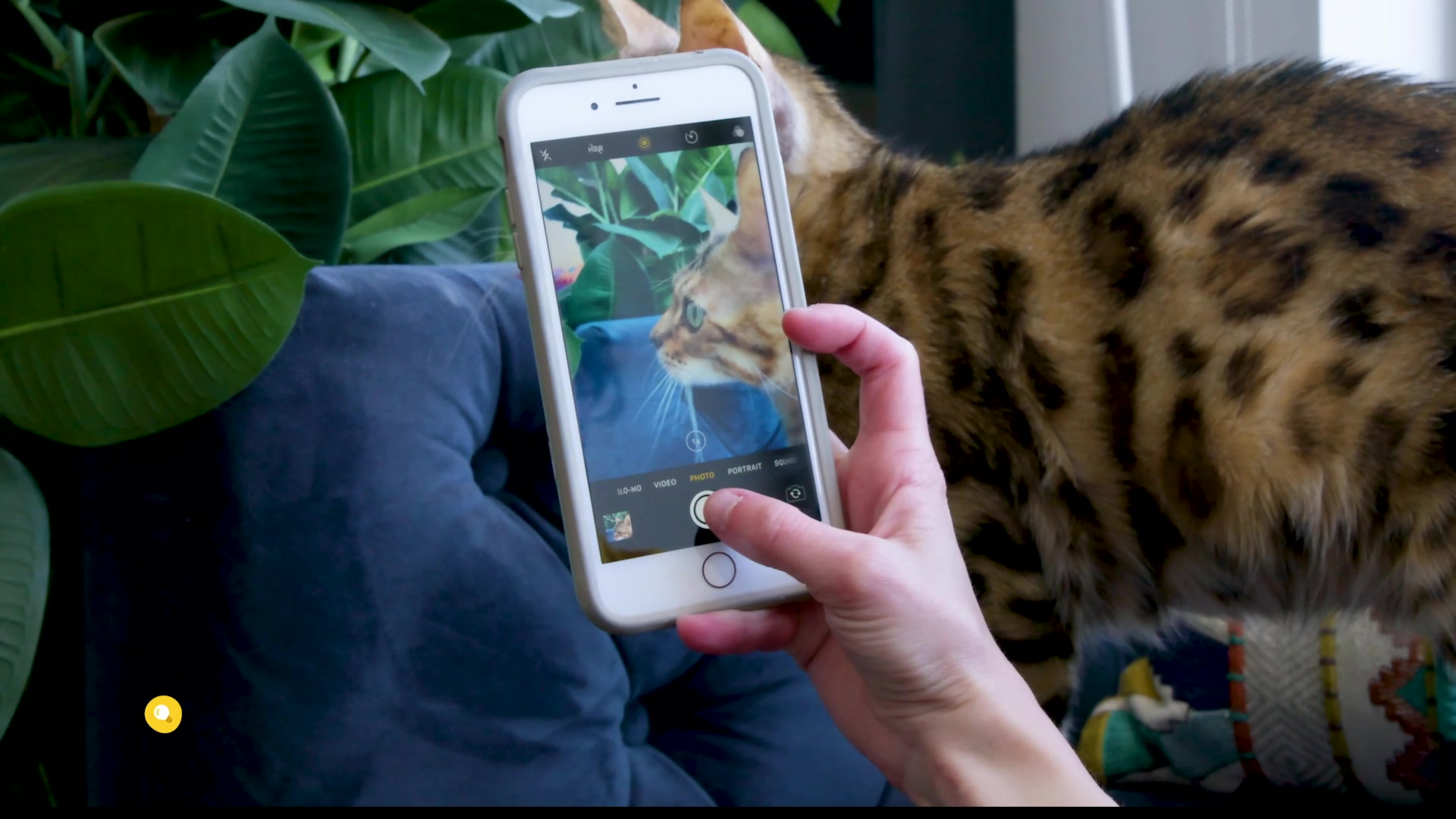
Take close-up photos of your pet using a phone or camera, exploring lighting, focus, and patience to capture detailed features and expressions.
About this activity
Take close-up photos of your pet using a phone or camera, exploring lighting, focus, and patience to capture detailed features and expressions.
What you need
Step by step
- 1
Step 1
Choose a quiet spot with soft natural light near a window and move away from direct sunlight.
- 2
Step 2
Spread the plain towel or blanket on the floor or a chair to make a simple background.
- 3
Step 3
Put the treats or your pet’s favorite toy within easy reach but not right in front of your pet.
- 4
Step 4
Sit or kneel so your eyes are level with your pet’s face.
- 5
Step 5
Open the camera app on your device.
- 6
Step 6
Switch the camera to photo mode and select portrait or close-up if that option appears.
- 7
Step 7
Slowly move the camera closer until your pet’s face fills most of the frame without startling them.
- 8
Step 8
Tap the screen or press the focus button to lock focus on your pet’s nearest eye.
- 9
Step 9
Softly call your pet’s name or make a gentle sound to get their attention toward the camera.
- 10
Step 10
Take a burst of photos or several quick photos in a row to capture different expressions.
- 11
Step 11
Look through the photos and pick the clearest close-up that shows your pet’s eyes and details.
- 12
Step 12
Share your favorite close-up photo and a short note about how you took it on DIY.org.
Fun facts
How do I teach my child to take close-up photos of our pet?
To teach your child, start by choosing a calm pet and a quiet room with soft natural light. Bring the camera to the pet’s eye level, enable macro/portrait mode if available, and have the child tap the screen to focus on the eyes. Use treats or toys to get expressions, take many shots, keep sessions short to avoid stressing the animal, and praise both child and pet. Show photos and pick favorites together.
What materials do I need to take close-up pet photos at home?
You’ll need a phone or camera with a close-focus or portrait setting, plus a few extras: small treats or a favorite toy to gain attention, a comfy blanket or mat to position the pet, a lens cloth to keep the lens clean, and optional items like a phone tripod or bumper for steadiness. Choose a bright area with natural light and supervise device handling. Patience and time are the most important materials.
What ages is this close-up pet photography activity suitable for?
This activity suits a wide range: supervised toddlers (ages 3–5) can press buttons and giggle while a caregiver controls the camera. Ages 6–8 can follow simple instructions, frame shots, and use treats safely. Ages 9–12 become more independent with focus and composition, and teens can experiment with manual settings and editing. Always supervise interactions to protect the pet and device, and keep sessions short to avoid stress.
What are the benefits of doing close-up pet photography with kids?
Close-up pet photography builds observation, patience, and fine motor skills as kids learn focus and steady handling. It encourages empathy and gentle behavior toward animals, sparks creativity with framing and light, and introduces basic camera and editing skills. Sharing photos boosts confidence and creates keepsakes. Always include safety reminders: supervise near animals, avoid sudden movements, and stop if the pet shows stress to keep the experience positive for both child and pet.
Watch & Learn
Need help?
What can we use if we don't have a plain towel, blanket, or a camera with portrait/close-up mode?
Use a plain sheet, poster board, or solid-colored pillowcase as the simple background and use regular photo mode while following the instruction to slowly move the camera closer to mimic portrait/close-up.
My pet keeps moving or the photos come out blurry—what should we try to fix that?
Tap the screen to lock focus on your pet's nearest eye, softly call their name or make a gentle sound while keeping treats or the toy within easy reach (but not right in front), and take a burst of photos as instructed to capture a clear close-up.
How can this activity be adapted for a toddler versus an older child?
For toddlers, have an adult set up the towel or blanket and gently hold the pet while the child sits at eye level and calls the pet's name, whereas older children can independently switch to portrait/close-up, move closer without startling the pet, and tap to lock focus on the eye.
How can we enhance or personalize the close-up photo before sharing it on DIY.org?
Try different plain background colors or small props on the towel, experiment with the soft window light and camera distance for varied expressions, lightly edit your favorite clear close-up, and include a short note about your setup when you share it on DIY.org.