Roblox & CapCut Editing w/ Jr. Mod AuetheticAlexis
Edit Roblox gameplay clips using CapCut with Jr. Mod AuetheticAlexis, learning cuts, transitions, text, and music to create a short highlight video.
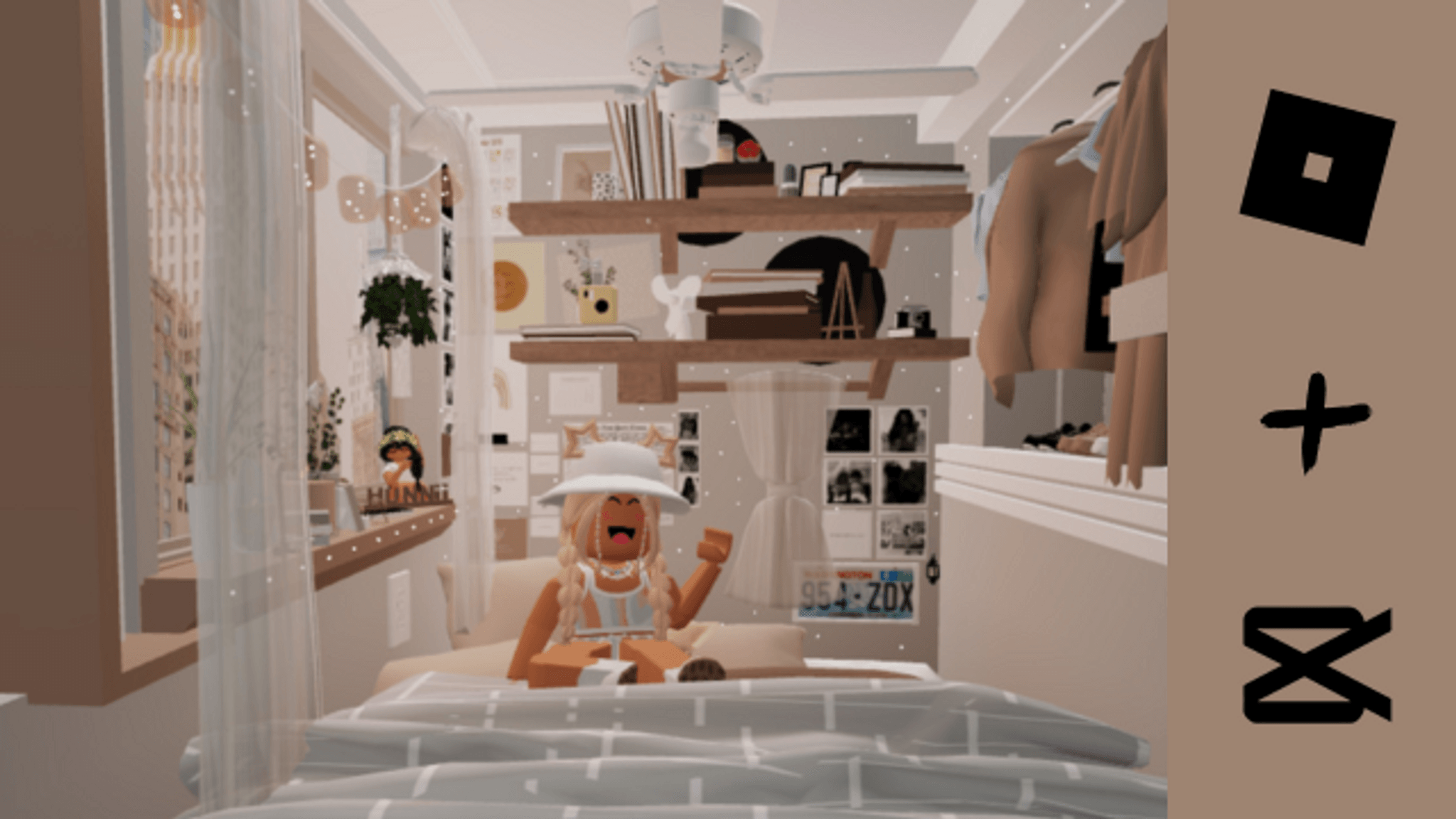
About this activity
Edit Roblox gameplay clips using CapCut with Jr. Mod AuetheticAlexis, learning cuts, transitions, text, and music to create a short highlight video.
What you need
Step by step
- 1
Step 1
Gather your CapCut app and choose 3 to 5 recorded Roblox clips you want to edit.
- 2
Step 2
Open CapCut and start a new project.
- 3
Step 3
Import your chosen Roblox clips into the project timeline.
- 4
Step 4
Put the clips in the order you want them to play by dragging them on the timeline.
- 5
Step 5
Trim each clip so only the most exciting 2 to 6 seconds remain.
- 6
Step 6
Add one transition between two clips to try a smooth change.
- 7
Step 7
Change the speed of one clip to make it slow motion or fast for drama.
- 8
Step 8
Add a title text at the very start of the video.
- 9
Step 9
Add one caption text during a big moment to explain what happened.
- 10
Step 10
Add a music track from CapCut or your files to the timeline.
- 11
Step 11
Move one clip cut so it lines up with a beat in the music using the audio waveform.
- 12
Step 12
Lower the music volume a little so the game sounds are still heard.
- 13
Step 13
Play the whole video from the start to check how it looks and sounds.
- 14
Step 14
Export the video at 1080p and save it to your device.
- 15
Step 15
Share your finished Roblox highlight video on DIY.org so everyone can see your edit.
Fun facts
How do I edit Roblox gameplay clips with CapCut alongside Jr. Mod AuetheticAlexis?
To edit Roblox gameplay clips with CapCut alongside Jr. Mod AuetheticAlexis, first record short gameplay highlights using your device’s screen recorder or Roblox’s recorder. Import clips into CapCut, arrange them on the timeline, trim and split to remove dead time, add transitions between shots, place text overlays for captions, choose and sync music, and use simple effects. Follow Jr. Mod Alexis’s step-by-step guidance and export a short highlight (15–60 seconds). Always preview with a parent b
What materials do I need to edit Roblox clips in CapCut with Jr. Mod AuetheticAlexis?
You’ll need a device (phone, tablet, or computer) with CapCut installed, recorded Roblox gameplay clips saved locally, a stable internet connection for app downloads and music, enough storage space, and headphones or speakers. Optional items: a microphone for voiceovers, a tripod or screen recorder app for steady footage, and basic photo/video permissions set by parents. Make sure Roblox and CapCut accounts follow parental controls and that a guardian approves any uploads.
What ages is Roblox and CapCut editing with Jr. Mod AuetheticAlexis suitable for?
This activity is best for kids aged about 8–16. Children 8–10 can learn basic cuts, transitions, and text with close adult help; ages 11–13 handle more complex timelines and music syncing; teens 14–16 can create polished highlights and learn sharing settings. Adjust tasks to each child’s reading and fine-motor skills, and parents should supervise account settings, online interactions, and any public sharing or commenting.
What safety tips should parents follow when kids edit and share Roblox highlight videos?
Safety first: never include real names, addresses, school info, or other personal details in clips or captions. Use private or friends-only sharing, review the final video with a parent, and check Roblox and CapCut community guidelines and music licensing rules. Turn on parental controls, limit in-game chats when recording, and avoid showing identifiable surroundings. Teach children how to respond to negative comments and report inappropriate content immediately.
Watch & Learn
Need help?
What can I use if I don't have CapCut or saved Roblox clips?
If you don't have CapCut, use a free editor like VN or InShot to import your Roblox screen recordings, and if you don't have clips record 3–5 short Roblox replays or use your device's screen recorder before importing.
My clip won't line up with the music beat when I move a cut using the audio waveform — what should I try?
Zoom in on the CapCut timeline, enable frame-snapping (or nudge the clip by single frames), and re-trim the adjacent clips so the moved cut matches the music waveform and your transition still looks smooth.
How can I adapt this editing activity for different ages?
For younger kids do a simplified version: pick 1–2 Roblox clips, trim to one exciting 2–3 second moment, add a title and a preset track, while older kids can add multiple transitions, speed changes, captions, precise beat-syncing, and export at 1080p for sharing.
How can I make my Roblox highlight video more unique or advanced?
Personalize it by adding a custom thumbnail and voiceover, use color filters or split-screen clips in CapCut, fine-tune music volume so game sounds remain, and include an end screen before exporting at 1080p to share on DIY.org.