Recreate a Cat Meme in Minecraft
Choose a cat meme image and recreate it in Minecraft using blocks or pixel art; build, add details, and capture a screenshot.
About this tutorial
Choose a cat meme image and recreate it in Minecraft using blocks or pixel art; build, add details, and capture a screenshot.
What you need
Step by step
- 1
Step 1
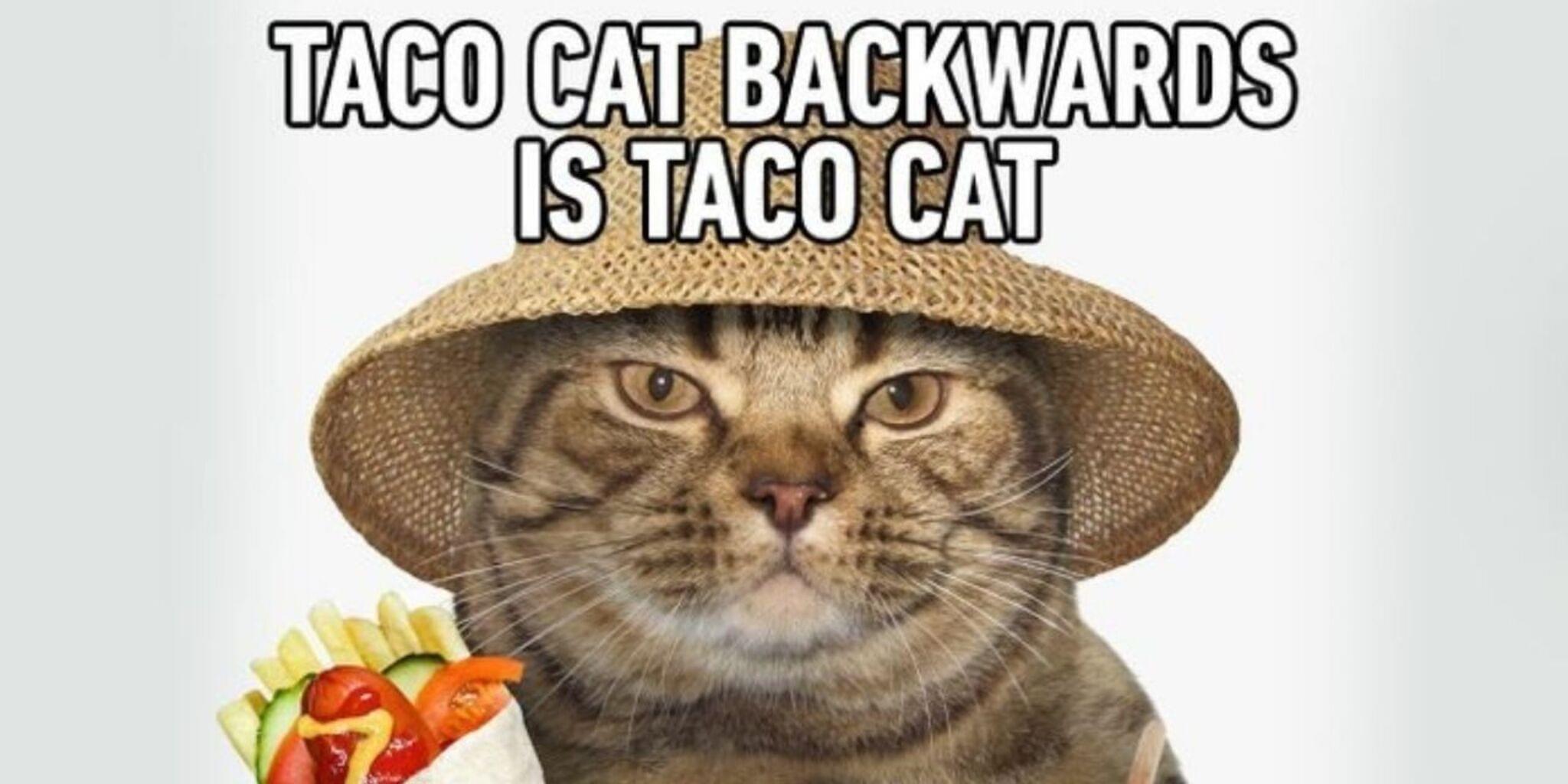
Pick one cat meme image you want to recreate and open it on another screen or print it out.
- 2
Step 2
Look closely at the image and choose the main colors you will need to match.
- 3
Step 3
Decide how many pixels wide and tall your pixel art will be (for example 32x32 or 16x16).
- 4
Step 4
Start Minecraft and create or load a Creative world with a flat area to build on.
- 5
Step 5
Find a clear flat spot and remove any blocks so you have an empty space for your grid.
- 6
Step 6
Mark a grid outline on the ground using one temporary block type to match the width and height you chose.
- 7
Step 7
Select block types in your hotbar that best match each color from your reference image.
- 8
Step 8
Fill the grid row by row with the matching blocks from your palette to build the pixel art.
- 9
Step 9
Add darker blocks to create outlines and facial details on the cat.
- 10
Step 10
Build any background color or block-letter text from the meme if it is part of your design.
- 11
Step 11
Step back and view your pixel art from a distance to compare it with the reference image.
- 12
Step 12
Fix any pixels that look off so the colors and shapes match the meme better.
- 13
Step 13
Take a clear screenshot in Minecraft of your finished cat meme pixel art.
- 14
Step 14
Share your finished cat meme creation and screenshot on DIY.org
Fun facts
How do you recreate a cat meme in Minecraft?
Start by picking a clear cat meme image and open it next to Minecraft. Decide pixel size—larger scales show more detail. In a Creative flat world lay out a color grid or build block-by-block pixel art. Place blocks following the image, add shading, facial features, and background details. Use in-game lighting and decorations to improve the look, then use your device or Minecraft's screenshot function to capture the finished meme.
What materials do I need to recreate a cat meme in Minecraft?
You need a device with Minecraft (Java or Bedrock) and a Creative world, a saved cat meme image for reference, and a palette of colored blocks (concrete, wool, terracotta). Optional tools: WorldEdit or a pixel-art planner, a drawing or grid app, keyboard/mouse or controller, and a screenshot tool. Paper sketches help plan scale. Parental access may be needed for accounts or downloads.
What ages is recreating a cat meme in Minecraft suitable for?
This is great for children about 7 and up who can manage Minecraft controls and follow a visual reference. Younger kids (4–6) can participate with large-scale, simplified builds and adult help. Teens and older kids can handle finer detail and building tools. Always adapt complexity to the child's patience and motor skills, and supervise accounts, online play, and in-game purchases for safety.
What are the benefits, safety tips, or variations for this activity?
Benefits include spatial reasoning, color recognition, planning, patience, and creative expression through pixel art. For safety, use private or offline Creative worlds, set screen-time limits, and supervise downloads or server play. Variations: build a 3D statue instead of flat pixel art, create animated frames to export as GIFs, or hold a family meme-creation contest to compare screenshots and vote on favorite builds.
Watch & Learn
Need help?
What can we use if we don't have a second screen, printer, or the exact block colors?
Open the cat meme image on a phone or tablet beside your computer (or use Alt+Tab/split-screen) and substitute hard-to-find colors with dyed wool, concrete, terracotta, carpets, or banners placed into your hotbar to match tones.
What should we do if the pixel art looks crooked or the colors look wrong while filling the grid?
Use the temporary block outline you marked on the ground to re-count columns and rows, place a different temporary block every ten blocks as a counting marker, and swap any misplaced or wrong-colored blocks in your hotbar row by row to fix alignment and color.
How can this activity be adapted for younger children or older kids?
For younger kids pick a simple 16x16 grid, pre-select a small hotbar palette and let an adult mark the grid, while older kids can choose 32x32 or 64x64, add darker blocks for outlines and facial details, and include background or block-letter text per the instructions.
How can we extend or personalize the cat meme beyond the basic pixel art?
Add the meme's background color or block-letter text as in step 9, introduce shading with darker blocks for facial details, create simple Redstone animations or lighting effects, then take a clear screenshot and share the finished cat meme on DIY.org.