#PhotoFestival21 - Day 4 : Patterns
Find and photograph repeating patterns around your home or neighborhood, then make a mini photo collage to explore shapes, symmetry, and colors.


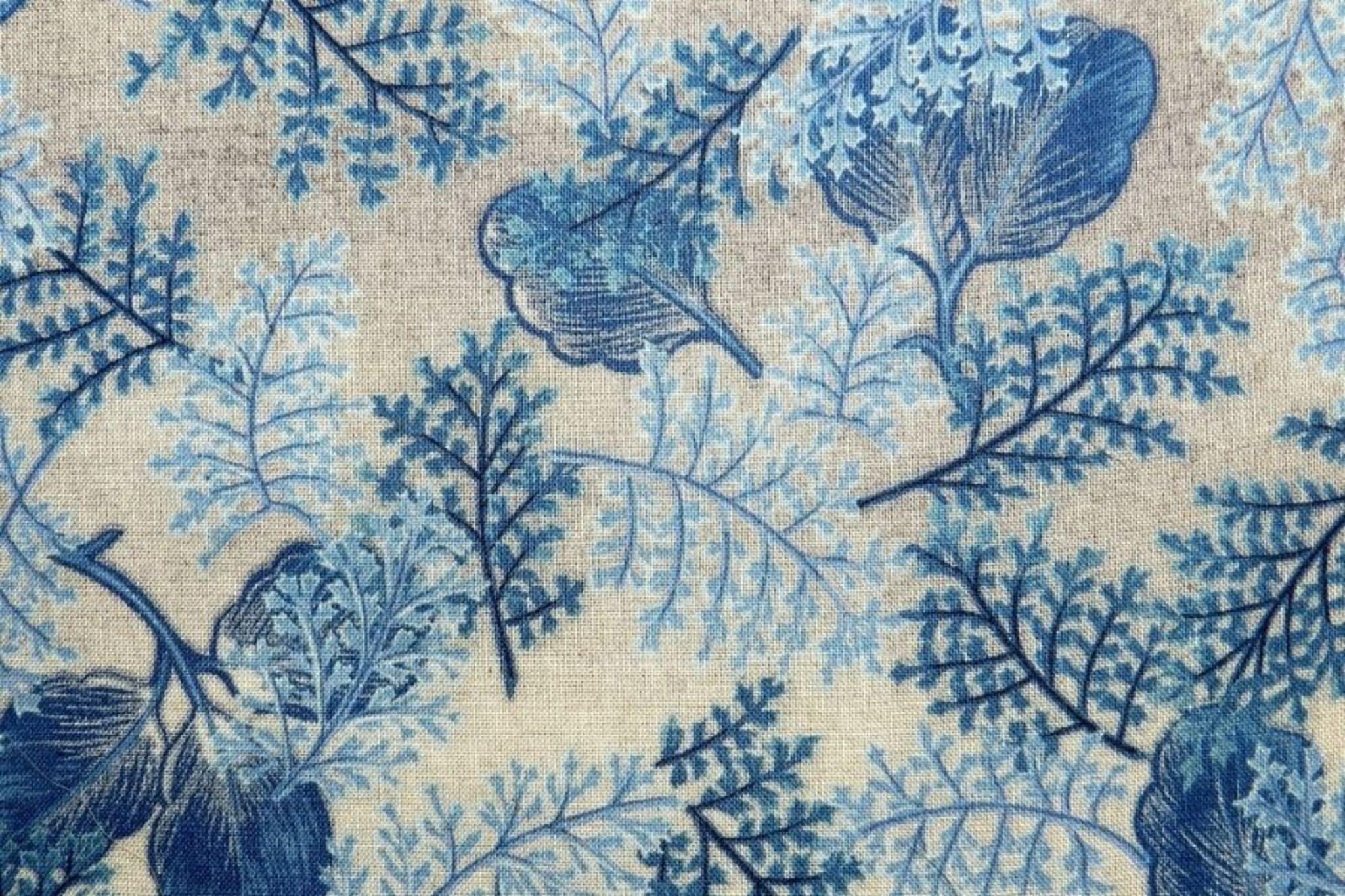

Step-by-step guide to find and photograph repeating patterns and make a mini photo collage
Photosynthesis 🌷 | What is photosynthesis? | Step-by-step process
Step 1
Go on a pattern hunt around your home or neighborhood and look for repeating designs like tiles bricks leaves fences or fabric.
Step 2
Take close-up photos of at least eight different repeating patterns using a camera or phone.
Step 3
Look through your photos and pick your favorite six that show interesting shapes symmetry or bold colors.
Step 4
Choose whether you will make a physical collage with printed photos or a digital collage on the computer.
Step 5
If you chose a physical collage ask an adult to help you print your six chosen photos.
Step 6
Cut each printed photo into equal-size squares or rectangles using scissors and the ruler if you want straight edges.
Step 7
Arrange the cut photos on plain paper and move them around until the shapes symmetry and color combos look exciting to you.
Step 8
Glue the photos down one at a time when your layout feels just right.
Step 9
Use coloring materials to add borders mirror lines or color accents that highlight shapes and symmetry.
Step 10
If you chose a digital collage open a collage app or a blank document on the computer.
Step 11
Import your six photos into the app or document and resize them so they fit together like tiles or mirrored halves.
Step 12
Arrange the photos on the screen until the shapes symmetry and colors create a design you love.
Step 13
Save or export your digital collage file.
Step 14
If you made a physical collage ask an adult to help you take a clear photo of your finished paper collage.
Step 15
Share your finished creation on DIY.org.
Help!?
What can we use if we don't have a printer, scissors, ruler, or glue for the physical collage?
If you don't have a printer, scissors, ruler, or glue, skip the physical version and make a digital collage on your camera/phone or tablet using a collage app, or print photos at a library/store and use tape and a hardcover book as a straight edge for cutting.
My photos don't show clear repeating patterns or my cut photos aren't even—how can we fix that?
Retake tighter close-up photos with your camera/phone to capture repeating designs, then use a ruler and steady scissors to cut equal-size squares or rectangles and press each glued photo under a heavy book to prevent shifting while it dries.
How can we adapt the activity for different ages or skill levels?
For younger kids, limit the hunt to four easy patterns and use pre-cut photo squares with adult help for printing and cutting, while older kids can make complex digital collages by resizing photos into mirrored halves and tweaking colors in a collage app.
What are some ways to extend or personalize the finished collage?
Enhance your collage by adding hand-drawn borders or mirror lines with markers, gluing in fabric or leaf samples alongside photo tiles, or creating repeated mirrored patterns in the app before saving and sharing on DIY.org.
Watch videos on how to find and photograph repeating patterns and make a mini photo collage
Photosynthesis
4 Videos
Photosynthesis

Photosynthesis: Crash Course Biology #8
Photosynthesis | HHMI BioInteractive Video
Photosynthesis: The Biochemistry Behind How Plants Make Their Food
Facts about photography and visual arts for kids
🧩 Tessellations repeat shapes so well they can cover a floor or wall with no gaps or overlaps — like a giant puzzle!
📷 The word "photography" literally means "drawing with light" (from Greek photos + graphé).
🔁 Symmetry is everywhere in nature — many flowers and butterflies show mirror symmetry that helps attract pollinators or mates.
🎨 Collage artists such as Picasso and Georges Braque popularized mixing photos and materials to create playful new images.
🧠 Our brains spot repeating patterns super fast — that’s why patterns feel satisfying and easy to remember.
How do I do the PhotoFestival21 Day 4 patterns activity with my child?
What materials do I need for the Find and photograph repeating patterns activity?
What ages is the PhotoFestival21 Day 4 patterns activity suitable for?
What are the benefits, safety tips, and variations for this patterns photo activity?
