Make the Fruit Catch Game on Scratch!
Create a fruit-catching game in Scratch by coding sprites, falling fruit, player controls, scoring, and sound effects while testing and improving gameplay.


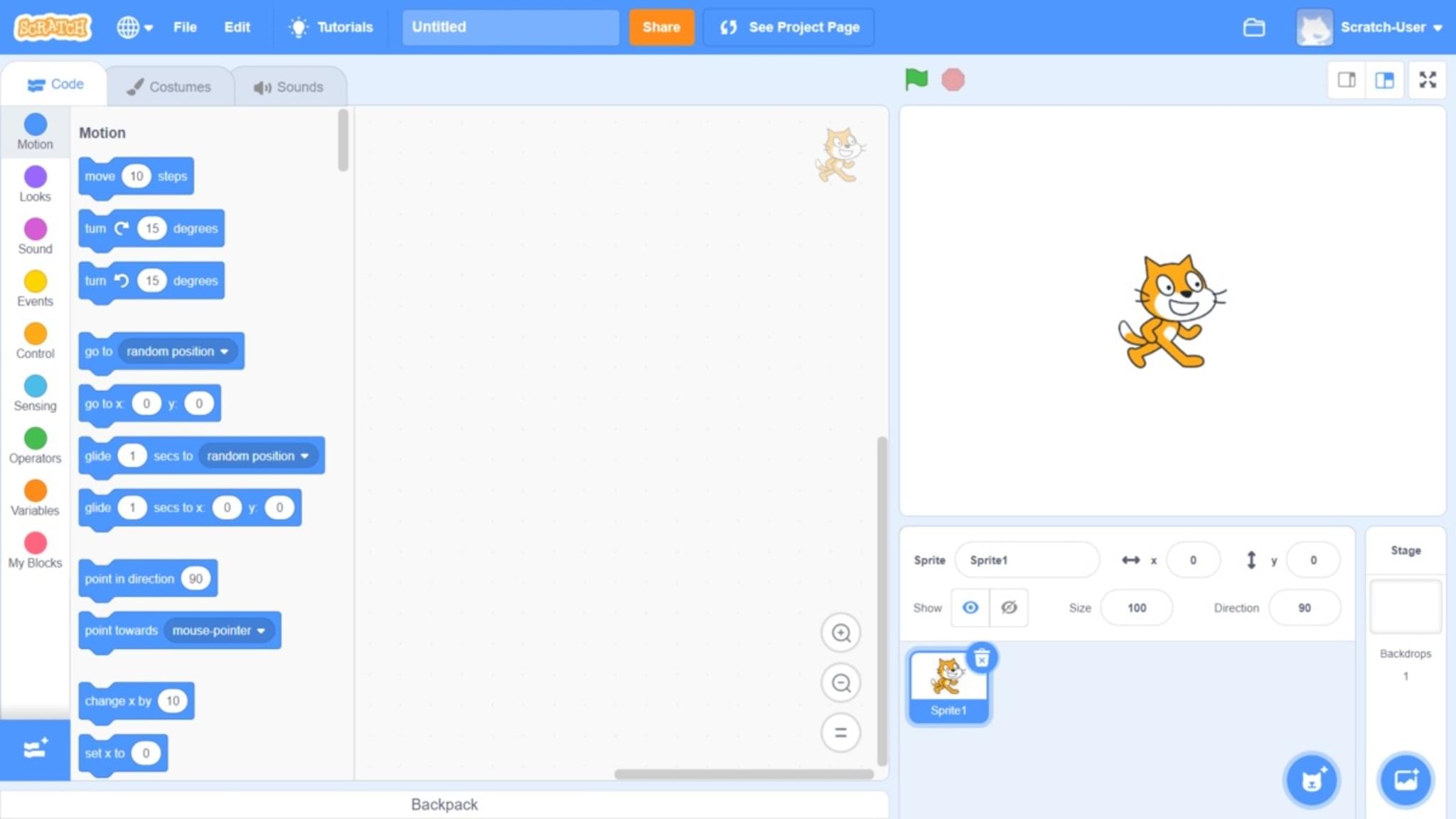
Step-by-step guide to make the Fruit Catch game on Scratch
🍓 Scratch 3 Fruit Catcher Game | Easy Coding for Kids | Make Your First Game in Scratch!
Step 1
Open scratch.mit.edu sign in and click "Create" to start a new project.
Step 2
Click "Choose a Sprite" then pick or paint a basket or character sprite and name it "Player".
Step 3
Click "Choose a Sprite" again and pick or paint a fruit sprite and name it "Fruit".
Step 4
Click the Player sprite and drag it to the bottom center of the stage so it is your starting spot.
Step 5
Make a variable called "Score" for all sprites and add a "when green flag clicked set Score to 0" block.
Step 6
On the Player sprite add this code: "when green flag clicked forever if key right arrow pressed change x by 10 if key left arrow pressed change x by -10" so the player moves left and right.
Step 7
On the Fruit sprite add this code: "when green flag clicked forever wait pick random 0.5 to 1.5 seconds create clone of myself" to spawn falling fruit.
Step 8
On the Fruit sprite add this code: "when I start as a clone go to x: pick random -200 to 200 y: 180 repeat until y < -180 change y by -5 wait 0.02 end delete this clone" so each clone falls from the top.
Step 9
Inside the falling loop add an "if touching Player then change Score by 1 delete this clone" block so caught fruit increases the score.
Step 10
After the falling loop add code so that if the clone reaches the bottom it changes Score by -1 then deletes the clone to penalize missed fruit.
Step 11
Open the Sounds tab choose fun effects and add "play sound [pop]" to the catch script and "play sound [buzz]" to the miss script so catches and misses make noise.
Step 12
Click the green flag to play test the game and change numbers like fall speed wait times or score values to make the game more fun and fair.
Step 13
Share your finished Fruit Catch Game on DIY.org.
Help!?
What can we use if we can’t access scratch.mit.edu or can’t find the built-in sounds or sprites?
Install and open the Scratch Desktop app to build the same project offline, use the Paint Editor to draw your own Player and Fruit sprites, and record or import sounds in the Sounds tab as substitutes.
Why isn’t my score changing or clones disappearing when a fruit hits the Player, and how do I fix it?
Make sure you created the Score variable for all sprites, put the if touching Player then change Score by 1 delete this clone block inside the Fruit sprite’s falling loop, and confirm the player sprite is named Player so the touching block detects it.
How can I adapt the game for younger kids or make it more challenging for older kids?
For younger kids make the Player sprite bigger, increase the fruit spawn wait (for example to 1–2 seconds) and slow the fall by changing y by -3, while for older kids decrease the wait, increase the fall step (for example to -7) and raise or lower Score values for different difficulty.
What are simple ways to extend or personalize the Fruit Catch Game after finishing the basic instructions?
Add a Lives variable that decreases when a clone reaches the bottom, use broadcasts to create levels that change the Fruit spawn rate and fall speed, give different fruit costumes different score values, and add a High Score variable before sharing on DIY.org.
Watch videos on how to make the Fruit Catch game on Scratch
How To Make A Fruit Catcher Game In Scratch
4 Videos
How To Make A Fruit Catcher Game In Scratch
Scratch Tutorial- How to Make a Fruit Catching Game FULL EASY TUTORIAL | For Beginners 2020
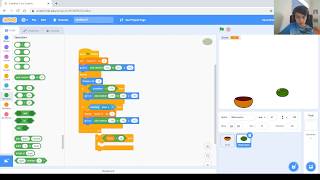
Game #2. Part 1. Create a simple and fun "catch the fruits" game in Scratch
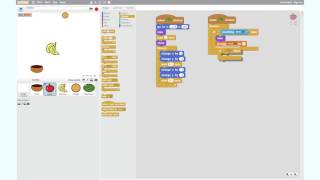
How to build the 'Catch the Fruit' game in Scratch
Facts about Scratch game development
🧩 Scratch uses drag-and-drop code blocks so kids can build games without typing complex code.
🎮 You can share your Scratch game online and remix other people's projects to learn new tricks.
🍎 Fruit-catcher mechanics usually use simple collision checks — in Scratch you detect catches with 'touching' blocks.
🎯 Adding a scoring system that rises when you catch fruit makes games more engaging and replayable.
🔊 Short sound effects and loops make gameplay feel polished; Scratch includes built-in sounds you can use or record.
How do I make a Fruit Catch game in Scratch?
What materials and tools do I need to make a Fruit Catch game on Scratch?
What ages is the Fruit Catch Scratch activity suitable for?
What are benefits and fun variations of making a Fruit Catch game?
