Make A Harry Potter Inspired Gacha OC!
Create a Harry Potter inspired Gacha OC by choosing a house, wand, outfit, personality, and story; draw or build it in Gacha and share.


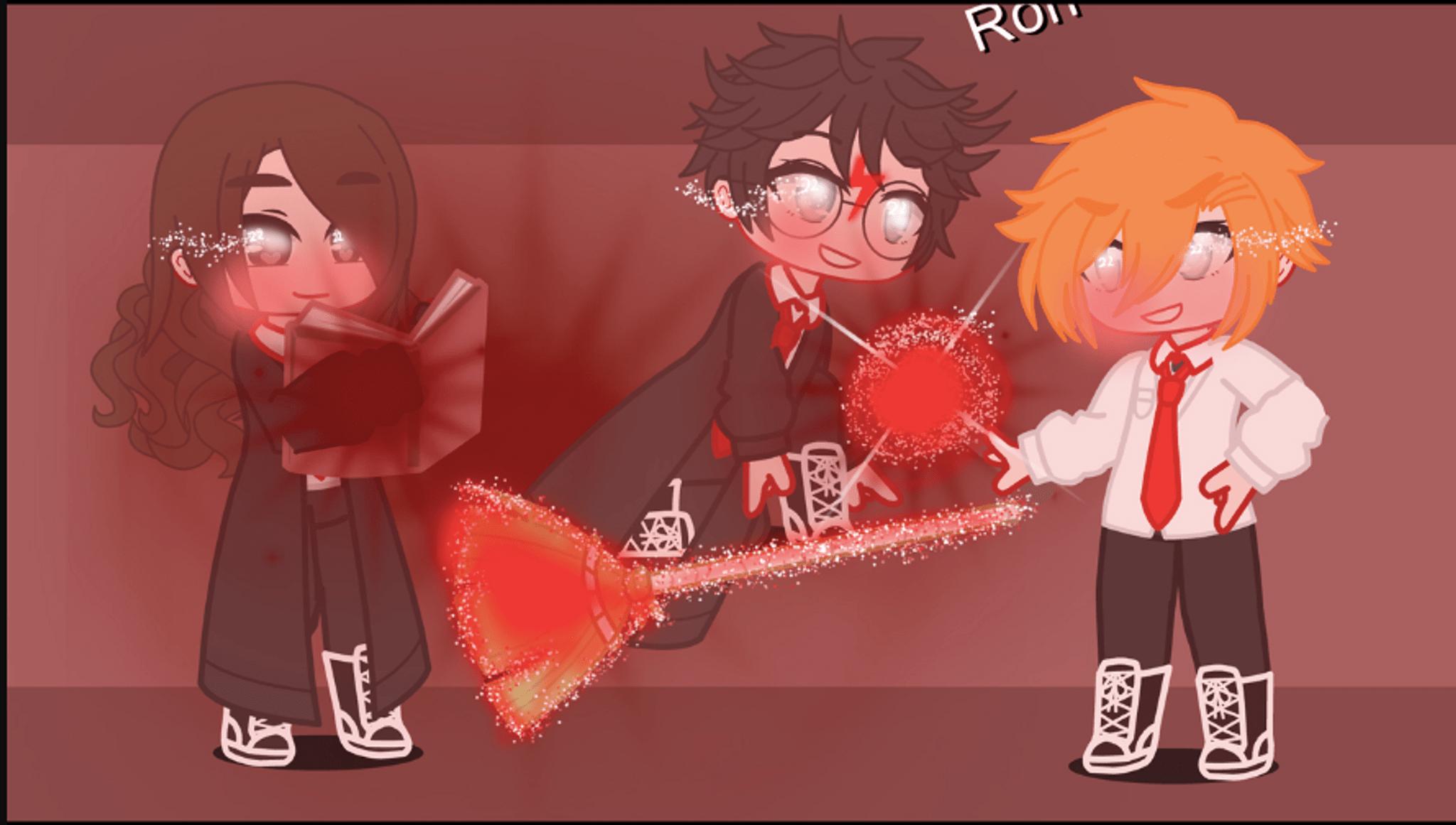

Step-by-step guide to make a Harry Potter inspired Gacha OC
Harry Potter OC Challenge! | Create an OC | Gacha Club
Step 1
Choose one Hogwarts house for your OC and say why that house fits them in one sentence.
Step 2
Pick a wand style and one magical trait for it (for example long oak that glows).
Step 3
Decide on an outfit style and the main colors your OC will wear.
Step 4
Choose three personality words that describe your OC (for example brave curious kind).
Step 5
Write a short 2-sentence backstory that explains where your OC comes from and what they dream of doing.
Step 6
Make a quick sketch of your OC on paper showing face outfit and wand.
Step 7
Add color and simple details to your sketch using your coloring materials.
Step 8
Open Gacha and build your OC matching the house outfit wand and facial expression you chose.
Step 9
Save or export an image of your Gacha OC and write a short caption that lists their house wand personality and one fun fact from the backstory.
Step 10
Share your finished Gacha OC and caption on DIY.org.
Help!?
What can we use if we don't have paper, markers, or coloring materials listed in the instructions?
Use plain printer paper or a notebook page for the sketch and substitute crayons, colored pencils, felt-tip markers, or color digitally inside Gacha before exporting.
If I can't find a wand or outfit in Gacha that matches the style I sketched, what should I do?
Choose the closest wand and outfit items in Gacha, adjust their colors to match your sketch, and mention the exact wand style and magical trait in your caption to keep the wand and outfit steps consistent.
How can I adapt this activity for a 5-year-old or a 12-year-old?
For a 5-year-old, simplify to choosing a house, two colors, and a very simple crayon sketch, while a 12-year-old can write the full two-sentence backstory, pick a specific wand trait, add detailed coloring, and create a polished Gacha export to share.
How can we make this OC project more creative or longer-lasting?
Extend the project by making a family crest or short comic about the OC's dream, crafting a physical wand to match your chosen wand style, creating multiple Gacha poses, and saving the images and captions to DIY.org.
Watch videos on how to make a Harry Potter inspired Gacha OC
How to make Harry potter in gacha club
4 Videos
How to make Harry potter in gacha club
Harry Potter OC Challenge⚡️(Remastered!) // Gacha Club // 100k+ views Special // Read description~
Harry Potter OC Challenge!⚡|| Gacha Club || Read Description + Pinned comment~

Remaking Harry Potter Characters In Gacha Life
Facts about character design for kids
🧙♂️ The Harry Potter books have sold over 500 million copies worldwide, making them one of the best‑selling book series ever.
🏰 Hogwarts is divided into four houses—Gryffindor, Slytherin, Ravenclaw, and Hufflepuff—each founded by a different wizard or witch.
🪄 In Harry Potter lore, wand wood and core (like phoenix feather or dragon heartstring) are said to influence a wand’s personality.
🎮 Gacha Life, released in 2018 by Lunime, became popular because it lets players design characters, outfits, and short scenes—perfect for making OCs.
✍️ Fans often give their OCs short biographies (2–3 sentences) to make them feel real—personality, a secret, and a goal are great places to start.
How do you make a Harry Potter–inspired Gacha OC?
What materials do I need to create a Harry Potter Gacha OC?
What ages is this Gacha OC activity suitable for?
How can kids stay safe when sharing their Gacha OC online?
