Make a Funny Video with Your Pet
Plan, direct, and film a short funny video featuring your pet using simple props and safe treats, then edit clips to share with family.
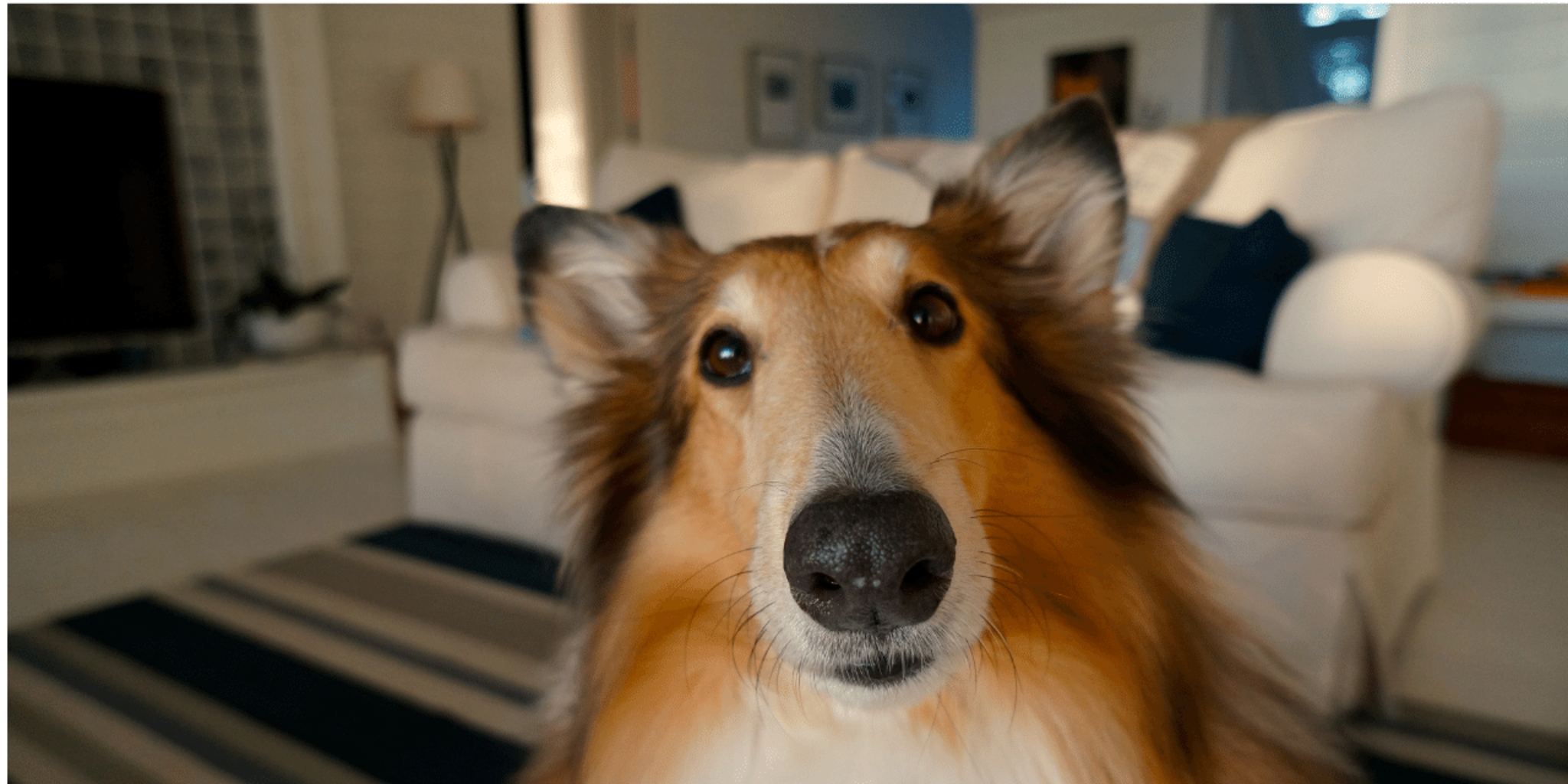
About this activity
Plan, direct, and film a short funny video featuring your pet using simple props and safe treats, then edit clips to share with family.
What you need
Step by step
- 1
Step 1
Pick one funny idea for your video and write it down in one short sentence.
- 2
Step 2
Choose a quiet well lit spot in your home to film your video.
- 3
Step 3
Move anything that could trip you or your pet out of the filming spot.
- 4
Step 4
Collect two simple props and a small handful of pet safe treats and put them nearby.
- 5
Step 5
Let your pet sniff the props for one minute so they feel comfortable.
- 6
Step 6
Write down three very short scenes or moments you want to capture for your video.
- 7
Step 7
Keep the treats where you can reach them quickly during filming.
- 8
Step 8
Set your camera or phone steady at your pet’s eye level.
- 9
Step 9
Record a five second test clip to check the light and sound.
- 10
Step 10
Film Scene 1 while giving one simple cue to your pet.
- 11
Step 11
Film Scene 2 using a different prop or a different cue from your plan.
- 12
Step 12
Film Scene 3 to capture a final funny reaction or cute pose.
- 13
Step 13
Watch all your clips and choose the best take for each scene.
- 14
Step 14
Open a simple editing app and trim the chosen clips then arrange them in the order you planned.
- 15
Step 15
Upload and share your finished funny pet video on DIY.org.
Fun facts
How do I plan and film a funny video with my pet?
Start by picking a simple, pet-friendly idea—a short skit, trick, or reaction. Help your child sketch a quick storyboard and list shots (wide, close-up, reaction). Choose a quiet, familiar spot and gather props and treats. Use a smartphone on a tripod or steady surface, film short clips from different angles, and reward the pet often. Keep sessions brief to avoid stress. Finally, review clips together and pick the best takes to edit into a short, funny sequence.
What materials and props do I need to make a pet video?
You’ll need a camera or smartphone, a tripod or stable surface, and a few simple props like soft toys, hats, or cardboard signs. Bring pet-safe treats, a leash or harness if needed, and a towel or blanket for comfort. Use a quiet room with good light and an editing app (iMovie, CapCut, or similar). Avoid small or sharp props, and always have water and an adult present to supervise the pet.
What ages is making a pet video suitable for?
This activity works for preschoolers through teens with adult guidance. Ages 4–6 can help plan, choose props, and give treats while an adult handles filming. Ages 7–12 can direct scenes, operate a camera with supervision, and try basic editing. Teens can take the lead on scripting, filming, and more advanced edits. Always supervise interactions, limit session length, and handle online sharing decisions for younger children.
How does making a pet video benefit kids and how can we keep it safe?
Making pet videos builds creativity, planning, confidence, empathy, and basic tech skills while strengthening the child-pet bond. For safety, watch for signs of pet stress, use short sessions, avoid costumes that restrict movement, and pick non-toxic treats. Keep noisy or fragile props away, supervise close contact, and control online sharing—use private family settings or send videos directly to relatives. Stop if the pet seems uncomfortable and always prioritize their wellbeing.
Watch & Learn
Need help?
What can I use instead of a tripod to set my camera at my pet's eye level?
Use a stable stack of books or a low box covered with a non-slip cloth to set your phone or camera steady at your pet’s eye level as the instructions direct.
My pet ignores cues during filming—what should I do?
If your pet ignores a cue in Scene 1 or Scene 2, let them sniff the prop longer, show a treat from the nearby handful, simplify the cue, and reward immediately as the 'Keep the treats where you can reach them quickly' step suggests.
How can I adapt this activity for younger or older children?
For younger children, limit the plan to one short scene with a parent setting up the camera and handling treats, while older kids can write the three-scene plan, experiment with different props and angles, and do their own trimming in the editing app.
How can we enhance or personalize our finished pet video?
After trimming and arranging clips in the editing app, add short captions, a fun sound effect or music track, and include a brief behind-the-scenes clip of your pet sniffing the props to personalize the video.