Make a "Get Ready With Me" Video
Make a short 'Get Ready With Me' video showing your morning routine, narrate steps, practice safe filming, editing, and sharing with family permission.


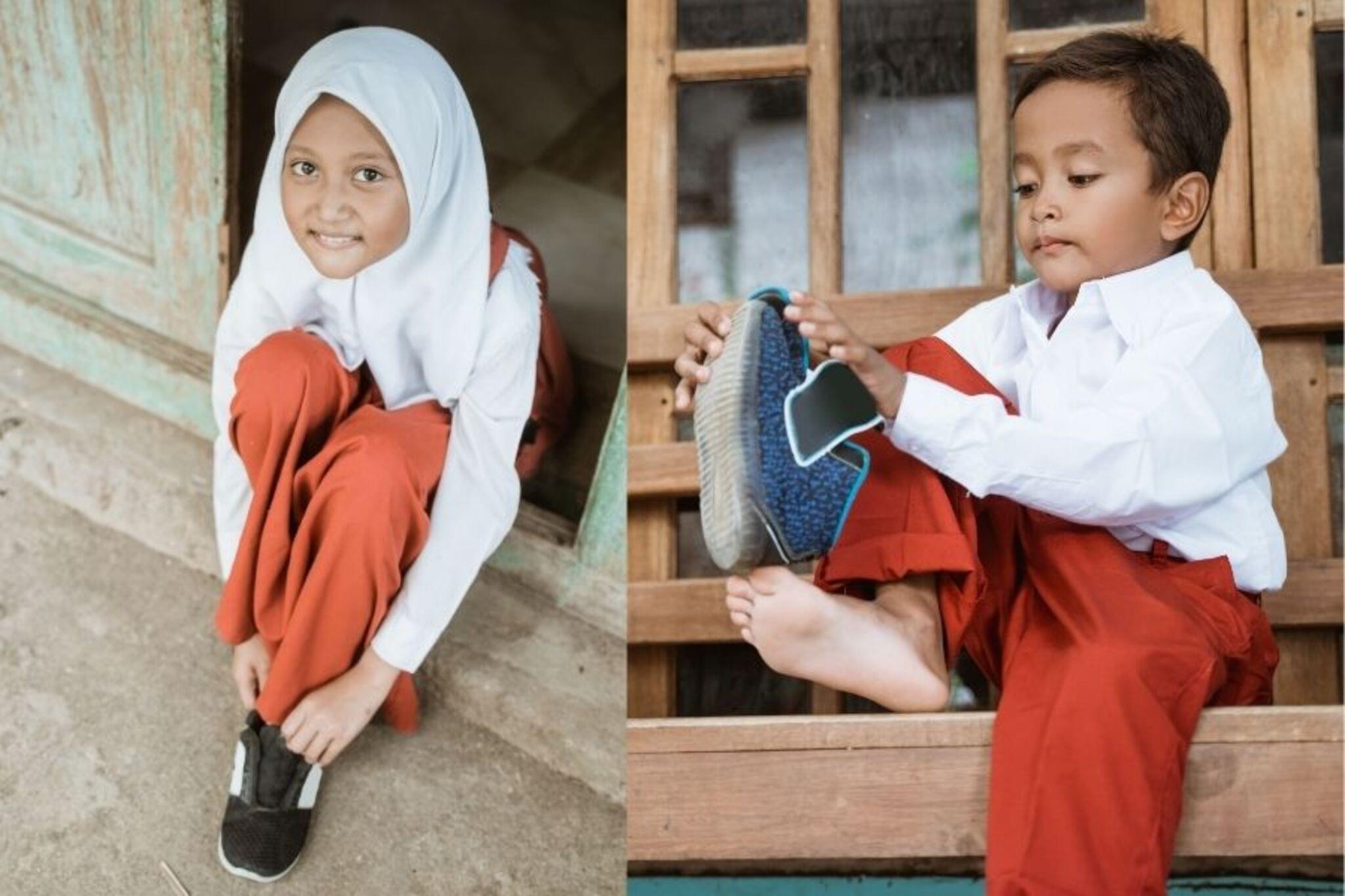

Step-by-step guide to make a 'Get Ready With Me' video
Kindergarten Kids Learning Videos Compilation
Step 1
Gather all the items you want to show and put them on a small table so they are easy to reach.
Step 2
Choose four short parts of your morning routine to show like wake up brush teeth get dressed and eat breakfast.
Step 3
Write one short sentence in your notebook for each part to say in the video.
Step 4
Pick a quiet neat well-lit spot to film where the background does not show private details.
Step 5
Tell a parent or guardian what you want to film ask for permission and ask them to stay nearby for safety.
Step 6
Practice saying each sentence while doing the action one time without filming.
Step 7
Record short clips of each part of your routine speaking the sentence as you do the action.
Step 8
Watch each clip and delete any clip you do not like.
Step 9
Trim the remaining clips in a simple editing app so each clip shows just the action you want.
Step 10
Put the trimmed clips in the correct order in the editing app to make one short video.
Step 11
Add music or text labels only if your parent says it is okay.
Step 12
Watch the finished video with your parent and ask for permission to share it.
Step 13
Share your finished creation on DIY.org
Help!?
What can I use if I don't have a small table, a notebook, or a separate editing app?
Use a sturdy chair or a closed cardboard box as your small table, write your short sentences on loose paper or a sheet of paper as a notebook substitute, and use your phone's built-in trimmer or a free app (like iMovie or Google Photos) to trim and join clips.
My clips are too dark, noisy, or I keep forgetting my sentence—what should I try?
Follow the instruction to pick a quiet, well-lit spot, ask a parent to steady the camera or hold a lamp, practice saying each notebook sentence once as directed, and re-record or delete and trim bad clips until each trimmed clip shows just the action you want.
How can I adapt this activity for younger children or older kids?
For younger children have a parent write and read one very short sentence and operate the camera while the child performs two simple parts, and for older kids write four creative sentences, experiment with multiple angles, and add text labels or music only with parental permission.
What are easy ways to enhance or personalize the final video?
Personalize it by arranging your items on the table as a mini set, adding a short title card or text labels in the editing app, choosing parent-approved music, and including a quick behind-the-scenes or 'bye' clip before sharing on DIY.org.
Watch videos on how to make a 'Get Ready With Me' video
1st Grade Kids Learning Videos Compilation
4 Videos
1st Grade Kids Learning Videos Compilation
2nd Grade Kids Learning Videos Compilation
3rd Grade Kids Learning Videos Compilation
Best "How To" Videos For Kids! | GoNoodle
Facts about video creation and online safety for kids
🎥 Vlogs made everyday moments like 'Get Ready With Me' videos a popular way to share routines online.
📱 Many smartphones can record in HD or 4K, so you can film a sharp GRWM video with just a phone.
✂️ Simple edits—like trimming, adding music, and captions—make short videos clearer and more fun.
🔒 Most social platforms require users to be 13+; always get parental permission before filming or sharing.
⏱️ Time-lapse or speed-up clips let you show a long morning routine in under a minute, perfect for quick videos.
How do I make a kid-friendly 'Get Ready With Me' video at home?
What materials do I need to film and edit a 'Get Ready With Me' video?
What ages are suitable for making a 'Get Ready With Me' video?
What safety tips should I follow when kids make and share a 'Get Ready With Me' video?
