How to Draw a Creeper
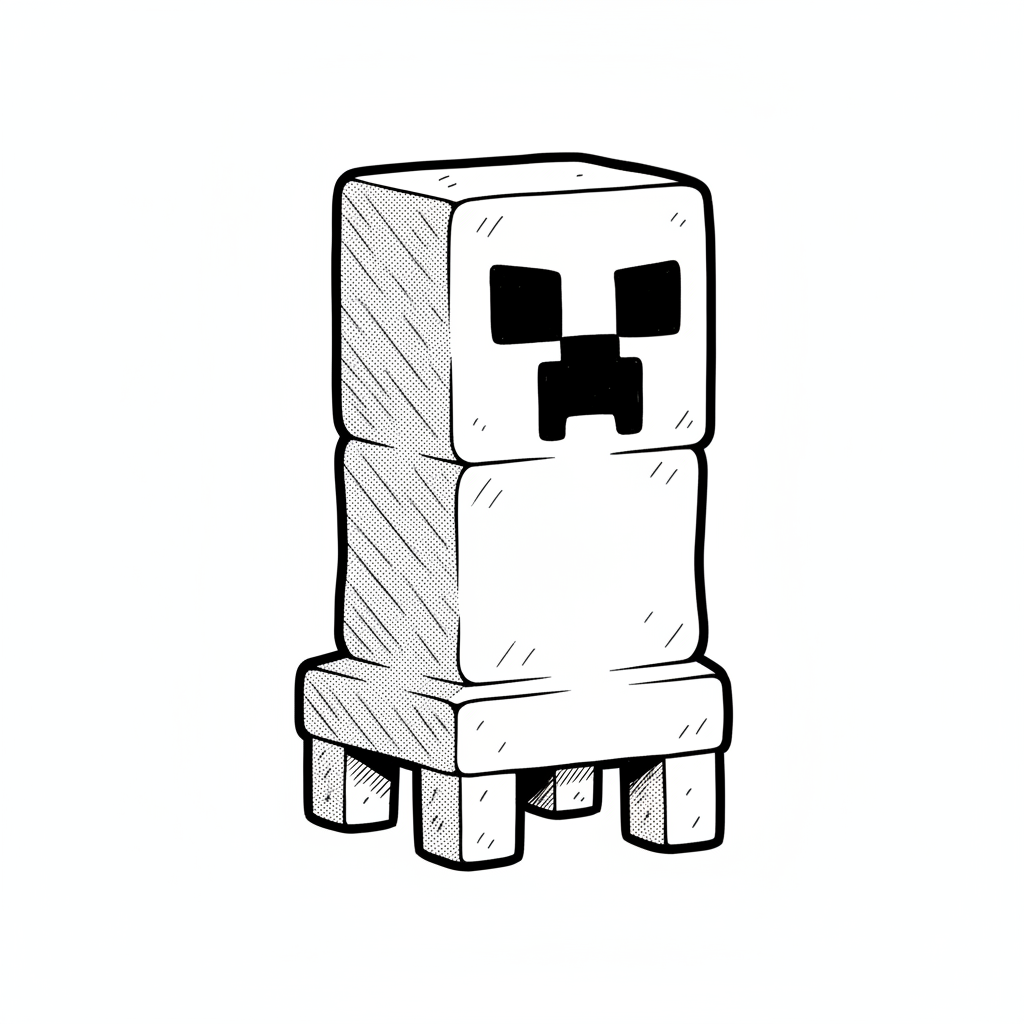
Draw a Minecraft creeper using simple squares and color blocks. Practice grid layout, symmetry, and shading to recreate its blocky face accurately.
About this tutorial
Draw a Minecraft creeper using simple squares and color blocks. Practice grid layout, symmetry, and shading to recreate its blocky face accurately.
What you need
Instructions
- 1
Step 1
Put your paper in landscape orientation on a flat surface.
- 2
Step 2
Use the ruler and pencil to lightly draw a large square near the top center for the creeper's head.
- 3
Step 3
Draw a rectangle directly below the head that is the same width and about half the head's height for the body.
- 4
Step 4
Draw four short rectangles under the body that are equal in size for the creeper's legs.
- 5
Step 5
Divide the head square into an even pixel grid by drawing light vertical and horizontal lines to make about 8 columns and 8 rows.
- 6
Step 6
Draw the same vertical grid lines down the body and legs so the pixels line up from head to feet.
- 7
Step 7
Lightly mark two square eyes and a rectangular mouth on the head grid to create the pixel face.
- 8
Step 8
Lightly shade individual grid squares across the body and legs to plan darker camouflage patches.
- 9
Step 9
Trace all final outer shapes and the pixel edges with the black marker to make bold clean lines.
- 10
Step 10
Wait for the marker to dry and then gently erase any leftover pencil guide lines.
- 11
Step 11
Color the unshaded pixels with light green filling each square neatly.
- 12
Step 12
Color the shaded patch squares with dark green filling each square neatly.
- 13
Step 13
Fill the eyes and mouth solid black and add a few gray pixels along one side for subtle shading.
- 14
Step 14
Share your finished creation on DIY.org.
Get inspired
Fun facts
How do I draw a Minecraft Creeper step by step?
Start by lightly sketching a square head and a longer rectangular body using a pencil and a ruler. Draw a simple grid inside each shape so you can block out pixel squares. Add four rectangular legs under the body. Block in the face with two square eyes and a larger square mouth. Trace with a fine-tip marker, erase pencil lines, then color pixel-by-pixel using different green tones and add darker shading along edges for depth.
What materials do I need to draw a Minecraft Creeper?
You’ll need plain or graph paper, a pencil, eraser, and a ruler to make straight, even squares. Use a fine-tip black marker or pen for outlines and colored pencils, markers, or crayons in several green shades plus black and brown for shading. Optional: graph paper, a white gel pen for highlights, and a blending stump or cotton swab to soften shaded areas.
What ages is drawing a Minecraft Creeper suitable for?
This pixel-style Creeper activity suits ages about 5 and up. Preschoolers (3–5) can do simplified blocky shapes with adult help; ages 6–9 enjoy following a grid and coloring pixels, building fine motor skills. Tweens and teens can work on precise proportions, shading, and color blending. Supervise younger children with markers and scissors and adapt complexity to each child’s ability.
What are the benefits of drawing a Minecraft Creeper?
Drawing a pixel Creeper builds proportional thinking, symmetry, and spatial reasoning as kids map squares to shapes. It improves fine motor control, steady line work, and patience. The grid approach introduces basic pixel art and color planning, encouraging creativity within structure. It’s also a low-pressure way to practice shading and contrast, boosting confidence when children complete a recognizable character they enjoy.
Watch & Learn
Need help?
What can I use if I don't have a ruler or a black marker?
Use a straight-edged book or a piece of cardboard as your ruler to draw the head, body and grid lines, and substitute a fine-tip black pen or black crayon for tracing the final pixel edges.
My vertical grid lines on the body don't line up with the head—how do I fix it?
Measure the column width you used on the head with your ruler, lightly extend those same vertical lines down the body and legs so the pixels line up, and erase and adjust the pencil guides before using the black marker.
How can I adapt this creeper drawing activity for different ages?
For younger kids, draw a simpler larger 4x4 or 8x8 grid and let them color with crayons after you outline the shapes, while older kids can increase to a finer 16x16 grid and add detailed camouflage shading and gray highlight pixels before inking.
What are some ways to enhance or personalize the finished creeper?
Add a pixelated background grid or border, experiment with metallic pens or textured paint for the dark green shaded patch squares and gray shading pixels, or create several camo variations to photograph and share on DIY.org.