Flaunt Your Weekend #OOTD
Design and style a weekend outfit from your wardrobe, choose accessories, practice poses, photograph with a grown-up's permission, and write a short caption.


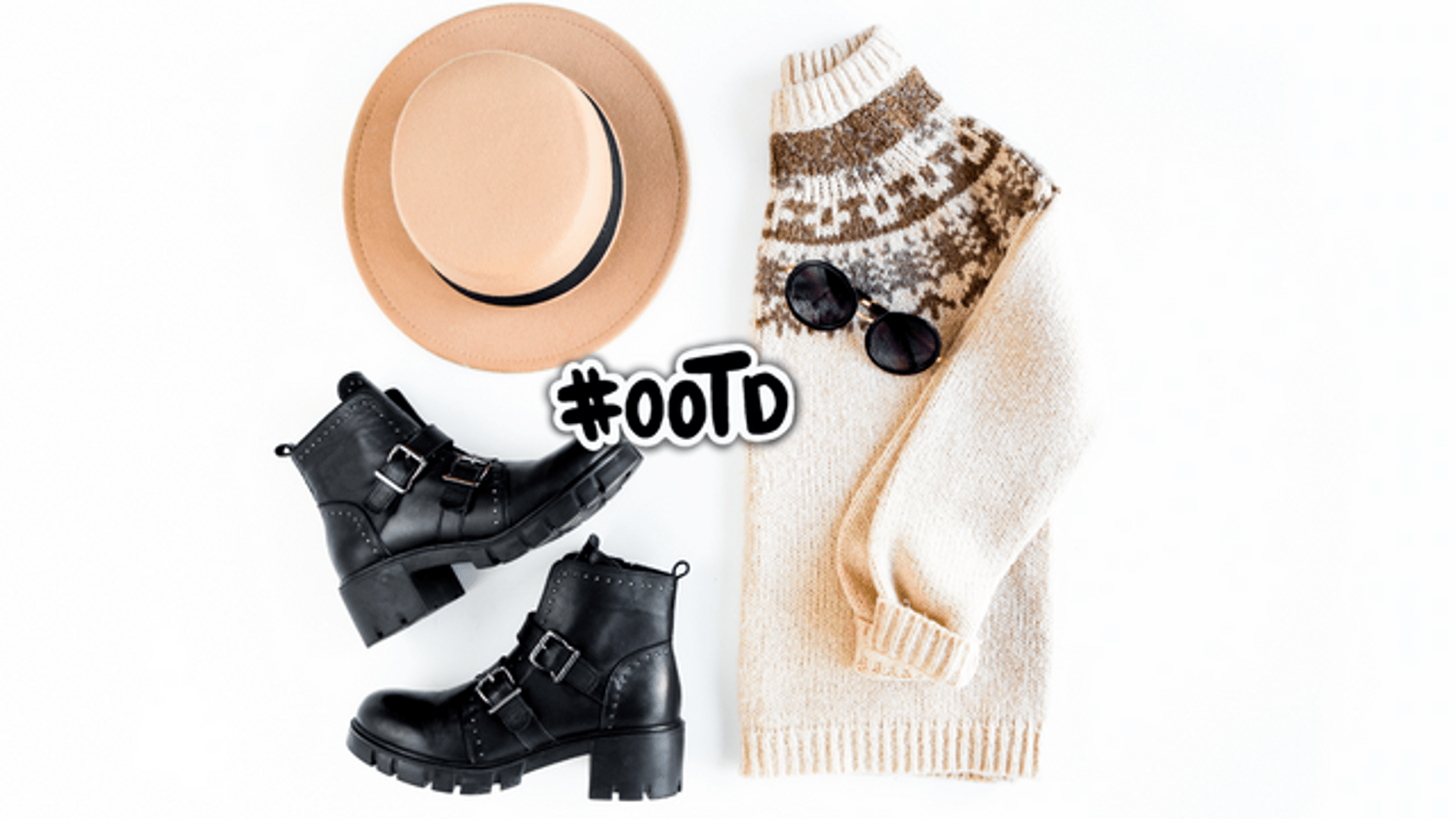

Step-by-step guide to Flaunt Your Weekend #OOTD
How to Make the Most of Your Weekend
Step 1
Decide the weekend vibe you want to show like comfy sporty or fancy
Step 2
Pick the main outfit piece from your wardrobe such as a dress or a top and bottom
Step 3
Choose shoes that match your outfit
Step 4
Select two or three accessories to add extra style
Step 5
Put on the whole outfit and check how it looks in the mirror
Step 6
Practice three different poses in the mirror that show off your outfit
Step 7
Clear a plain wall or tidy photo spot and set up a chair if you want to sit
Step 8
Ask a grown up for permission and help to take photos of your outfit
Step 9
Have the grown up take at least three photos while you strike your practiced poses
Step 10
Look through the photos and pick your favorite picture
Step 11
Write a short fun caption about your outfit on the notepad
Step 12
Share your favorite photo and caption on DIY.org
Help!?
If I don't have certain items like a plain wall, chair, or notepad, what can I use instead?
If you don't have a plain wall, chair, or notepad, use a clear door or a hung sheet as a background, sit on a sturdy stool or pillow, and write your caption in a notes app on a phone.
My photos keep turning out blurry or my poses look awkward—what can we do?
To fix blurry photos or awkward poses, have the grown up steady the camera or phone, use bright natural light near your cleared photo spot, practice your three mirror poses a few times, and take at least three shots so you can pick the best one.
How can I adapt this activity for younger or older kids?
For younger kids, choose just one main outfit piece and one accessory with a grown up helping to take photos and write the short caption on the notepad, while older kids can plan a theme, style multiple outfits, edit photos themselves, and post the caption on DIY.org.
How can we make the OOTD activity more creative or personal?
Make it more personal by crafting DIY accessories from ribbons or paper, using the chair as a prop for one of your practiced poses, trying a themed vibe (comfy, sporty, or fancy), and writing a playful caption on the notepad before sharing your favorite photo on DIY.org.
Watch videos on how to Flaunt Your Weekend #OOTD
What You Do On Weekends? Weekend Activities For Kids | Kids Activities | Fun & Learn
3 Videos
What You Do On Weekends? Weekend Activities For Kids | Kids Activities | Fun & Learn
Weekend Routine for Teens (10-17) | Fun & Productive Weekend! ₊˚⊹♡

Best Weekend Getaways In Florida | 8 Amazing Places In Florida For A Short Vacation
Facts about children's fashion and styling
👗 OOTD means 'Outfit of the Day'—a fun way to show your style to friends and family.
🎨 Many fashion designers begin by sketching quick figure drawings called croquis to plan outfits.
📸 Most casual photos today are taken on smartphones, so you don't need a fancy camera to capture great looks.
🧢 Swapping accessories like hats, belts, or jewelry can instantly turn one outfit into several different styles.
✍️ Short, playful captions (often with one emoji) are a popular way to add personality to outfit posts.
How do I run the Flaunt Your Weekend #OOTD activity with my child?
What materials do we need for the Flaunt Your Weekend #OOTD?
What ages is the Flaunt Your Weekend #OOTD activity suitable for?
How can we keep the Flaunt Your Weekend #OOTD activity safe and positive?
