Draw a Phone or Device as a Character
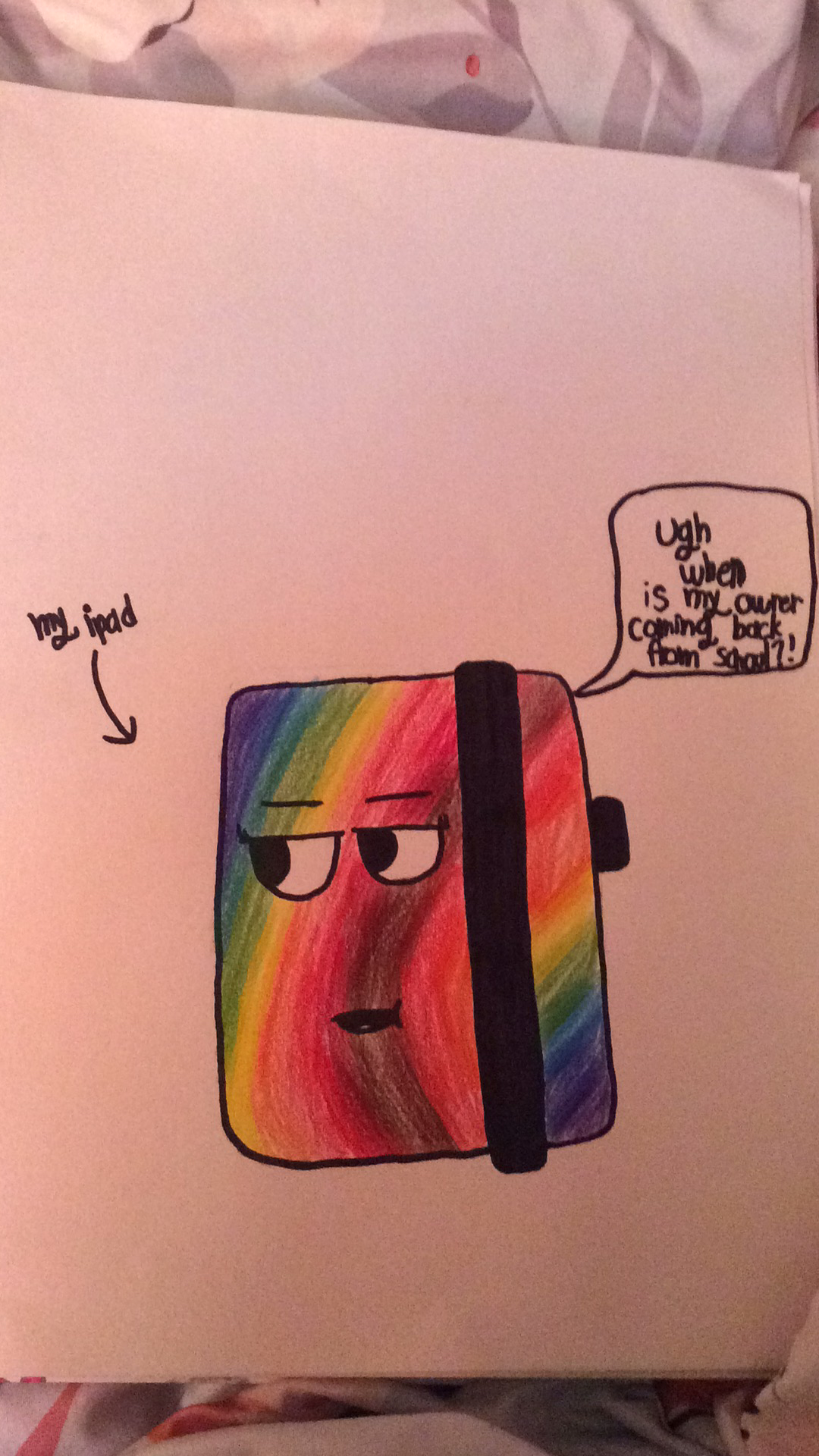
Draw a phone or device as a character, giving it facial features, expressions, limbs, and a background; color and invent a short personality story.
About this tutorial
Draw a phone or device as a character, giving it facial features, expressions, limbs, and a background; color and invent a short personality story.
What you need
Instructions
- 1
Step 1
Gather your materials and sit at a clean comfy table.
- 2
Step 2
Pick one device to turn into a character like a phone tablet or laptop.
- 3
Step 3
Lightly sketch the device’s outer shape with your pencil.
- 4
Step 4
Draw the screen area as a face shape such as a rectangle circle or oval.
- 5
Step 5
Draw the eyes on the screen using simple shapes to show how your character feels.
- 6
Step 6
Draw the mouth and eyebrows to finish the facial expression.
- 7
Step 7
Add arms and legs to the sides or bottom of the device so it can move and pose.
- 8
Step 8
Add one or two accessories like a hat a sticker or a tiny prop that shows its hobby.
- 9
Step 9
Sketch a simple background that shows where your character lives or what it is doing.
- 10
Step 10
Add small details like buttons icons a glowing screen or texture to make it unique.
- 11
Step 11
Trace your pencil lines with a black marker or pen to make bold outlines.
- 12
Step 12
Erase extra pencil marks once the ink is dry.
- 13
Step 13
Think of a short personality story of 2 to 4 sentences about your character.
- 14
Step 14
Write your 2 to 4 sentence story neatly on the paper next to your drawing.
- 15
Step 15
Share your finished creation on DIY.org.
Fun facts
How do I help my child draw a phone or device as a character?
Start by choosing a device shape (phone, tablet, game console) and lightly sketch the outline. Add facial features on the screen—eyes, eyebrows, mouth—to show an expression. Attach simple limbs and gestures (arms, legs, hands) and place the character in a background that suggests a setting. Color with markers or pencils, add small details (stickers, buttons), then write a short personality story (name, likes, fears, favorite app) to bring it to life.
What materials do I need to draw a device character?
You’ll need plain paper or a sketchbook, a pencil and eraser for first sketches, fine-liners or black pen for outlines, and colored pencils, markers, or crayons for coloring. Optional extras: watercolor paints, stickers, glitter glue, ruler for straight edges, scissors and paper for mixed-media parts, and a protective mat or apron. For digital versions use a tablet with a drawing app and stylus. Use washable, non-toxic supplies for kids.
What ages is this device-character drawing activity suitable for?
This activity suits a wide range: toddlers (2–3) can finger-paint or place simple stickers with adult help; preschoolers (3–5) enjoy basic shapes, faces and coloring; elementary kids (6–9) can add limbs, expressions and short stories independently; older children (10+) can design detailed characters, backgrounds and longer personality bios. Adjust complexity, tools and supervision to match fine-motor skills and attention span. Ideal for family drawing time across ages.
What are the benefits of drawing devices as characters and how can I keep it safe or make variations?
Drawing device characters boosts creativity, storytelling, fine motor skills and empathy as kids invent personalities and emotions. It teaches visual design and responsible tech conversations. For safety, choose non-toxic, washable art supplies, supervise scissors or glitter glue, and set boundaries if using real screens or devices. Variations include making a comic strip about the device, creating a 3D cardboard puppet, designing a family of devices, or animating the character with a simple sto
Watch & Learn
Need help?
I don't have a black marker or pen—what can I use instead?
If you don't have a black marker or pen to trace your pencil lines, use a dark colored pencil, crayon, or thin permanent marker and test it on scrap paper so it won't smudge when you erase extra pencil marks.
My drawing smeared or the pencil marks won't come off—how do I fix that?
If ink smudges or pencil marks resist erasing, let the traced lines dry fully after you trace your pencil lines with a marker or pen, then gently erase with a clean eraser or retrace using a less-bleeding tool you tested first.
How can I adapt this activity for different ages?
For younger kids, simplify by sketching the device shape and using stickers for eyes and accessories and having a parent write the 2–4 sentence personality story, while older kids can add small details like buttons, icons, a glowing screen or texture and write the full story themselves.
What are some ways to extend or personalize the finished character?
To extend and personalize the activity, add movable arms with brads, glue-on googly eyes or fabric for one or two accessories, color a detailed background showing where your character lives, or photograph and share the finished creation on DIY.org.