Digitally Create Pokemon
Use a tablet or computer drawing app to design and color your own original Pokémon-style creature, name it, and share a simple digital image.
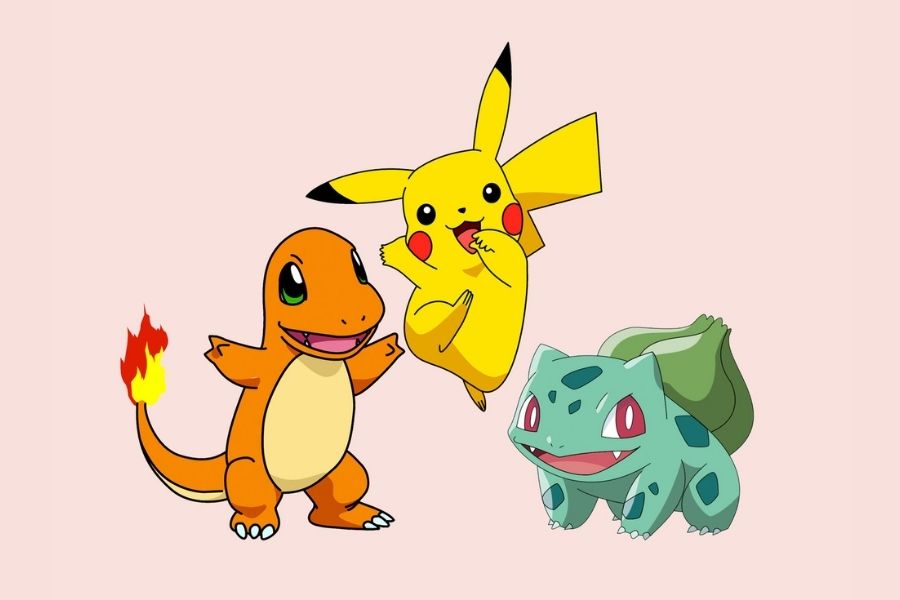
About this activity
Use a tablet or computer drawing app to design and color your own original Pokémon-style creature, name it, and share a simple digital image.
What you need
Step by step
- 1
Step 1
Choose a fun theme or animal mix for your Pokémon-style creature.
- 2
Step 2
Look at reference pictures or your imagination and pick three cool features you want to include.
- 3
Step 3
Open your drawing app.
- 4
Step 4
Create a new blank canvas in the app.
- 5
Step 5
On a sketch layer use a pencil tool to draw simple shapes for the body and head.
- 6
Step 6
Add one defining feature like big eyes wings a tail or special ears.
- 7
Step 7
Make a new layer and draw a clean outline over your sketch.
- 8
Step 8
On a layer under the outline fill in the base colors for your creature.
- 9
Step 9
Add one type of shading or one highlight to give your creature depth.
- 10
Step 10
Add patterns markings or small details like spots stripes or accessories.
- 11
Step 11
Use the text tool to give your creature a name and write one short sentence about its power or personality.
- 12
Step 12
Export or save your image as a PNG or JPEG.
- 13
Step 13
Share your finished Pokémon-style creation and its name and description on DIY.org.
Fun facts
How do you digitally create a Pokémon-style creature on a tablet or computer?
To digitally create a Pokémon-style creature, open a drawing app and start with a simple silhouette. Use a base sketch layer, refine lines on a new layer, add details (eyes, limbs, markings), then block in flat colors and add shading/highlights. Pick a fun name, write a one-line description (type, special ability), save progress often, export a PNG or JPEG, and share with family or on a kid-safe platform. Encourage creativity and keep it original.
What materials and apps do I need to design and color a Pokémon-style creature digitally?
Materials you'll need: a tablet or computer, a drawing app (free options like Autodesk SketchBook, Krita, or MediBang), stylus optional but helpful, charger, comfortable workspace, and internet if you want to upload or share. For younger kids, choose a simple app with big brushes and undo buttons. Optional: reference images, color palette guides, and a keyboard for naming and saving files.
What ages is digitally creating Pokémon-style creatures suitable for?
Suitable ages depend on app complexity and supervision. Simple doodling works for ages 4–6 with help. Independent creation is great for ages 7–12, while teens can explore advanced tools, layers, and effects. Adapt prompts and time limits for attention spans. Supervise sharing and account setup for younger children. Focus on fun and skill-building rather than strict age rules.
What safety tips should I follow when creating and sharing digital Pokémon-style creatures?
When sharing digital Pokémon-style creations, teach kids to make original designs instead of copying copyrighted characters. Avoid posting personal info or photos, use pseudonyms and disable location data. Share on kid-friendly platforms or with parental approval, and review app permissions and privacy settings. Save copies offline before uploading. If a drawing receives unwanted messages, block and report the sender. These steps keep creating fun and safe.
Watch & Learn
Need help?
What can I use if I don't have the drawing app, stylus, or tablet mentioned in the instructions?
Use a free drawing app (like Krita, MediBang, or a phone/tablet app) and draw with a mouse or your finger instead of a stylus, following the sketch layer, outline, fill base colors, and export as PNG/JPEG.
My outline looks wobbly and messy when I try to trace the sketch — how can I fix that?
Lower the opacity of your sketch layer, make a new outline layer, choose a smaller brush or the app's stabilizer/pen/vector tool, and trace slowly before filling the base colors on the layer under the outline.
How can I adapt this project for younger kids or older kids?
For ages 4–6 have them trace big shapes and fill base colors with a large brush or stickers, for 7–10 add one defining feature and one shading step, and for 11+ encourage extra shading/highlight layers, patterns, and a longer power sentence before exporting as PNG/JPEG.
How can we make the finished Pokémon-style creature more unique or advanced?
Add a habitat background layer, design color variants or an evolution trio on separate layers, experiment with textured brushes for fur or scales, and use the text tool to craft a memorable name and power before exporting and sharing on DIY.org.