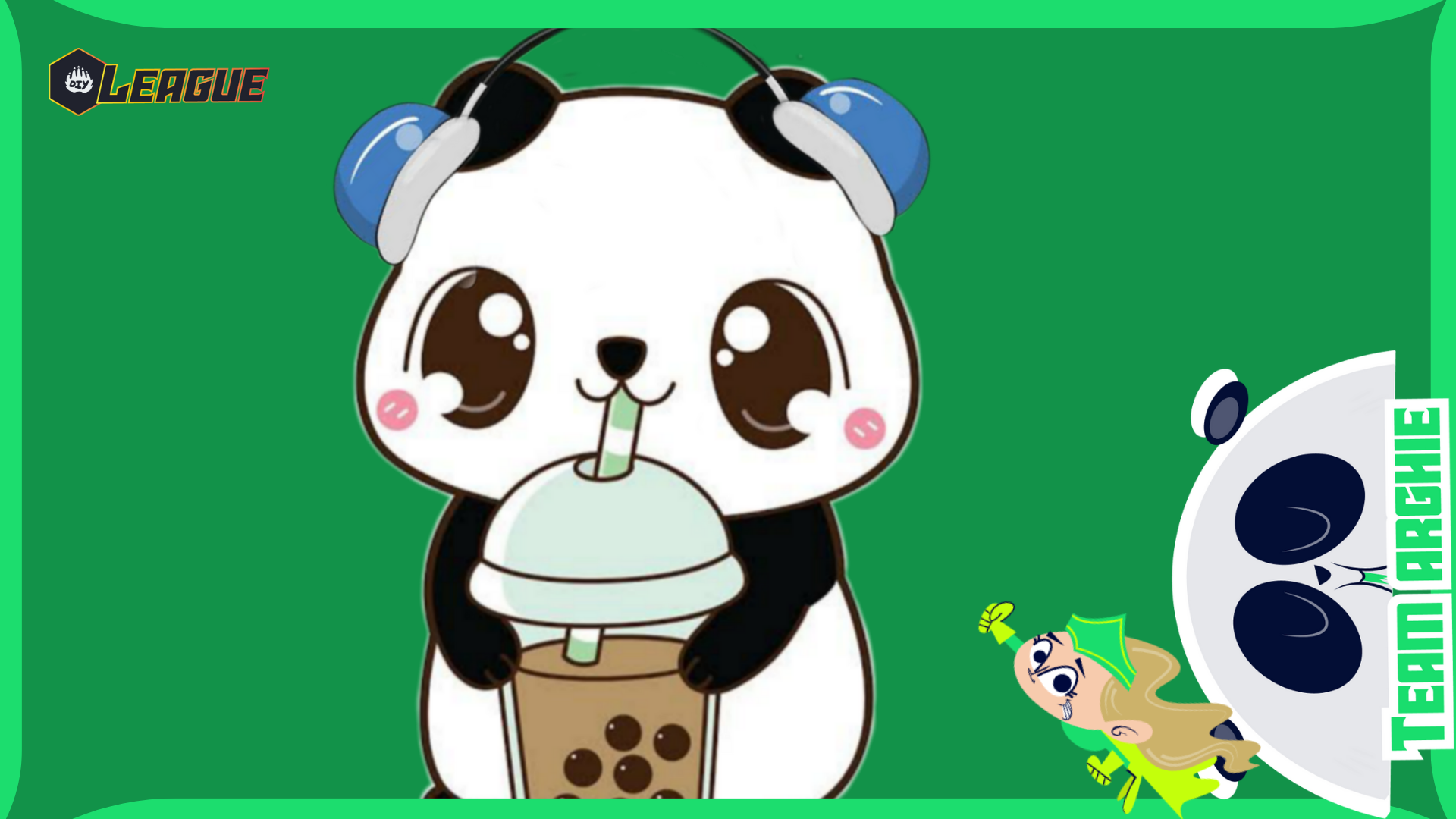
Create #TeamArghie's Panda on Gacha!
Design a cute #TeamArghie panda avatar in Gacha, customize colors, outfit, and poses, then create a short scene to tell its story.
About this activity
Design a cute #TeamArghie panda avatar in Gacha, customize colors, outfit, and poses, then create a short scene to tell its story.
What you need
Step by step
- 1
Step 1
Open the Gacha app and go to the character creator to start a new character.
- 2
Step 2
Pick a short round body shape and size that will make a cute panda base.
- 3
Step 3
Choose big round eyes to give your panda a sweet friendly face.
- 4
Step 4
Add a small black button nose to the center of the face.
- 5
Step 5
Select a small smiling mouth or shy expression for your panda.
- 6
Step 6
Change the character’s base color or skin to white for panda fur.
- 7
Step 7
Add black patches for the ears and the eye circles using face marks hair or ear accessories.
- 8
Step 8
Color the arms and legs black or add black sleeve and pant accessories so they look like panda paws.
- 9
Step 9
Pick a cute outfit or one signature accessory that fits #TeamArghie style.
- 10
Step 10
Adjust the outfit and accessory colors to match your chosen #TeamArghie palette.
- 11
Step 11
Choose two different poses that show your panda’s personality.
- 12
Step 12
Pick a background for your short scene.
- 13
Step 13
Place your panda and one prop or friend in the scene and arrange their poses to tell a tiny story.
- 14
Step 14
Share your finished #TeamArghie panda scene on DIY.org.
Fun facts
How do I design a #TeamArghie's Panda avatar in Gacha and create a short scene?
Open your Gacha app and start a new character. Choose a round, panda-style base or use black-and-white colors to make a panda look. Customize fur colors, eyes, ears, outfit and small accessories. Pick 2–4 poses and save each. Choose a background, arrange poses into a simple storyboard or use the in-app scene editor, add speech bubbles or captions, then export or record the short scene to share with family.
What materials do I need to make a #TeamArghie's Panda in Gacha?
You’ll need a device with the Gacha app (phone, tablet, or PC), a charged battery, and internet for downloads or sharing. Optional items: a stylus for finer edits, headphones for sound, a simple image or video editor to stitch scenes, and paper and pencil to sketch ideas beforehand. Parental controls, supervision for younger kids, and comfortable seating make the activity smoother.
What ages is the #TeamArghie's Panda activity suitable for?
This activity suits children about 6–12 years old. Younger kids (4–5) can join with close adult help for app navigation and safety. Older kids and preteens (10–12+) can work more independently and explore advanced customization, storytelling, and simple editing. Adjust the level of supervision based on your child’s reading and device skills and the app’s community features.
What safety tips and sharing rules should I follow when making a #TeamArghie's Panda scene?
Keep accounts private and turn off public chat to protect kids. Don’t share real names, locations, or personal photos. Check in-app purchase settings and disable purchases for children. Review any content before posting and teach your child about respectful sharing and online kindness. If you want variations, try theme prompts like “sleepy panda” or “adventurer panda” so your child can experiment safely while learning storytelling.
Watch & Learn
Need help?
What can we use if we don't have the Gacha app or can't access DIY.org?
If you don't have the Gacha app, use Gacha Life/Club, Picrew, or any character-creator app so you can still pick a short round body, big round eyes, white base color, add black patches and arrange a scene, and if DIY.org is unavailable share the finished scene on a parent-managed social account or email.
My panda's black ear or eye patches won't line up—how do I fix that?
Use the face marks, hair, or ear accessories option (step 6) and adjust layering or swap to black sleeve/pant accessories (step 7) so the patches and paws sit cleanly against the white base color.
How can I adapt this activity for different age groups?
For younger kids limit choices to body shape, big round eyes, a button nose, and one accessory while older kids can fine-tune outfit colors, pick two poses, write the tiny story, and arrange a prop or friend before sharing on DIY.org.
What's a fun way to extend or personalize our #TeamArghie panda?
Make a mini comic by choosing two different poses (step 11), placing your panda with one prop or friend (step 12) across three panels, match outfit and accessory colors to the #TeamArghie palette (step 8–9), and share the set on DIY.org.