Create Cute Lungs GIF
Draw cute lung characters, create several breathing frames by changing positions, photograph them, and assemble into a looping GIF using a simple phone app.


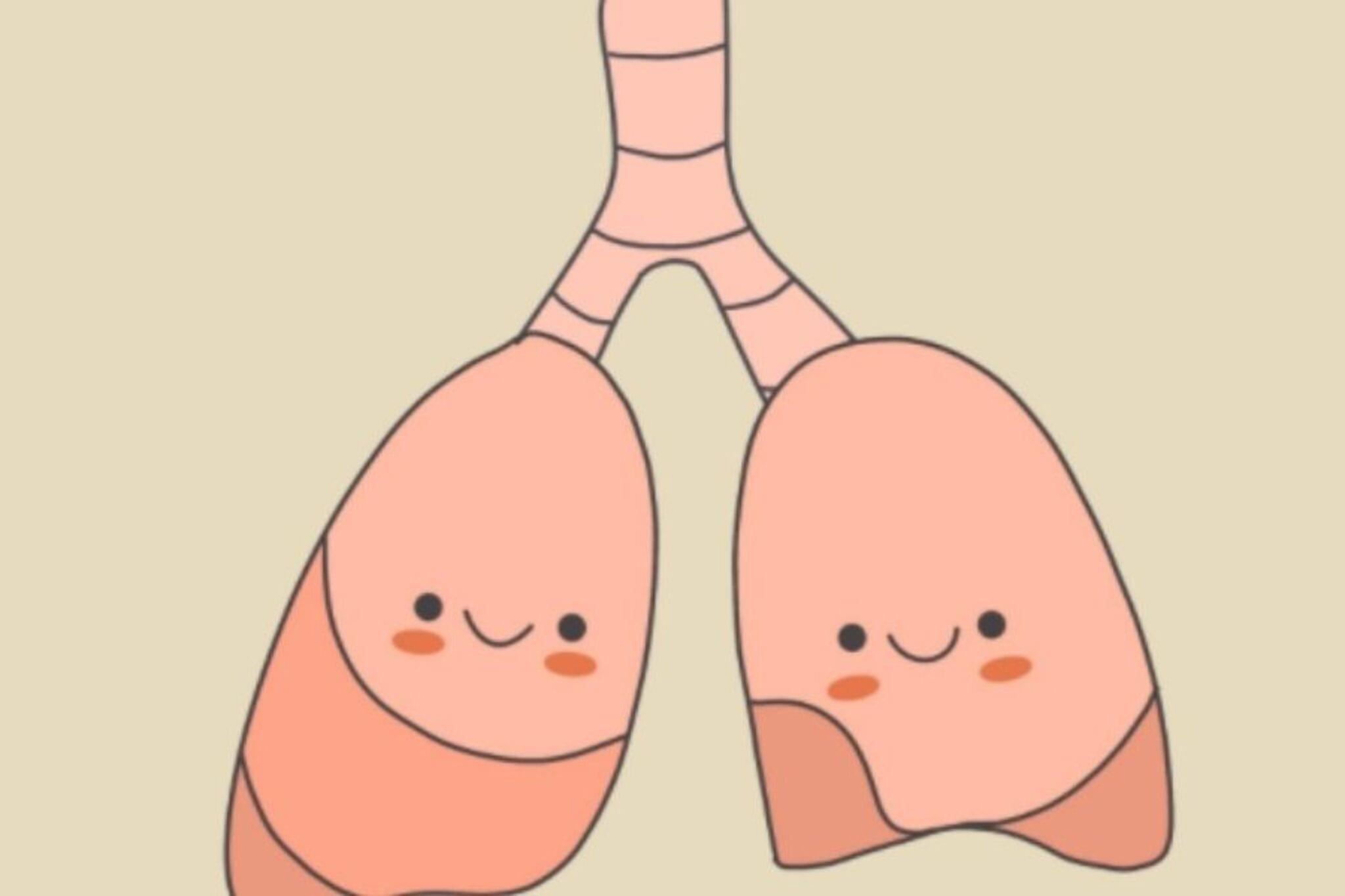

Step-by-step guide to create a cute lungs GIF
DIY Human Lungs Model - Fun Science Project for Kids | Safia Help Center. #youtubeshorts #creativity
Step 1
Lay out your materials on a flat workspace so everything is easy to reach.
Step 2
Lightly draw five equal boxes across the paper using your pencil and ruler to make five frames.
Step 3
In the first box draw the basic lung shapes (two rounded halves connected by a small tube).
Step 4
Add cute faces and simple arms to the lungs in the first box to give them personality.
Step 5
In the second box draw the same lungs slightly larger to show the start of an inhale.
Step 6
In the third box draw the lungs biggest to show a full inhale.
Step 7
In the fourth box draw the lungs slightly smaller to show the start of an exhale.
Step 8
In the fifth box draw the lungs back to the original size to finish the exhale.
Step 9
Color each frame using your coloring materials so the characters pop on camera.
Step 10
Check each box looks neat and erase any stray pencil marks you don’t want photographed.
Step 11
Take a photo of each box from directly above and save the photos in the breathing order.
Step 12
Open a simple GIF-making app on your device.
Step 13
Import the photos into the app in the correct order and set the animation speed so the inhale and exhale look smooth while turning on looping.
Step 14
Export or save the looping GIF to your device.
Step 15
Share your finished Cute Lungs GIF on DIY.org.
Help!?
What can I use if I don't have a ruler, colored pencils, or a GIF app?
Use the straight edge of a book or a folded cereal box to lightly draw the five equal boxes, swap colored pencils for crayons or markers to color each frame, and use a free web GIF maker or your smartphone's built-in slideshow-to-GIF feature on your device to import the photos.
My photos look crooked or the lung sizes don't match between frames—how do I fix that?
Tape the paper to a flat surface, mark the camera position with a piece of tape or use a stack of books as a phone stand and photograph each box from directly above so the five frames and the inhale/exhale sizes stay aligned and consistent.
How can I adapt this activity for different age groups?
For preschoolers skip the ruler and draw three big frames using stickers and crayons while a parent takes the photos and imports them, and for older kids keep five boxes, add extra middle frames, refine the cute faces and coloring, and adjust the animation speed in the GIF app themselves.
How can we make the Cute Lungs GIF more interesting or personal?
Add a simple background, speech bubbles, or tiny props in each frame while you color, include more intermediate frames before you import to the GIF app for smoother inhale/exhale motion, and add a caption before sharing the looping GIF on DIY.org.
Watch videos on how to create a cute lungs GIF
How to Make a Working Lungs Model | Science Project for Kids | Easy DIY Respiratory System
4 Videos
How to Make a Working Lungs Model | Science Project for Kids | Easy DIY Respiratory System
We Recreated Breathing Using Balloons |DIY Lung Model
Easy Making of Respiratory system | School Project Using Balloons and Straws | Lungs | #viralvideo
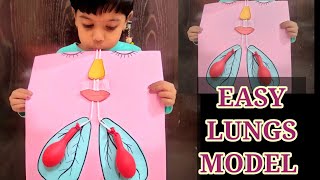
lungs model making for kids//easy lungs project model//science lungs project model primary level
Facts about lungs and breathing
🫁 An adult's lungs contain about 300–500 million tiny air sacs (alveoli) and their surface area is roughly the size of a tennis court.
🌬️ Babies breathe much faster than grown-ups — an infant can take 30–60 breaths per minute vs. an adult's typical 12–20.
🎞️ The GIF format (Graphics Interchange Format) was introduced by CompuServe in 1987 and is famous for looping animations.
📱 You can create a cute breathing GIF with as few as 6 frames — try 3 frames for 'inhale' and 3 for 'exhale' and loop them.
🎨 Giving organs friendly faces (personification) is a popular teaching trick because playful characters help kids remember facts.
How do I make a Cute Lungs GIF with my child?
What materials and apps do I need to create a Cute Lungs GIF?
What ages is creating a Cute Lungs GIF suitable for?
What are the benefits, safety tips, or variations for the Cute Lungs GIF activity?
