Build your own pig on Bloxburg
In Bloxburg, design and build your own pig model using blocks, paint, and accessories, practicing planning, measuring, and imaginative problem-solving.


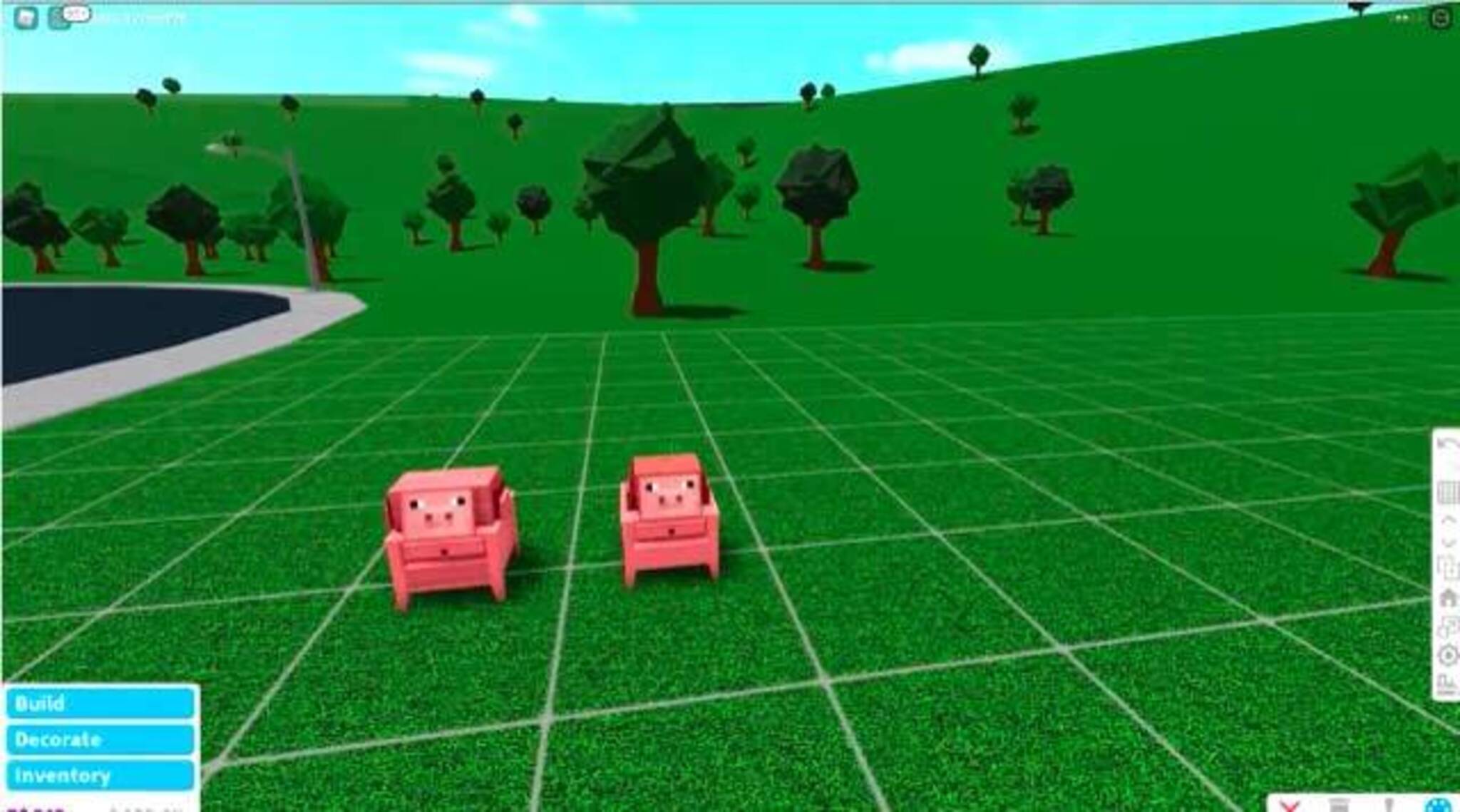

Step-by-step guide to build your own pig on Bloxburg
Step 1
Open Roblox and enter Bloxburg in build mode.
Step 2
Start a new build plot or choose an empty lot to build your pig.
Step 3
Grab a notecard or paper and draw a simple sketch of your pig’s shape and colors.
Step 4
Count the grid squares in Bloxburg and pick the pig’s length width and height on your sketch.
Step 5
Place a flat block base for the pig’s body to match the size you chose.
Step 6
Stack and arrange blocks to build the pig’s main body on top of your base.
Step 7
Build the pig’s head and snout with smaller blocks and attach it to the body.
Step 8
Add four legs and a tail using blocks and place them under and behind the body.
Step 9
Use the paint tool to color the pig’s body head legs and snout with your chosen colors.
Step 10
Add ears eyes and any fun accessories from the build menu onto your pig.
Step 11
Walk around your pig and move or resize any blocks that look out of place until it feels right.
Step 12
Share your finished pig creation on DIY.org.
Help!?
What can I use instead of a notecard or paper to sketch my pig and count grid squares?
If you don't have a notecard or paper, take a screenshot of your empty lot in Bloxburg and draw the pig's shape and grid counts on the phone or tablet image instead.
My pig's head or legs look misaligned after building—how do I fix alignment and sizing issues?
Re-count the Bloxburg grid squares to match your sketch, select the flat block base size you chose, then use the resize and rotate tools to move and align the head, snout, and legs before you walk around to check placement.
How can I change the activity for younger children or make it more challenging for older kids?
For younger kids, simplify by using fewer, larger blocks for the body and having a parent place the head and legs, while older kids can count grid squares precisely, use smaller blocks for detailed ears and snout, and add multiple accessories from the build menu.
How can we personalize or expand the pig project after finishing the basic build?
Use the paint tool to add spots or patterns, add ears, eyes and accessories from the build menu, build a small pen or mud puddle next to the pig, and then share the finished creation on DIY.org.
Watch videos on how to build your own pig on Bloxburg
building PEPPA PIG'S HOUSE in bloxburg... my eyes hurt from this
4 Videos
building PEPPA PIG'S HOUSE in bloxburg... my eyes hurt from this
building PEPPA PIG'S house in bloxburg
How to Build in Bloxburg!
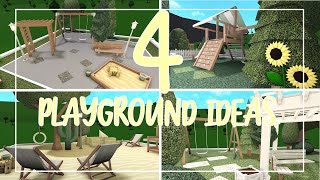
Bloxburg | 4 Playground Ideas
Facts about Roblox building and design
🐷 Pigs are highly social and intelligent animals known for problem-solving and learning tricks.
🎮 Roblox gives creators Roblox Studio, an accessible tool to build games, worlds, and interactive models.
🏡 Welcome to Bloxburg is a popular Roblox role-playing building game focused on designing homes and towns.
🧱 Voxels are 3D pixels used to make blocky, pixelated-style models—great inspiration for in-game block builds.
📏 Building models in-game teaches planning and measuring—many designers start with sketches and simple scale rules.
How do you build a pig in Bloxburg?
What materials do I need to build a pig in Bloxburg?
What ages is this activity suitable for?
What are the benefits and safety tips for building a pig in Bloxburg?
