Build your own cat on Bloxburg
Design and build your own virtual cat in Bloxburg using in-game tools, customizing appearance, accessories, and practicing planning and creativity.


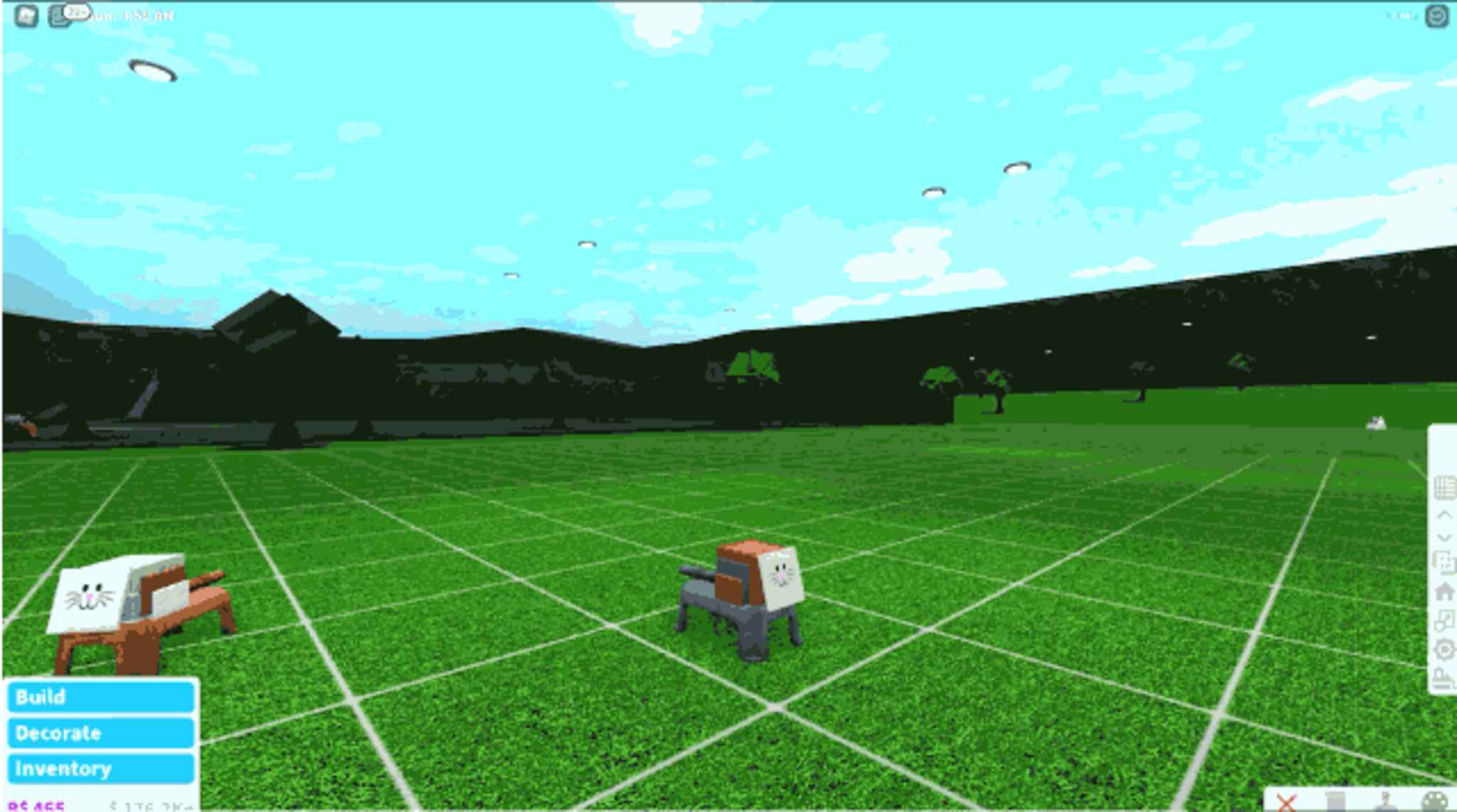

Step-by-step guide to Build your own cat on Bloxburg
Step 1
Open Roblox and launch Bloxburg on your device
Step 2
Enter Build Mode inside Bloxburg
Step 3
Pick a flat spot on your lot to start building your cat
Step 4
Place one big block to be the cat body
Step 5
Add one block onto the body to be the cat head
Step 6
Add blocks under the body to make the cat legs
Step 7
Attach a long thin block at the back to make the tail
Step 8
Put two small blocks on the head to make the ears
Step 9
Use the color tool to pick a fur color and paint the body
Step 10
Add face details like eyes nose and mouth with decals or small objects
Step 11
Add fun accessories like a collar bow or whiskers from the catalog
Step 12
Save your build then exit Build Mode and walk around to check your cat
Step 13
Take a screenshot of your finished cat
Step 14
Share your finished creation on DIY.org
Help!?
What can we use if we can't find the 'big block' for the body or the 'long thin block' for the tail in Build Mode?
If you can't find a 'big block' or 'long thin block', use stacked floor tiles or a couch/bench as the cat body and a fence/railing piece or thin slab as the tail, then resize and paint them with the color tool.
My head or legs keep clipping through the body—how can we fix alignment when placing blocks?
Use the move and rotate tools in Build Mode, toggle grid snap for finer placement, and place each leg and the head one at a time, then save and exit to walk around your cat to check alignment.
How should we change the activity for younger kids or older kids?
For younger kids simplify by using larger pre-made furniture pieces for body/head/legs and helping with the color tool, while older kids can add detailed decals for eyes and fur patterns, craft accessories from the catalog, and fine-tune shapes with resize and rotate.
What are easy ways to personalize or extend the finished cat after saving the build?
After saving and walking around your cat, personalize it by painting fur patterns with the color tool and decals, adding a collar or bow from the catalog, building a cat bed or play area on the lot, and then take a screenshot to share on DIY.org.
Watch videos on how to Build your own cat on Bloxburg
HOW TO build a CAT in BLOXBURG
3 Videos
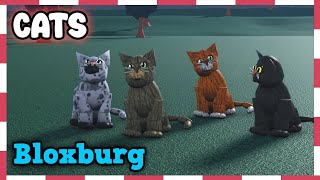
HOW TO build a CAT in BLOXBURG
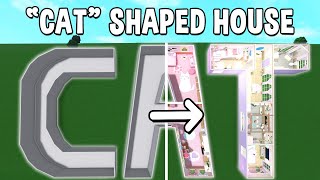
Building the WORD 'CAT' into a Bloxburg House
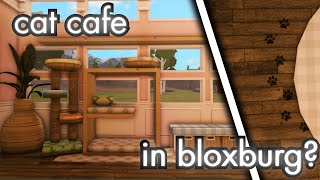
Building a CAT CAFE in Bloxburg! | ᓚ ₍ ^. . .^₎
Facts about Roblox building and virtual pet design for kids
🎮 Roblox started in 2004 and is built so players can make, share, and play millions of user-created games and worlds.
🐱 A cat's whiskers are about as wide as its body and help it judge whether it can squeeze through a gap.
🕹️ Tamagotchi, released in 1996, was one of the first hit virtual pets and taught a generation how to care for digital companions.
🎨 Customizing an avatar (colors, clothes, accessories) is a fun way players show their personality in virtual games.
🧱 Many Roblox games include in-game building tools that let players design objects, decorate spaces, and create pretend pets or homes.
How do I design and build a cat in Bloxburg?
What materials and in-game tools do I need to create a cat in Bloxburg?
What ages is building a cat in Bloxburg suitable for?
What are the benefits of designing a cat in Bloxburg?
