Animate a walk cycle using LEGO®
Build a simple LEGO figure or mechanism and create a stop-motion walk cycle using frames, consistent steps, and playback to study motion and timing.


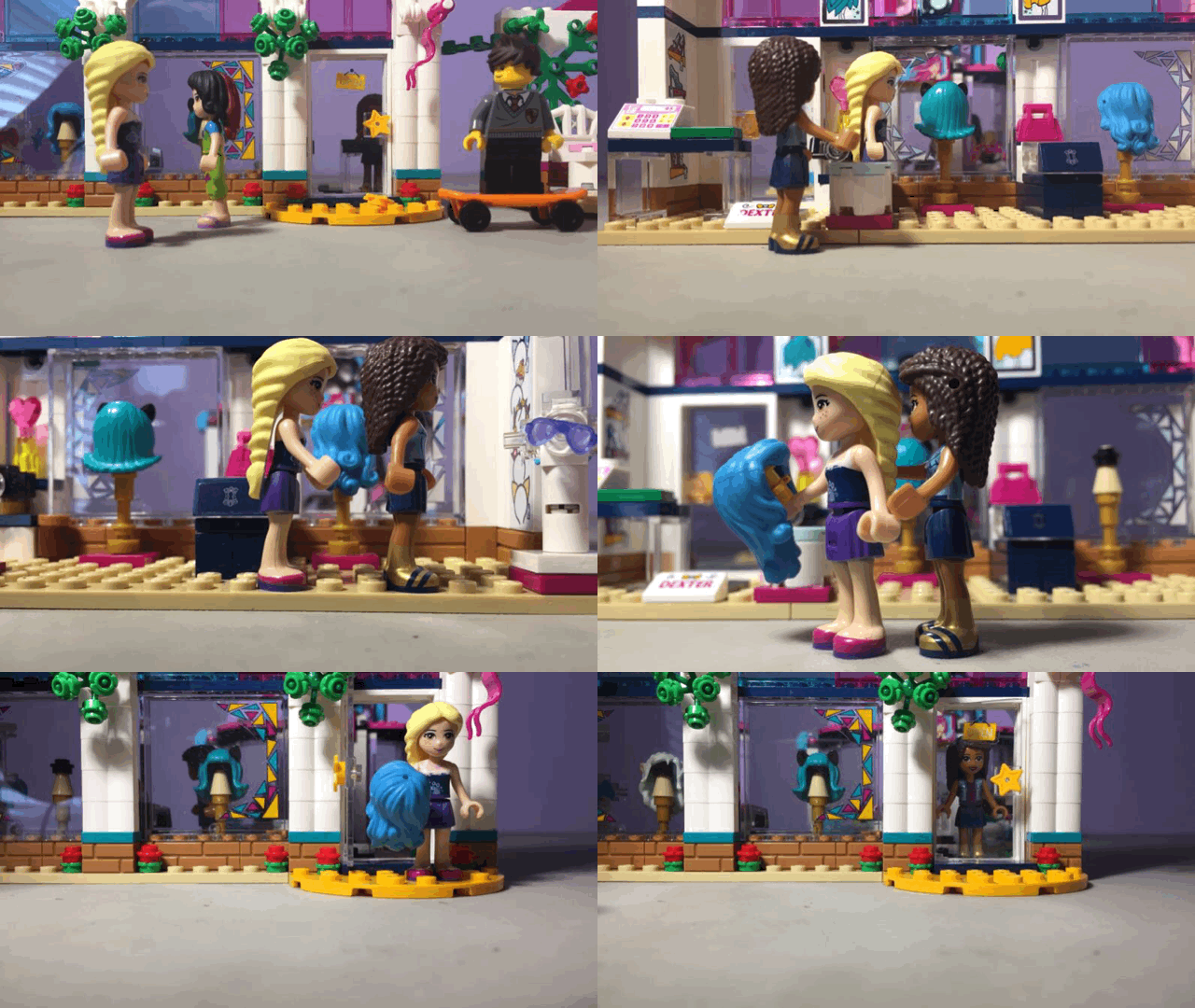

Step-by-step guide to animate a walk cycle using LEGO®
Step 1
Gather all your materials on a clean table so everything is easy to reach.
Step 2
Build a simple LEGO figure or a little two-legged walking mechanism that can move its legs.
Step 3
Press small balls of Blu-Tack under the figure’s feet to help it stay upright on the baseplate.
Step 4
Use your marker and paper or small tape dots to mark a straight line of foot positions on the baseplate for the walk path.
Step 5
Decide how many frames you will use for one full step (eight frames is a good place to start).
Step 6
Place your camera or tablet on a tripod or stack of books so it points steadily at your figure.
Step 7
Open the camera app on the device you will use to take the photos.
Step 8
Take a clear photo of your figure in the starting pose.
Step 9
Move the figure a small equal amount toward the next marked foot position to make the next pose.
Step 10
Take another photo of the new pose.
Step 11
Repeat Step 9 and Step 10, moving the legs the same small amount each time, until you have all the frames for one full step.
Step 12
Play back the photos as a stop-motion clip in your camera app or a simple stop-motion app to watch the walk cycle.
Step 13
If the walk looks jerky, retake individual frames using smaller leg moves until the motion looks smooth.
Step 14
Save or export your stop-motion video so you don’t lose your work.
Step 15
Share your finished stop-motion walk on DIY.org.
Help!?
What can we use if Blu-Tack, a LEGO baseplate, or a tripod are hard to find?
Use poster putty, double-sided tape, or a small rolled piece of playdough instead of Blu-Tack; use a flat piece of cardboard or a plastic placemat if you don't have a LEGO baseplate; and stabilize your camera with a stack of books or a mug when you lack a tripod.
My figure keeps tipping or the video looks shaky—what should I check?
If the figure tips or photos shift, press more Blu‑Tack under the feet (Step 3), tape the baseplate to the table, and secure the camera on a steady stack of books so you can make equal small leg moves (Steps 6–10) for smoother playback.
How can I change the activity for different ages?
For younger kids, simplify by building a basic LEGO figure, using tape dots as large foot marks and only 4–6 frames with bigger moves and adult help with the camera, while older kids can use the recommended eight frames or increase to 12–16 frames for smoother motion and explore stop‑motion app features themselves.
What are some ways to extend or personalize the stop-motion walk?
Enhance the project by adding a paper or LEGO background and props for interaction, recording sound or music to add when you export the stop‑motion, and customizing the walk by changing the number of frames before sharing the final video on DIY.org.
Watch videos on how to animate a walk cycle using LEGO®
3 Easy Lego Stop Motion Walk Cycles: How To Make Your Lego Minifigure Walk in Your Brickfilm
4 Videos
3 Easy Lego Stop Motion Walk Cycles: How To Make Your Lego Minifigure Walk in Your Brickfilm

Lego Walk & Run Cycles 24 FPS | Stop Motion Tutorial

LEGO Walk Cycle 24fps Tutorial
Lego Stop Motion Walk Cycle (15 fps)- Brick Film Tutorial
Facts about stop-motion animation
🧱 The modern LEGO brick design was patented in 1958 — bricks made since then still click together with new pieces.
🎬 Brickfilms (LEGO stop-motion movies) are usually shot at 12–24 frames per second; many hobbyists choose 12 fps to cut the number of photos in half.
🏃 Animators break a walk cycle into four key poses (contact, recoil, passing, high point) — many use 8 frames to make the step look smooth.
⏱️ At 12 frames per second, each second of video needs 12 photos — a 3-second walk requires 36 photos!
🧑🤝🧑 Since 1978, LEGO has produced over 4 billion minifigures — enough tiny characters for a huge stop-motion cast.
How do I animate a walk cycle using LEGO?
What materials do I need to animate a LEGO walk cycle?
What ages is animating a LEGO walk cycle suitable for?
What are the benefits of animating a LEGO walk cycle with my child?
