Animate a LEGO® minifig running
Create a short stop-motion video that shows a LEGO minifigure running by posing it frame-by-frame, using a phone, stand, and simple editing.


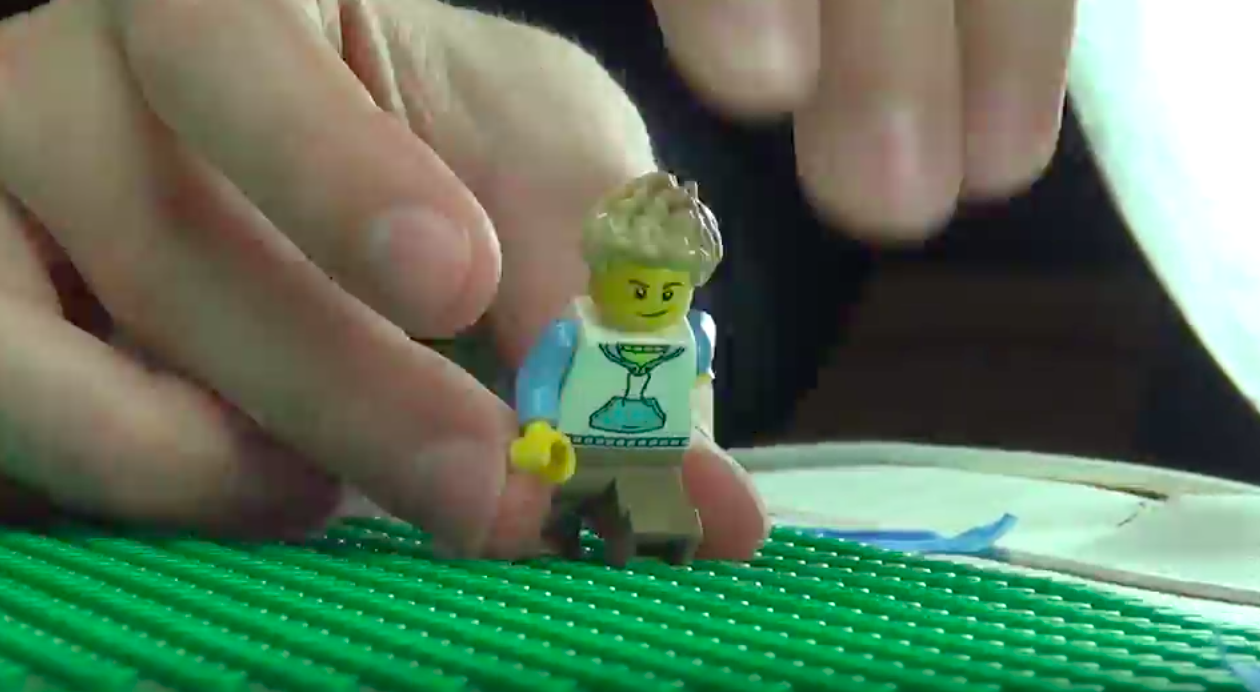

Step-by-step guide to animate a LEGO® minifig running
Step 1
Gather all the materials listed and bring them to a clear table or desk.
Step 2
Place the LEGO baseplate on the clear table or desk so you have room to work.
Step 3
Build a small scene on the baseplate using the extra LEGO bricks.
Step 4
Tape or drape the plain paper or cloth behind the scene to make a steady background.
Step 5
Stick a small dab of removable putty to the minifigure feet and press it onto the baseplate so the figure stands steadily.
Step 6
Set your phone on a stable surface or stand so the minifigure is centered and fills the frame.
Step 7
Open the camera or stop-motion app on the phone and lock the focus and exposure so the lighting and sharpness stay the same.
Step 8
Pose the minifigure in the first "running" position and take the first photo.
Step 9
Move the minifigure a tiny amount into the next running pose by shifting one leg and the opposite arm slightly.
Step 10
Take another photo of the new pose.
Step 11
Repeat steps 9 and 10 about 12 to 20 times, moving tiny amounts each time to make smooth motion.
Step 12
Play back the captured frames in the app to preview how the run looks.
Step 13
Adjust the playback speed to about 8 to 12 frames per second to make the movement look like running.
Step 14
Export or save the finished video file from the app to your device.
Step 15
Upload and share your finished LEGO running animation on DIY.org
Help!?
What can I use if I don't have removable putty or a LEGO baseplate?
Use a small rolled piece of masking tape or a sticky note ball to anchor the minifigure and use a piece of cardboard or a thin tray as the stable surface instead of the LEGO baseplate for steps 2 and 5.
My photos look blurry or the minifigure keeps tipping over; how do I fix that?
Set your phone on a stable stand or stack of books (step 6), lock the focus and exposure in the app (step 7), press the minifigure more firmly into the putty (step 5), and make tinier, consistent moves (steps 9–10) to prevent blur and tipping.
How can I adapt this activity for different ages?
For younger kids simplify the scene (step 3), take fewer frames with bigger movements so the run is obvious, and for older kids use 12–20 tiny moves (steps 9–11), experiment with 8–12 fps (step 13), and add a more detailed background (step 4).
How can we enhance or personalize the finished animation?
Add a painted paper or LED-lit background behind the taped cloth (step 4), include extra props in the scene (step 3), tweak playback speed for effect (step 13), and add sound or titles before exporting and sharing (steps 14–15).
Watch videos on how to animate a LEGO® minifig running
Lego Walk & Run Cycles 24 FPS | Stop Motion Tutorial
4 Videos
Lego Walk & Run Cycles 24 FPS | Stop Motion Tutorial
How to Animate Minifigure Walking and Running (LEGO Stop-Motion Tutorial)
How to Make a Minifigure Run (An Easy Run Cycle for your Brickfilms: Stop Motion Animation Tutorial)
Lego Stop Motion Running Tutorial
Facts about stop-motion animation for kids
🧱 LEGO minifigures were introduced in 1978 — the tiny characters you'll bring to life in your film.
🎬 Stop-motion animation can look smooth at about 12 frames per second if you move your figure in small steps.
⏱ One second of 12-fps video requires 12 photos — so a 10-second running clip needs around 120 frames.
📱 Many modern brickfilm creators use smartphones, simple phone stands, and free editing apps to make great shorts.
🐑 Aardman Animations (creators of Wallace & Gromit) helped popularize stop-motion puppetry and inspired many animators.
How do I animate a LEGO minifigure running using stop-motion?
What materials do I need to make a LEGO stop-motion running video?
What ages is this LEGO stop-motion activity suitable for?
What are the benefits and fun variations of making a LEGO running stop-motion?
