How to Start a YouTube Channel for Beginners
Start your YouTube journey today! This beginner’s guide covers setup, gear, video ideas, safety tips, and how to grow your channel from scratch.
Ready to Become a YouTuber?
Have you ever thought, “I want to start a YouTube channel, but I don’t know where to begin”? You’re not alone! Whether you're a creative kid, curious teen, or supportive parent helping a young content creator, this guide is your first step into the exciting world of YouTube.
In 2025, it’s easier than ever to create, share, and grow a channel from your phone, your room, or even your classroom. This guide will walk you through every step. setting up your channel, planning content, editing videos, staying safe, and having fun while doing it.
Step 1. Decide What Your Channel Is About
Before clicking "record," think about.
What do you love talking about or doing?
What makes your voice unique?
Great channel ideas for beginners
🎮 Gaming walkthroughs
🎤 Reaction or challenge videos
✂️ DIY crafts or creative builds
📚 Book or toy reviews
🧪 Science experiments
🎨 Art tutorials
🧠 How-to guides for other kids
Start by writing down 3–5 video ideas you’d actually enjoy making.
Step 2. Set Up Your YouTube Channel
Getting started is simple.
Create a Google Account (with a parent, if you're under 13)
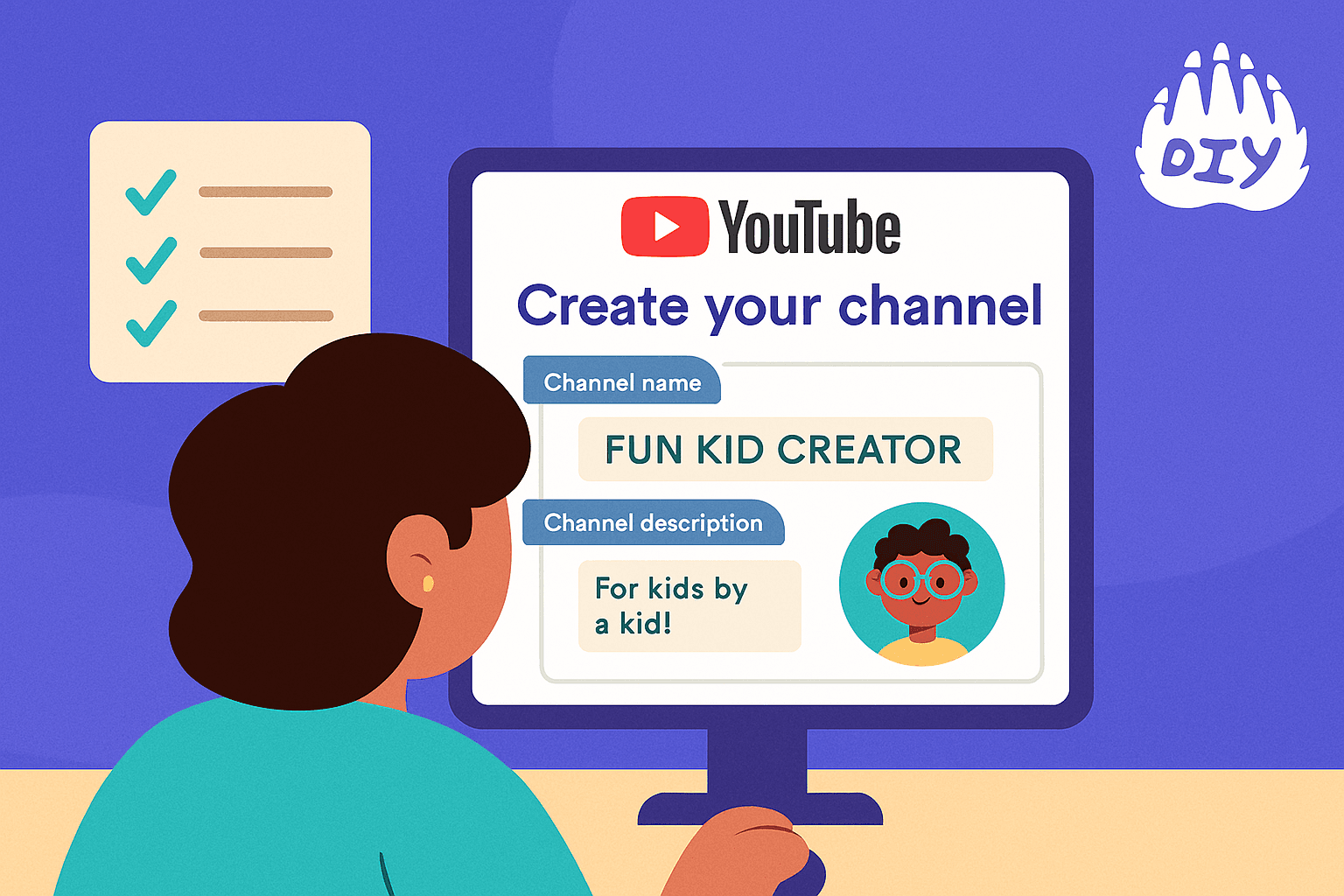
1. Go to YouTube.com and click on your profile picture > "Create a Channel"
2. Pick a fun, clear channel name
3. Upload a profile image (you can draw it or use Canva!)
4. Add a channel description using keywords like “kid YouTuber,” “fun experiments,” or “Minecraft tutorials” so others can find you
Need extra help? DIY’s How to Be a YouTuber course is a great place to explore step-by-step video creation!
Step 3. Gear You Need to Get Started
You don’t need a fancy studio to be a YouTuber. Many great creators start with what they already have.
Beginner YouTube Setup.
📱 Smartphone or tablet with a camera
💡 Natural light or a small ring light
🎤 Headphones with mic (optional but helpful)
🎬 Free editing apps. CapCut, iMovie, Clipchamp
Keep your videos steady by propping your phone or using a mini tripod.
Step 4. Plan, Film & Edit Your First Video
Start something fun like “My Top 5 Favorite Things” or “What’s in My Backpack?”
Quick filming tips
Use a script or bullet list. Speak clearly and be yourself. Keep it short (2–5 minutes is perfect for beginners)
Easy Editing Ideas
Trim long pauses or mistakes. Add background music (royalty-free). Include fun text or transitions. Use stickers or emojis to make it pop!
Step 5. Upload Your Video
Here’s how to upload like a pro.
1. Title your video with search-friendly words like. “DIY Lava Lamp at Home | Fun Science for Kids”
2. Write a description that explains what the video is about
3. Add tags like “kid youtuber” or “science activity”
4. Uploading a custom thumbnail Canva makes it super easy!
5. Choose your audience setting ("Made for kids" if you're under 13)
✅ Use the YouTube Kids platform for family-safe publishing.
Step 6. Grow Your Channel from Scratch
You don’t need to go viral overnight. Growing your audience takes time and creativity.
Tips to grow your channel naturally.
Post consistently (1 video a week is a great start)
Ask friends and family to watch and share
Join a creative community like DIY.org
Be kind in the comments and reply to your viewers
Always try something new in your videos
Try keeping a "YouTube Journal" where you track what works best!
Step 7. Stay Safe While You Create
YouTube is fun, but safety always comes first especially for kids.
YouTube Safety Tips.
Ask a parent before starting a channel
Never share your last name, school, or address
Turn off comments if you're unsure
Use YouTube's privacy settings and Restricted Mode
Report anything that makes you feel uncomfortable
DIY.org is a 100% kid-safe platform, where you can learn and create with full support from trusted mentors.
Download. YouTube Starter Kit Checklist (PDF)
Print it, check things off as you go, and stay organized on your journey to becoming a YouTuber!
Just Start and Have Fun!
YouTube is a playground for creators and everyone starts at zero. You don’t need a million views or perfect gear. What matters most is that you create what you love, keep learning, and enjoy the process.
🎯 Want more help getting started? Join thousands of other creators at DIY.org, where you’ll find kid-safe courses, video challenges, and a supportive creator community.
Ready to start creating?
Join hundreds of thousands of kids already building cool stuff.
Get started for freeYour first game is on us.
Describe a game below - no sign-up needed to try.
Powered by AstroSafe
Make real games - not just chat