Unblocked Games

Unblocked games are games people can open and play in places where some websites or apps are restricted. On a kid-friendly topic page, unblocked games are best understood as a way to play, explore, and make choices about safe, creative screen time. This page helps kids and families learn what the idea means and how to use Vibe Coding to turn game ideas into hands-on projects with guided support.
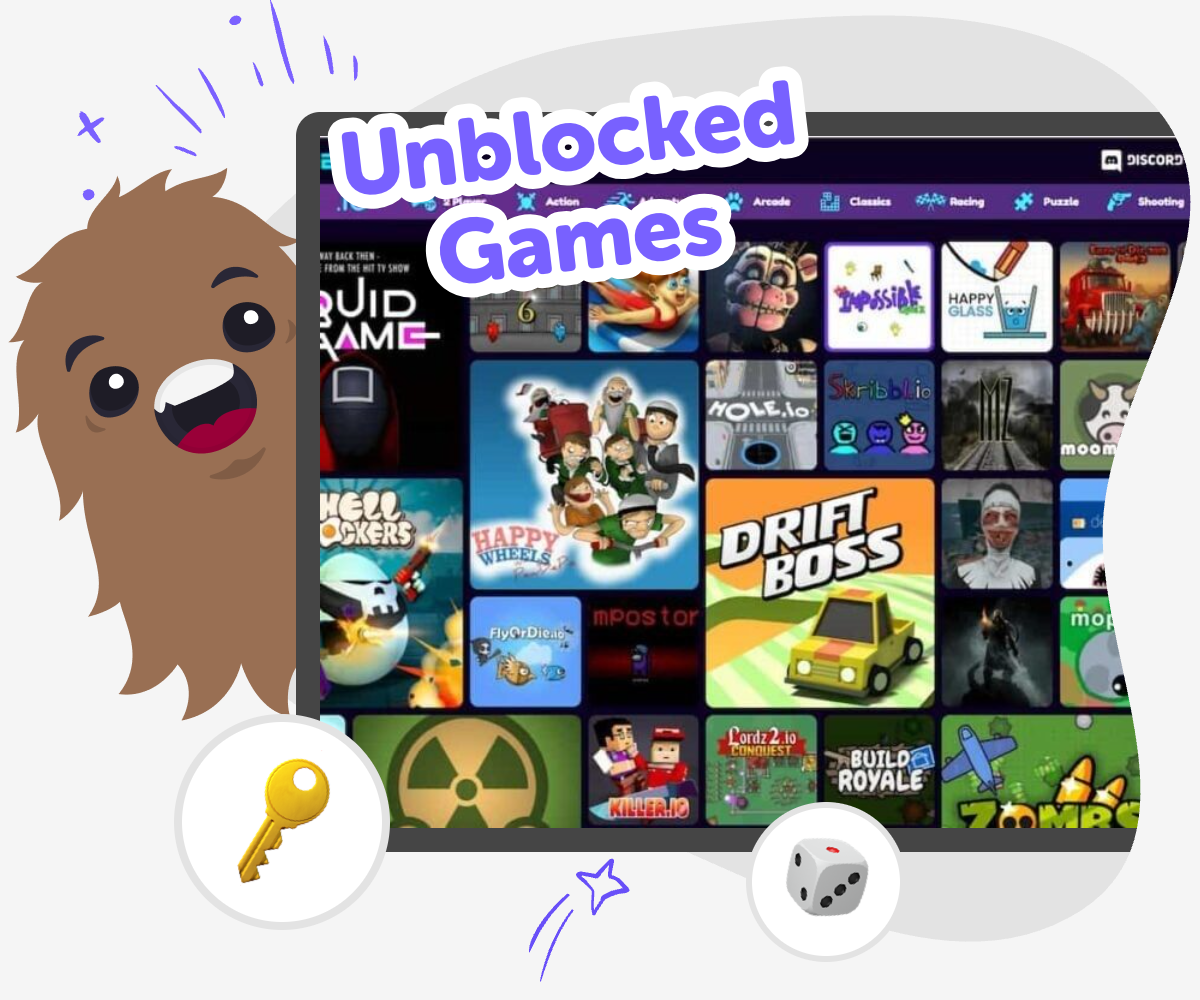
Unblocked Games hero

Unblocked Games for Kids

Unblocked games are games kids can play in places where some websites or apps may be limited. The phrase matters because it often points to access, choice, and the difference between quick entertainment and safe, creative screen time that fits school or home rules. When kids understand what unblocked games are, they can make better choices about where and how they play. They also start noticing how games work, which can lead to curiosity about making their own game ideas instead of only playing someone else’s.

Vibe Coding gives kids a hands-on way to explore unblocked games by making them. Kids can describe a game idea, shape it step by step, test what happens, and improve it with guided support so the project stays playful and learnable. That kind of making builds confidence, problem-solving, and creative technology skills. It keeps the focus on building and experimenting, not on shortcuts or finished magic.

How to Make a Game Idea

Step 1 - Pick a game idea

Choose a simple idea, like a quiz, maze, or chasing game, and say what players should do.

Step 2 - Add the main rule

Write one clear rule for winning, losing, or scoring so the game has a goal.

Step 3 - Test what happens

Try the game, notice what feels fun or confusing, and change one thing at a time.

Step 4 - Make the most of replaying

Try a new version Change one rule, sound, or level so the game feels different while still working the same basic way. Check the play Tap through the game from start to finish and look for spots where players might get stuck or bored. Share safely Keep the idea age-appropriate, friendly, and easy to understand so other kids can enjoy it too. Keep improving Save your favorite version, compare it with a new test, and keep adjusting until the game feels smooth and fun.

What does unblocked games mean?

Unblocked games usually means games that can be opened and played in places where some other sites are limited. For kids, the phrase often comes up at school, in shared computers, or in places with filters. It does not automatically mean a game is safe, helpful, or made for kids. The important part is to think about the game itself: Is it age-appropriate? Does it respect school or home rules? Is it something you can enjoy without rushing or getting overwhelmed? On DIY.org, the topic becomes a chance to learn about games as creations, not just as clicks. Kids can use Vibe Coding to imagine the kind of game they wish existed, then build a simple version and see how it plays. That helps them understand the difference between access, safety, and creativity.

Why do kids care about access?

Kids care about access because they want to join in when others are playing, especially during breaks, free time, or after school. Understanding unblocked games helps kids notice that not every screen is the same. Some places limit games to keep attention on learning, while other places allow more flexible play. That does not make a game good or bad by itself. It means kids need to learn how to choose wisely and follow the rules of the place they are in. A creative tool like Vibe Coding adds something useful here: instead of only looking for something to play, kids can make something to play with. They can experiment with a game idea, test it with care, and improve it with feedback. This turns curiosity into a practical skill and helps kids feel more confident around technology.

Can games be both fun and safe?

Yes. Fun and safe can go together when a game is designed with clear rules, calm visuals, and age-appropriate actions. For kids, safety also means the game fits the place where they are using it and does not ask for anything confusing or private. The best kind of game for a kid is one that feels easy to start, simple to understand, and kind in its language and style. That is why making your own game can be so helpful. With Vibe Coding, kids can build a game idea one step at a time and test whether it feels fair and understandable. If something is too hard, too fast, or too noisy, they can change it. That practice teaches more than game design. It teaches judgment, patience, and how to make choices that support other players too.

How does making help kids learn?

Making helps kids learn because it turns questions into action. When a child builds a simple game, they have to think about rules, patterns, timing, and how a player might feel. That is real problem-solving. If the game does not work the first time, the child gets to try again and improve it, which builds persistence. If one part is confusing, they can make it clearer. If the game is too easy, they can add a challenge. This kind of learning feels active and practical because kids see the result of each change right away. Vibe Coding supports that process by giving guided help while kids stay in charge of the idea. Over time, kids begin to understand that technology is something they can shape, not just consume. That confidence matters in game play, school projects, and creative thinking.

Frequently Asked Questions

What are unblocked games?

Are unblocked games always safe for kids?

Why do schools block some games?

Can kids make their own game instead of only playing one?

What makes a good kid-friendly game idea?

How do kids learn from making games?

Can unblocked games be creative?

How can families talk about game choices?

Why 500,000 families trust DIY

User Avatar

Martin

Dad to 2 DIYers

My son loves DIY! He always finds fun projects to do, and we enjoy making things together. It’s a great way to learn, create, and have fun at the same time!

User Avatar

Pearl

DIYer from USA

DIY is such a great app with really sweet people and moderators who always make sure this app is super safe. You can learn to create things or learn drawing techniques - honestly there is so much to do.

User Avatar

Elaine W.

Middle school teacher

I love logging onto DIY every day - not just for projects but to also look at the comments my kids share about each other's work. It's a brilliant way to foster healthy support systems!

User Avatar

Jenn L.

Mom to 3 DIYers

We absolutely love the DIY platform and its endless river of creative adventures and projects! We always have the best time together participating, learning and creating!

Ready to create?

Make

To create a safe space for kid creators worldwide!

Create

Vibe Coding

Kids GPT

All Tools

Kibu

Resources

Worksheets

SafeTube

Blog

FAQ

Account

Pricing

Log-in

Sign-up

Data Deletion

Company

About

Community Guidelines

Privacy Policy

Terms of Service

2025, URSOR LIMITED. All rights reserved. DIY is in no way affiliated with Minecraft™, Mojang, Microsoft, Roblox™ or YouTube. LEGO® is a trademark of the LEGO® Group which does not sponsor, endorse or authorize this website or event. Made with love in San Francisco.
