

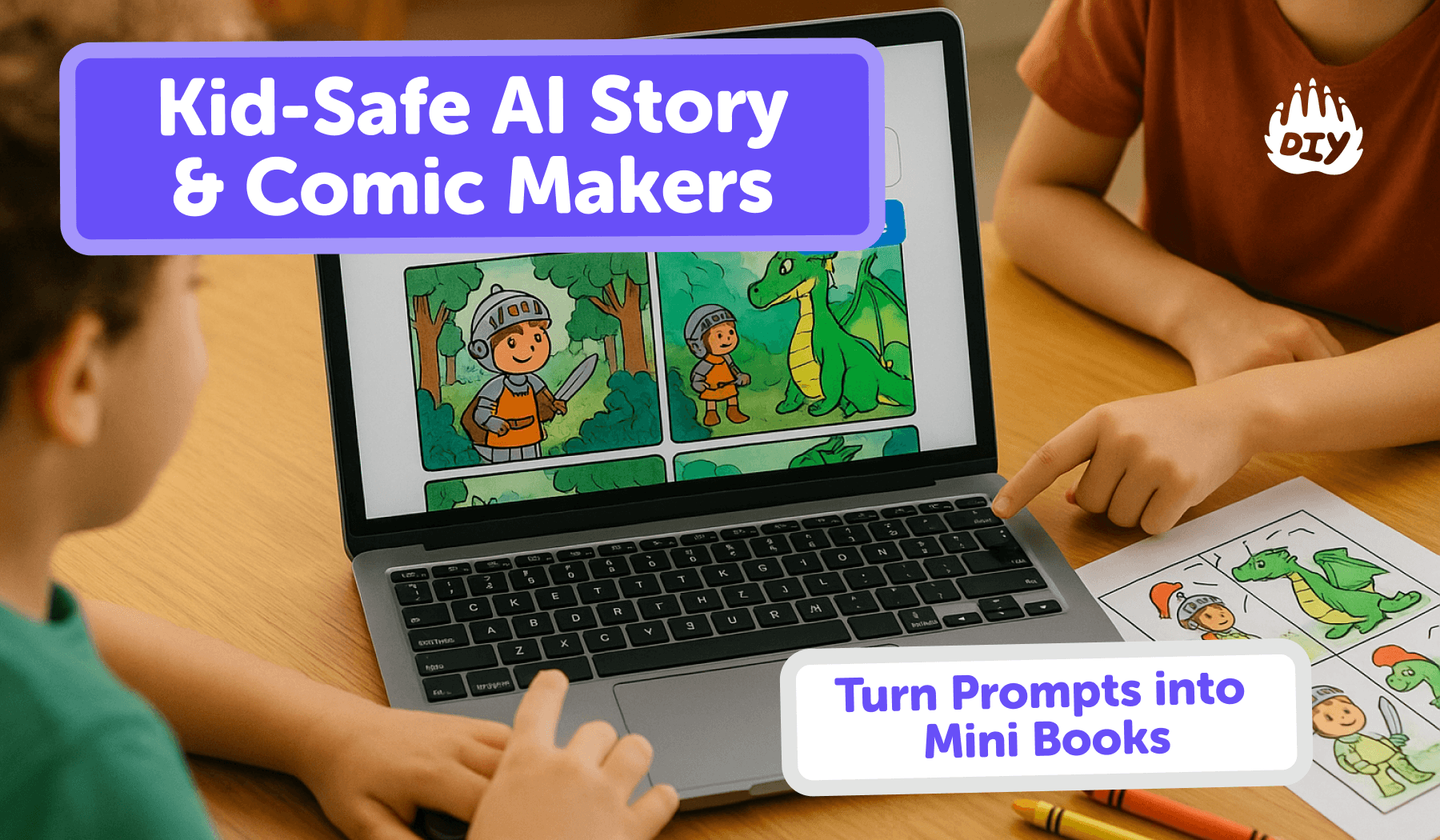
Make an 8–10 page read-aloud picture book or an 8-page comic zine in ~20 minutes.
Keep it kid-safe with simple house rules and an ethics checklist.
Export at 300 DPI for crisp prints. Pair any tool with DIY.org challenges to build real writing/drawing skills.
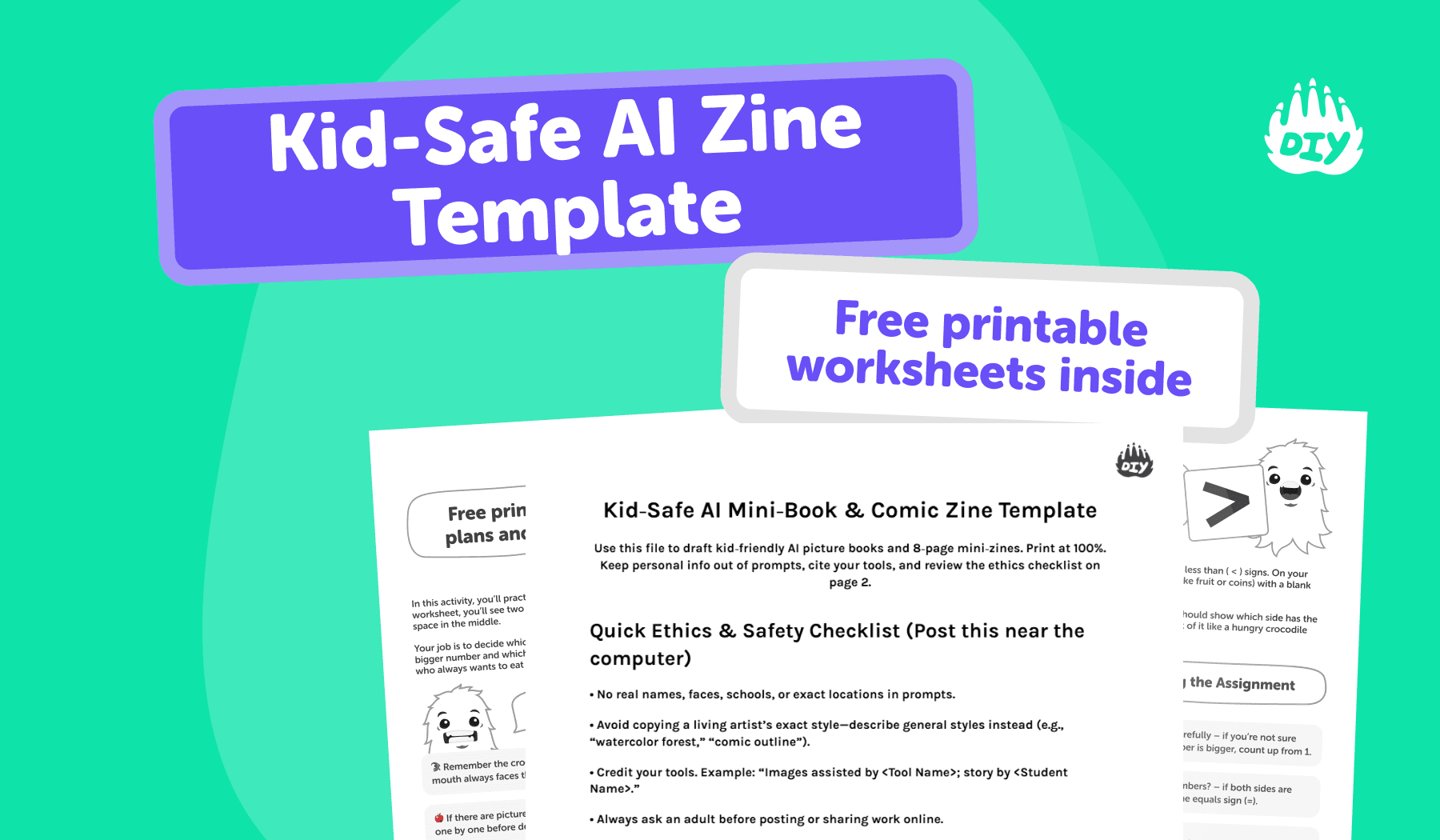
Free printable template! Download the Kid-Safe AI Zine Template
What Is “Kid-Safe AI Story & Comic Makers”?
Kid-safe AI story & comic makers are creation tools that help children (with parents/teachers) generate short illustrated stories or paneled comics while enforcing age-appropriate filters, privacy protections, and simple export options for printing and sharing in class or at home.
✨ Try this while you read: Need study-smart prompts and age-aware help? Open the AI Homework Helper.
Item | What it Means (at a glance) |
Who it’s for | Kids 6–14 (with adult guidance), classrooms, homeschoolers |
What it does | Turns simple prompts into picture-book pages or comic panels (images + short text) |
Safety baseline | Filters for adult/violent content, no personal data prompts, kid-friendly defaults |
Privacy | Minimal or no login, clear data use, classroom/guardian controls |
Learning focus | Encourages planning (story arc), editing, citation, and reflection—not copy/paste |
Outputs | PNG/JPG pages and/or print-ready PDFs (300 DPI), easy to assemble into zines |
Good prompts | Hero + goal + obstacle + lesson + one art style (e.g., “watercolor forest”) |
Best use cases | Read-aloud mini books, science/social-studies comics, creative writing centers |
Credit & ethics | “Story by ___; images assisted by ___”; avoid copying living artists’ exact styles |
What Makes a “Kid-Safe” AI Story/Comic Maker?
Strong filters for violence/adult content and clear data practices.
Parental & classroom controls (no-login modes, student accounts, or teacher dashboards).
Easy export to PNG/PDF for printing; read-aloud modes for younger readers.
Citations & originality: Encourage students to credit tools and add their own edits/illustrations.
Quick Start: 20-Minute Zine (Step-by-Step)
Pick a tool: Choose a story generator (for picture books) or a comic maker (for paneled layouts).
Prompt formula (kid-friendly):
Hero + goal + obstacle + lesson + one art style (e.g., “friendly watercolor” or “simple comic lines”).
Length: 6–10 pages for a picture book, or 8 panels for a mini-zine.
Export: Ask for “300 DPI images” or “print-ready PDF.”
Assemble & print: Use the templates you downloaded above.
Credit: “Story by ___, images assisted by ___.”
💡Keep a running list of “approved styles” (e.g., watercolor forest, pastel crayon, bold comic line) to avoid copying living artists’ exact styles.
Tool Picks by Use Case (Parents & Teachers)
Read-aloud picture books: Tools that generate short, illustrated pages with simple narration.
No-login starter tools: Great for younger kids; keep friction low and private data out.
Comic makers: Look for panel grids, speech balloons, and easy PNG/PDF export.
Project-based learning: Pair any AI output with DIY.org skills work so kids storyboard, edit, letter, and ink by hand.
🧠 Need age-aware explanations while kids write? The AI Homework Helper explains concepts and helps with citations without doing the work for them.
Classroom & Homeschool Ideas
Mini-Book Club: Each student writes/draws one page. Print, collate, and read aloud.
Science Comics: “Life cycle of a star” or “Food chains” in 6–8 panels.
History in Zines: Primary-source quotes + kid-friendly summaries.
Rubric: clarity, originality, ethics checklist, and a short reflection (“What the AI got wrong and how I fixed it”).
Print a mini book in 20 minutes, grab the free zine template!
Safety & Ethics (Post These Near the Computer)
No real names, faces, schools, or locations in prompts.
Avoid copying a living artist’s exact signature style; describe general looks instead.
Cite your tools. Keep screenshots of settings if needed.
Ask an adult before sharing anything online.
If an output seems biased or off, stop and rewrite.
✅ Parent/Teacher helper: The AI Homework Helper includes built-in guidance on citations and originality.
Print-Ready Settings (So Your Books Look Great)
Setting | Recommendation |
Picture book pages | 8.5×11" portrait, 300 DPI images (≈2550×3300 px) |
Mini-zine sheet | 8.5×11" landscape; use the 1-sheet PDF grid (Panels 1–8) |
Typography | 24–32 pt for read-aloud pages; high-contrast fonts |
Paper | Regular paper for drafts; slightly heavier stock for finals |
Test print | Print one page first before running a full batch |
Troubleshooting (Fast Fixes)
Problem | Fix |
Weird hands/faces or off-model characters | Regenerate only that page; keep one consistent style cue |
Too much text | Ask for “one short paragraph per page” or “two speech balloons max.” |
Cluttered pages | Use a 2–3 panel grid; simplify backgrounds |
Output mismatch with prompt | Show the tool one example page and repeat the style descriptor |
FAQs
Is it okay to use AI images in school projects?
Yes, get teacher approval, credit the tool, and add your own edits.
How do we make a printable mini-book?
Export 300 DPI PNGs → drop them into the DOCX template above → print → fold/staple.
What’s an easy first project for younger kids?
A 6-page bedtime story: one sentence + one picture per page, then a dedication page.
